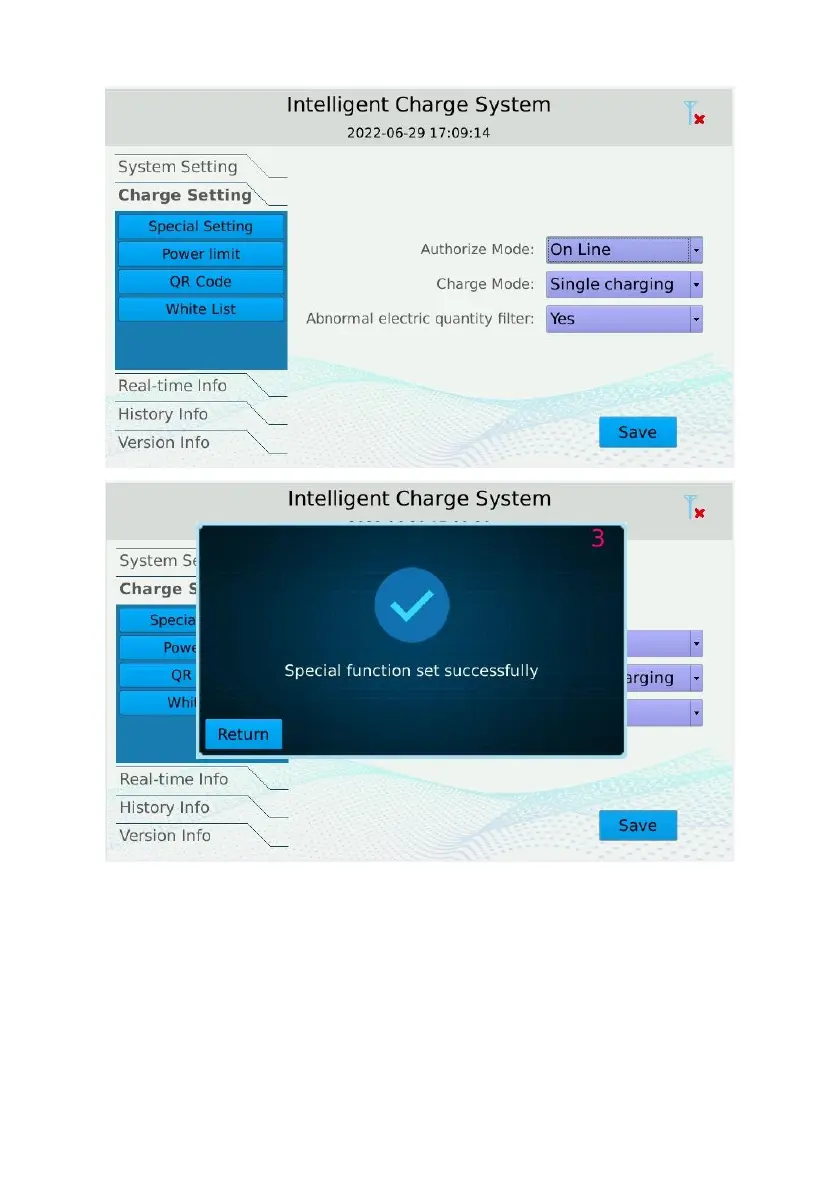
device to restart.
After restarting, Click on the blank space at the upper left of the screen, the login interface
appears, enter the password ‘301204’, click ‘Enter’, and click ‘Login’ to enter the settings
main interface again.
Click “System Setting”, click “CSCU setting”, input the station number provided by the
platform (if any), input the Platform Address of the platform. Click “Save”, the TCU set
successfully and wait for the device to restart.


 To Next Page