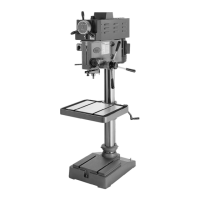
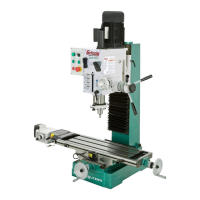
Model G7945/G7946 (Mfd. Since 09/17)
-29-
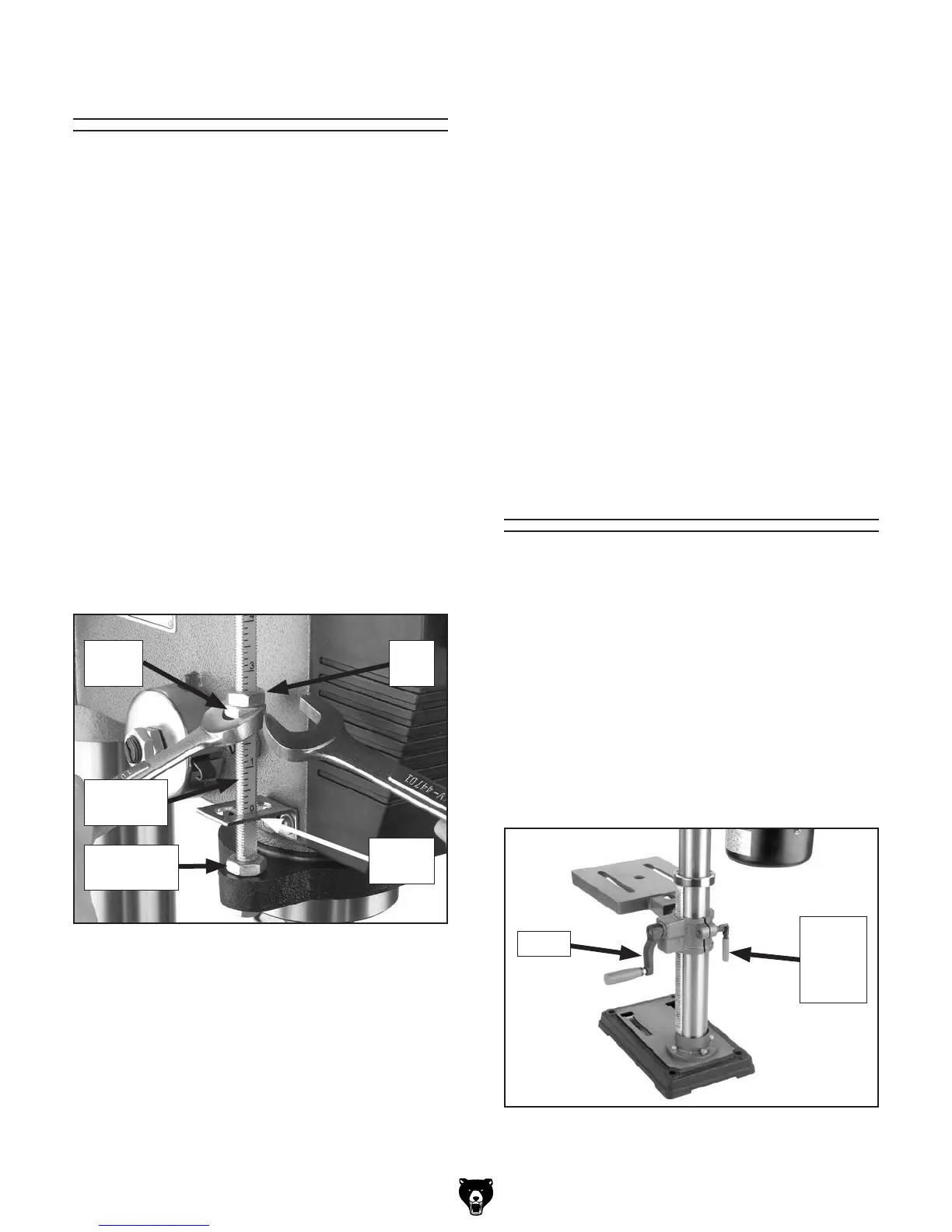
The Model G7945/G7946 has a depth stop that
allows you to drill repeated non-through holes to
the same depth every time.
The depth stop consists of a stud attached to
the quill with two hex nuts that can be lowered or
raised on the stud so the lower nut (depth nut) hits
a stop bracket when the drill bit is lowered. The
upper hex nut (jam nut) is then used to tighten
against the depth nut to secure it in place so it
doesn't move with repeated operations. Figure 28
shows the various components of the depth stop.
The return height nut, on the base of the stud,
limits the downfeed handle return distance, which
is set by how high the nut is placed on the stud.
This feature is useful for repetitive drilling motions.
Note: The scale on the depth stop can be recali-
brated if it gets moved or has changed since the
factory setting. Refer to Depth Stop Calibration
on Page 37 for instructions on how this is done.
Adjusting Depth Stop
Setting Depth Stop
1. Lower the drill bit to the required height.
2. Thread the depth nut down against the stop
bracket.
3. Lower the jam nut against the depth nut.
4. Using wrenches, hold the depth nut in place
and tighten the jam nut against the depth
nut.
Setting Spindle Return Distance
1. Lower the drill bit.
2. Thread the return height nut up the stud to
the desired height.
Figure 28. Depth stop components.
Stop
Bracket
Depth-
Stop Stud
Return
Height Nut
Jam
Nut
Depth
Nut
Adjusting Table
The Model G7945 table can be adjusted for height
and tilt. The G7946 table features the same types
of adjustments but can also be rotated and adjust-
ed for distance from the column.
Adjusting Table Height
1. Loosen the table bracket lock lever (see
Figure 29). Turn the table crank to raise or
lower the table.
2. Remember to lock the support bracket in
place before operating the machine.
Figure 29. Table height controls (G7945).
Table
Bracket
Lock
Lever
Crank



 To Next Page