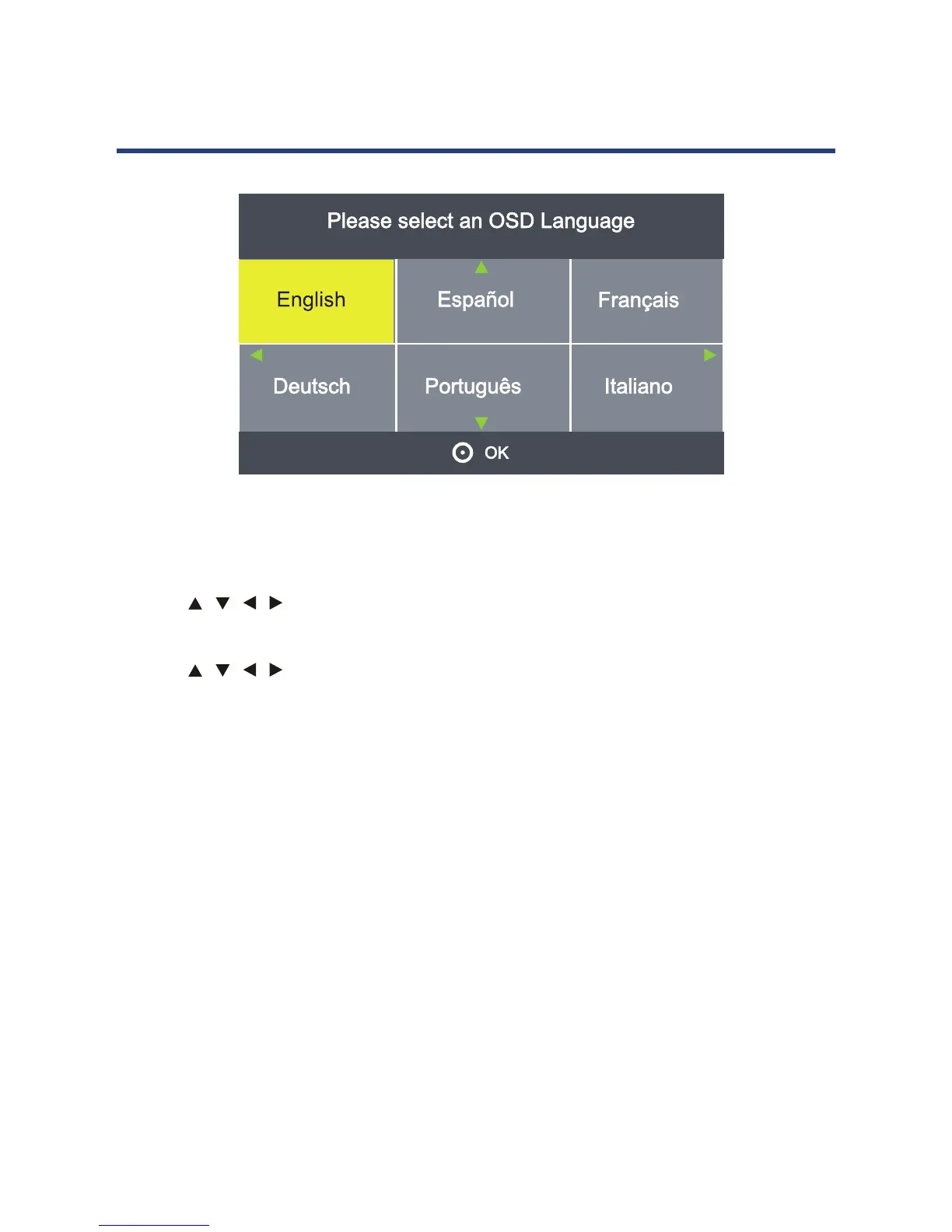
First Time Installation
-
When you switch on the TV f
e, the First Time Installation menu
will be displayed on the screen.
- Use the
buttons to select the language and then use the OK
button to go to the next page.
- Use the
buttons to select the country and then start
searching for the DTV/Radio channels in your area.
This may take a few minutes.”
- When auto searching is complete, your TV will sho found.
17
When you switch on the TV for the first time, the First Time Installation menu will be
displayed on the screen.
- Use the / / / buttons to select the language and then use the OK button to go to
the next page.
- Use the
/ / / buttons to select the country and then start searching for the DTV
Radio channels in your area.
This may take a few minutes.”
-When auto searching is complete, your TV will show the first channel found.



 To Next Page