7
Connections and functions
7
Connections and functions
Back View and Control Con-
nections
3. HDM2: Connect the HDM2
output jack of DVD
4. YPbPr(Component) output
jack of DVD
3
9
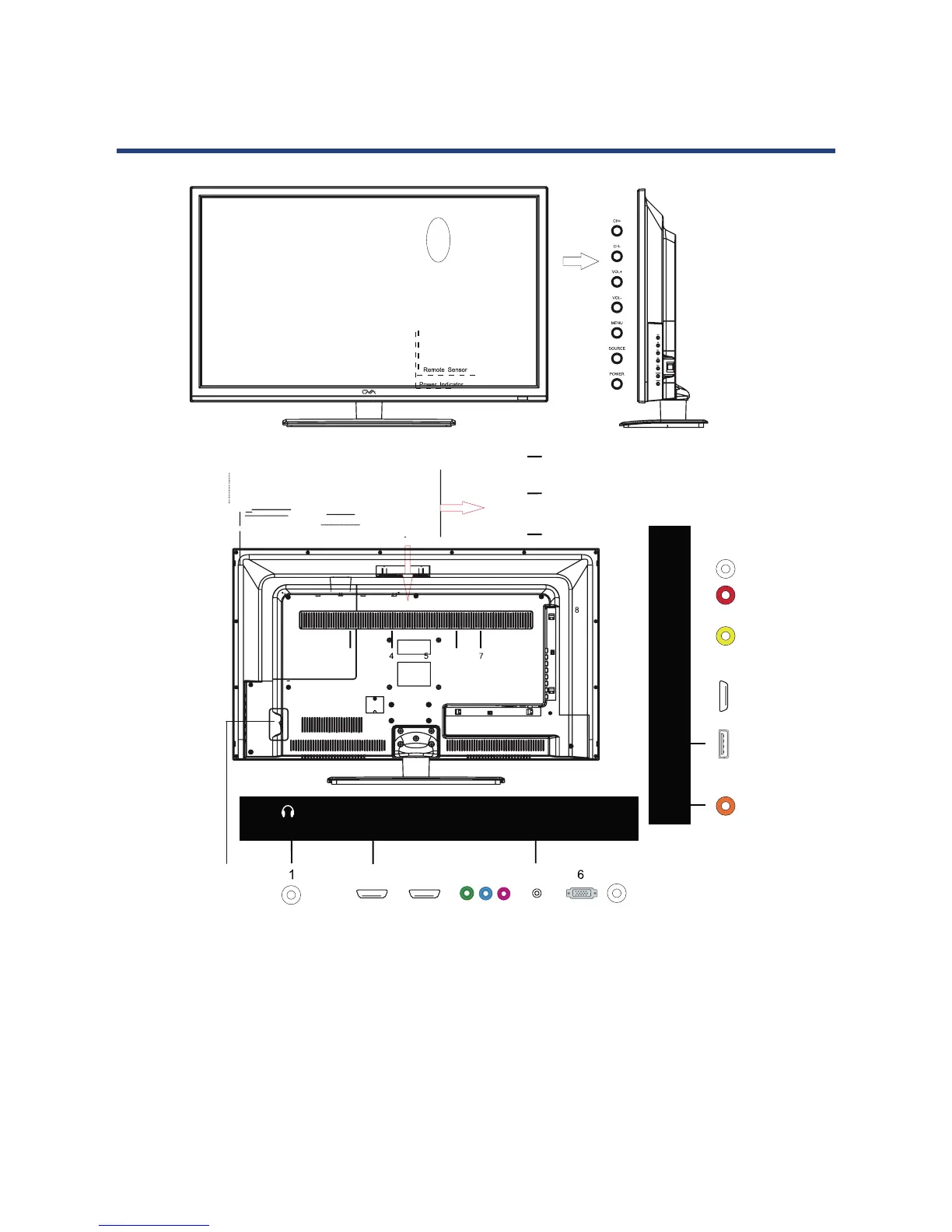
Back View and Control Connections
1. Headphone out: For private listening, connect
headphone into the PHONES jack of TV
2. HDMI: Connect the HDMI output jack of DVD
3. HDM2: Connect the HDMI2 output jack of DVD
4. YPbPr (Component) output jack of DVD
5. PC-IN: Connect the Audio output jack of PC
6. VGA: Connect the PC-RGB output jack of PC
7. RF: Connection the antenna
8. Coax: Connect the SPDIF receiver
9. USB: Connect to portable USB storage device
10. HDMI3: Connect the HDM3 output jack of DVD
11. Video: Connect the VIDEO output jack of DVD
12. R/L: Connect the R/L AUDIO output jack of DVD
13. Power Switch



 To Next Page