20
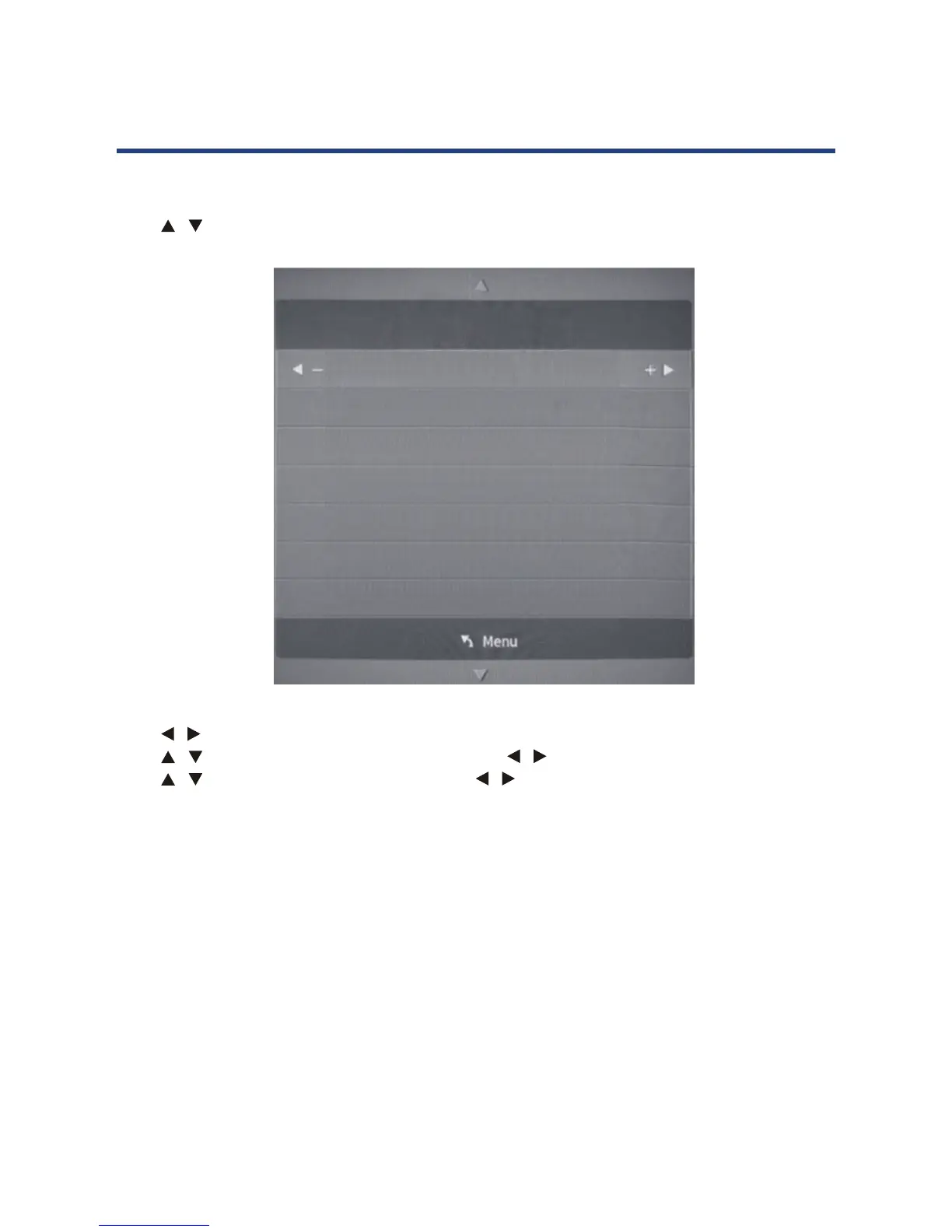
ATV Manual Tuning
Press / button to select ATV Manual Tuning, then press OK button.
20
ATV Manual Tuning
Press button to select ATV Manual Tuning, then press OK button.
Press
button to select channel number you want to store.
Press
button to select the third option. Press button to select audio system.
Press
button to select search, then press button to start tuning.
Press OK button on your remote control to save the settings and menu button to go back to
the previous menu.
ATV Manual Tuning
Current CH 1
Color System P
AL
Sound System BG
Fine-Tune 422.00 MHz
AFC Of
f
Search
Press / button to select channel number you want to store.
Press / button to select the third option. Press / button to select audio system.
Press / button to select search, then press / button to start tuning.
Press OK button on your remote control to save the settings and menu button to go back to
the previous menu.
Operating the Menus



 To Next Page