28
Blue Screen
Press / keys to select Blue Screen, then press OK button to select ON/OFF. Displays a
blue screen when there is no signal on the current source mode.
First Time Installation
Use the / keys to select this option select First Time Installation, then press OK key to set
relevant options including power saving mode, OSD language, country.
Reset(Restore)
Use the
/ keys to select this option to restore factory default settings. You will need to
enter the password.
NOTE: All your picture, sound, time and option settings will be lost when restoring factory
defaults.
Software Update(USB)
(If a software update is required, this option is used to applied the new version to the TV)
Use the / keys to select this option, then press OK key to update software using USB.
28
Blue Screen
Press / keys to select Blue Screen, then press OK button to select ON/OFF. Displays a blue
screen when there is no signal on the current source mode.
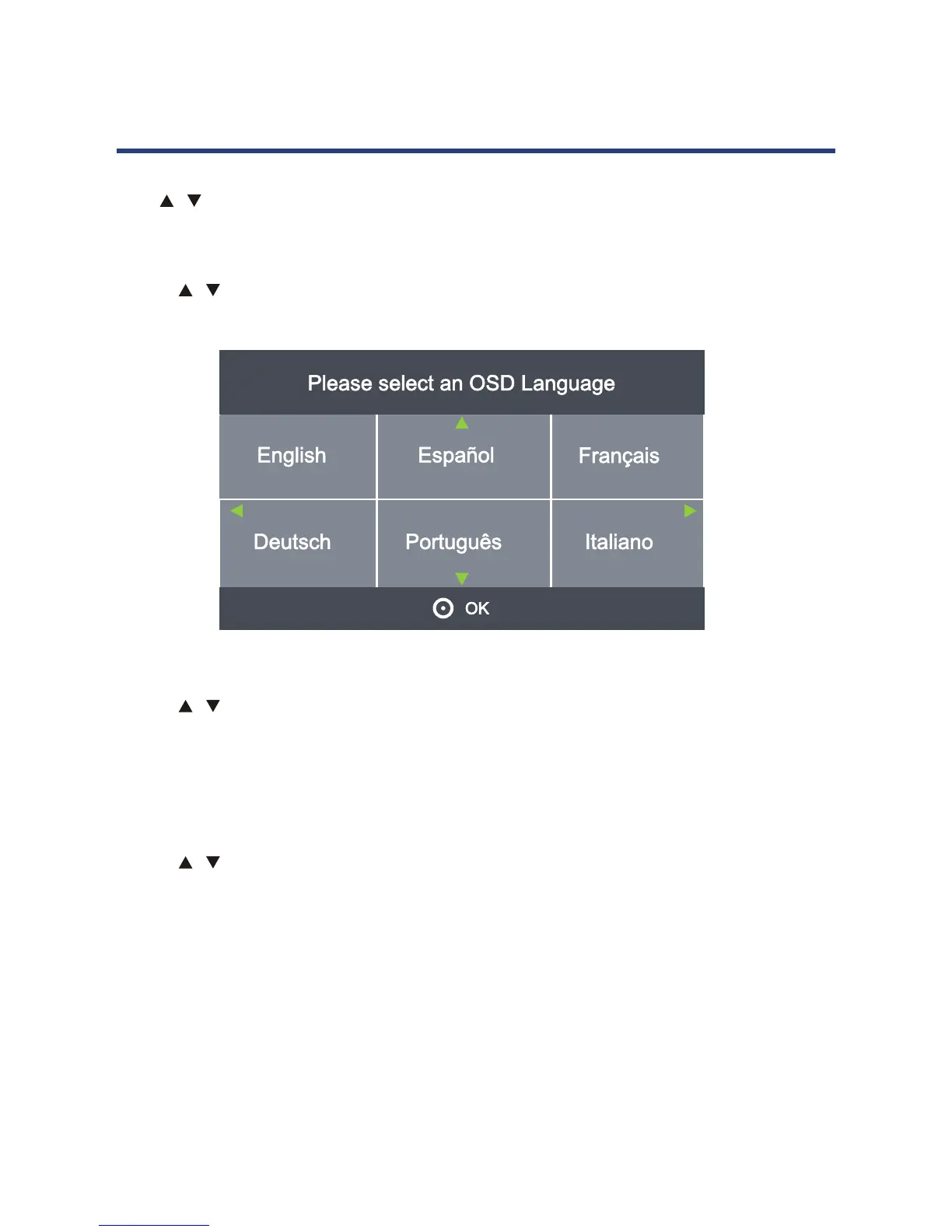
First Time Installation
Use the / keys to select this option select First Time Installation, then press OK key to set
relevant options including power saving mode, OSD language, country.
Reset(Restore)
Use the / keys to select this option to restore factory default settings. You will need to enter
the password.
NOTE: All your picture, sound, time and option settings will be lost when restoring
factory defaults.
Software Update(USB)
(If a software update is required, this option is used to applied the new version to the TV)
Use the
/ keys to select this option, then press OK key to update software using USB.
Operating the Menus (DTV)



 To Next Page