file: n:\article\cos14310m5-v1_08hpc-en\20150130_cos14310m5-v1.08hpc-en_instructions_for_use_h-p-cosmos_treadmill.doc
© 2015 h/p/cosmos sports & medical gmbh author: fh email@h-p-cosmos.com created 30.01.2015 printed 30.01.2015 page: 73 of 216
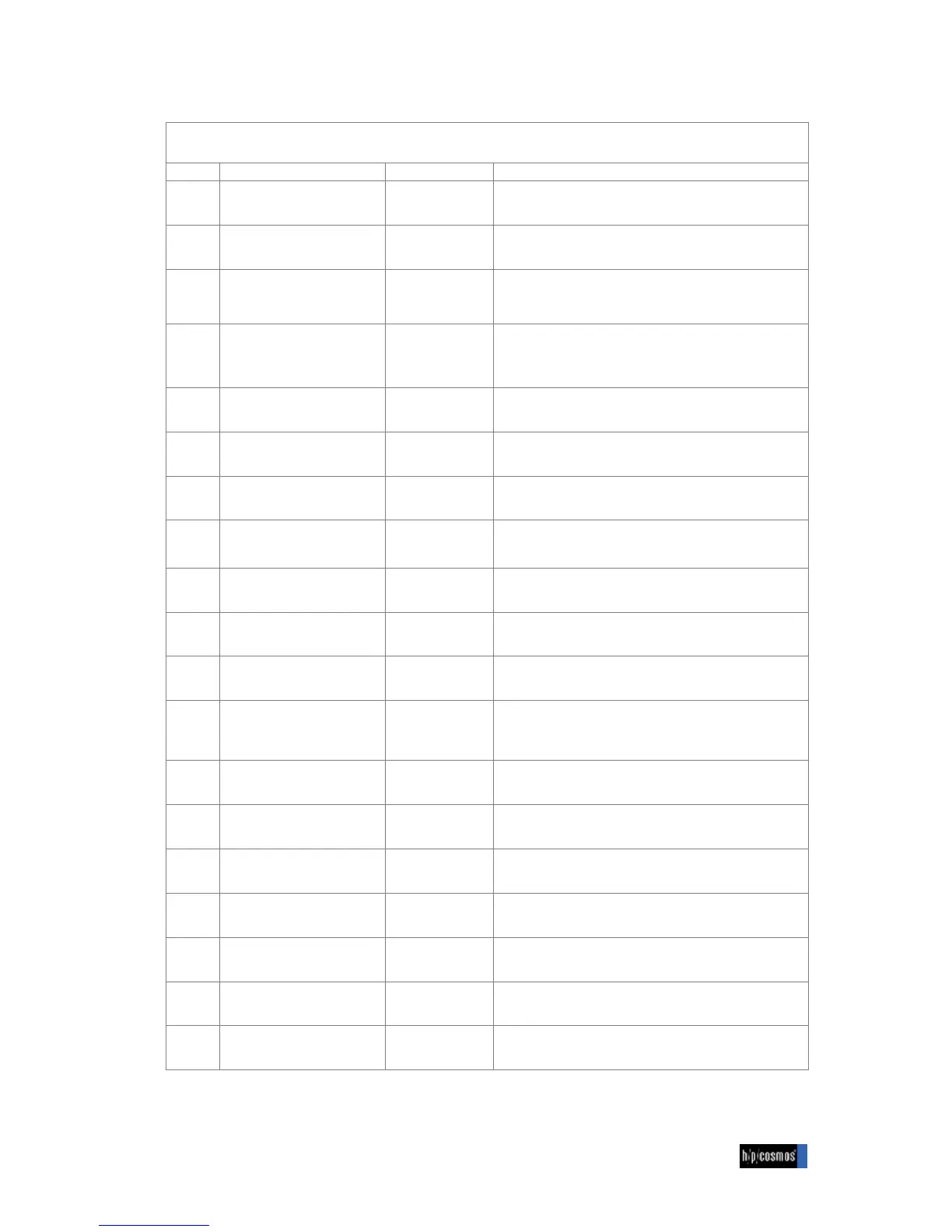
Program steps of a user-defined profile (see previous page)
Initiation: Running machine is in standby mode. LED mode is flashing.
Selection of mode (manual, profile, cardio, test)
$ indicates program no. Pr. 1 is flashing
$ indicates program no. Pr. 21 is flashing
= indicates speed: 0.0 is flashing
% indicates program step St. 1
§ indicates distance: 0 is flashing
Confirm distance 0 (this step is
programmed after time)
! indicates time (minutes): 0:00 is flashing
! indicates time (seconds): 5:00 is flashing
Confirm time - 00 seconds
$ indicates elevation: Value "0.0" is flashing
" indicates acceleration level: Acc. 1 is flashing
Confirm acceleration level 1
= indicates speed: 0.0 is flashing
% indicates program step St. 2
§ indicates distance: 0 is flashing
Confirm distance 0 (this step is
programmed after time)
! indicates time (minutes): 0:00 is flashing
! indicates time (seconds): 2:00 is flashing
$ indicates elevation: 0.0 is flashing


 To Next Page