10-2
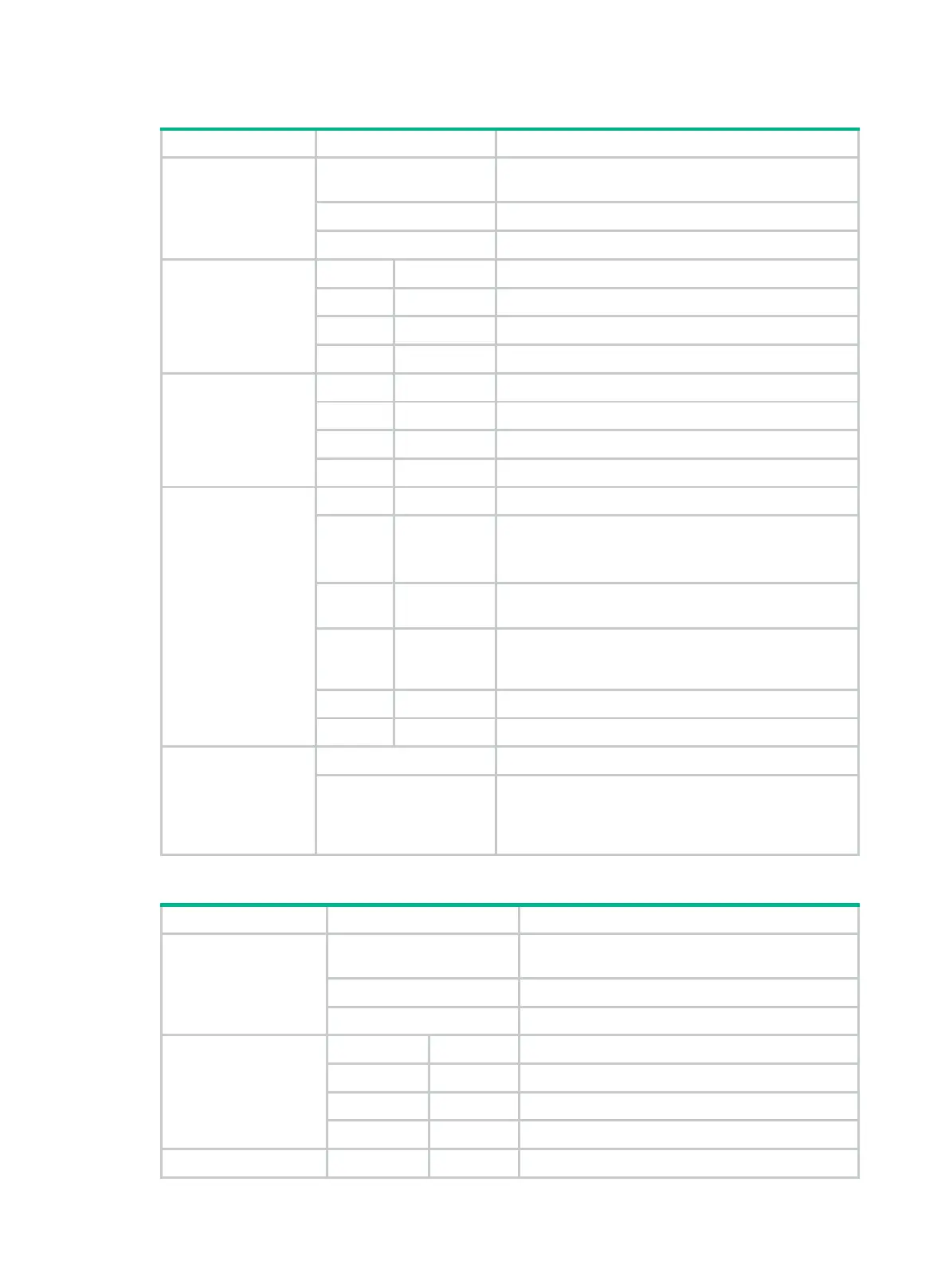
Table10-1 M9000-X06 MPU LED description
Management
Ethernet copper port
LED/Management
Ethernet fiber port
LED
Flashing
A link is present on the port, and the port is sending or
receiving data.
On A link is present on the port.
Off No link is present on the port.
Fan tray status LED
(FAN)
OK FAIL
On Off All fan trays are operating correctly.
Off On A fan tray is faulty or no fan trays are present.
Off Off The device is not powered on.
Power supply status
LED (PWR)
OK FAIL
On Off All power supplies are operating correctly.
Off On One or more power supplies are faulty.
Off Off The device is not powered on.
Slot status LED
(SLOT)
RUN ALM
Flashing
(4 Hz)
On
The module is loading software.
If the LED stays in this status, the software version of
the device does not match that of the module.
Flashing
(0.5 Hz)
Off The module is operating correctly.
Flashing
(0.5 Hz)
Flashing
(0.25 Hz)
The temperature of the module has reached the
high-temperature warning threshold or dropped below
the low-temperature threshold.
On On The module is starting up or faulty.
Off Off The module is not present.
Active/standby status
LED (ACTIVE)
On The MPU is operating in active mode.
Off
• The MPU is operating in standby mode.
• The MPU is faulty. Examine also the status LED
for the MPU to determine whether a fault has
occurred.
Table10-2 M9000-X10 MPU LED description
Management Ethernet
copper port
LED/Management
Ethernet fiber port LED
Flashing
A link is present on the port, and the port is
sending or receiving data.
On A link is present on the port.
Off No link is present on the port.
Fan tray status LED
(FAN)
OK FAIL
On Off All fan trays are operating correctly.
Off On A fan tray is faulty or no fan trays are present.
Off Off The device is not powered on.
Power supply status
OK FAIL


 To Next Page