Operation
15
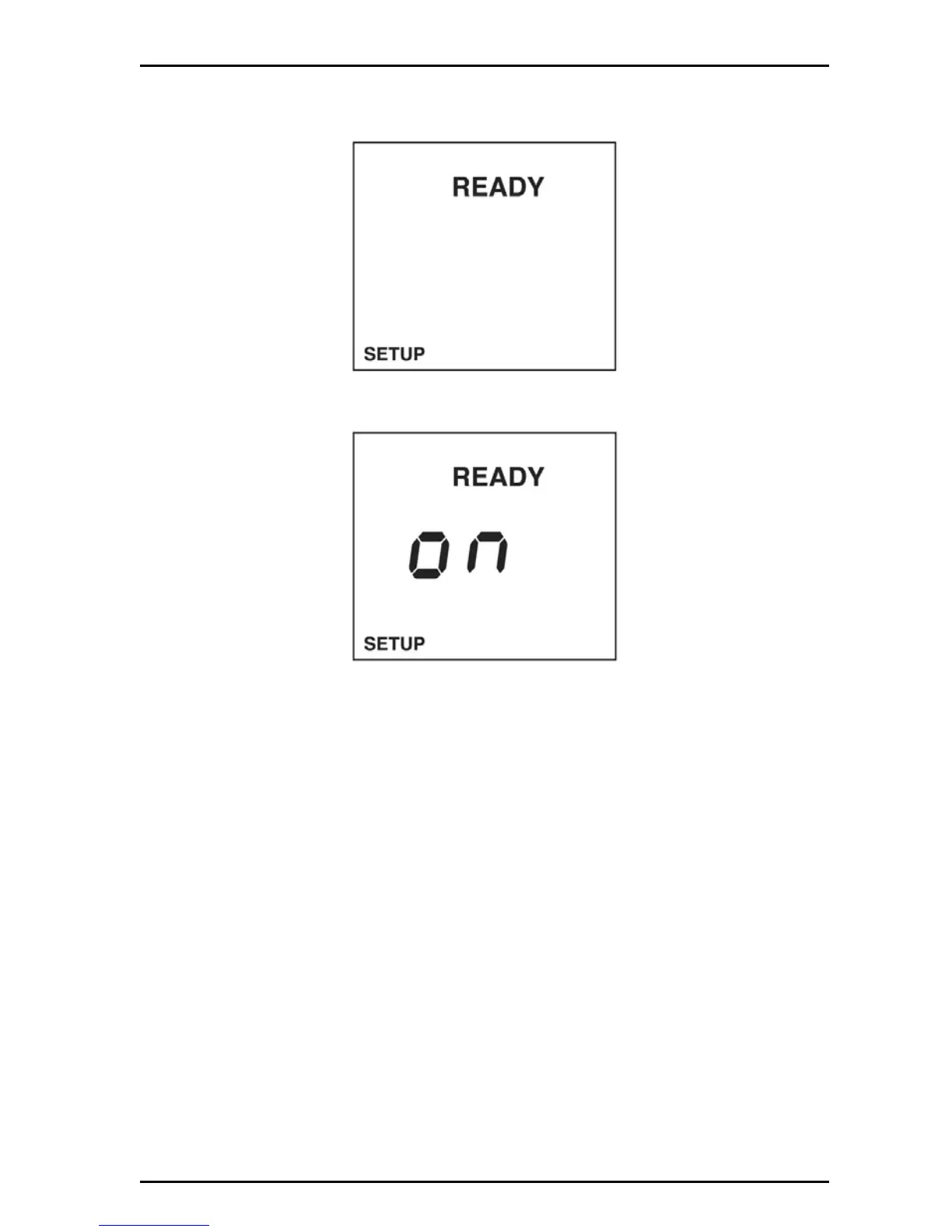
To set the stabilization lock:
1. Push the SETUP key to put in the setup mode.
2. Push ENTER. The display will show the stabilization lock status.
3. Use the arrows keys to set the stabilization lock mode to off or on.
4. Push ENTER to save changes and return to setup mode.
5. Push SETUP to return to setup mode without saving changes.
4.3.2 Set the temperature display
Temperature can be displayed in ºC or ºF. The default mode is ºC.
To select temperature units:
1. Push the SETUP key to put in the setup mode.


 To Next Page