Conductivity & TDS Operations
33
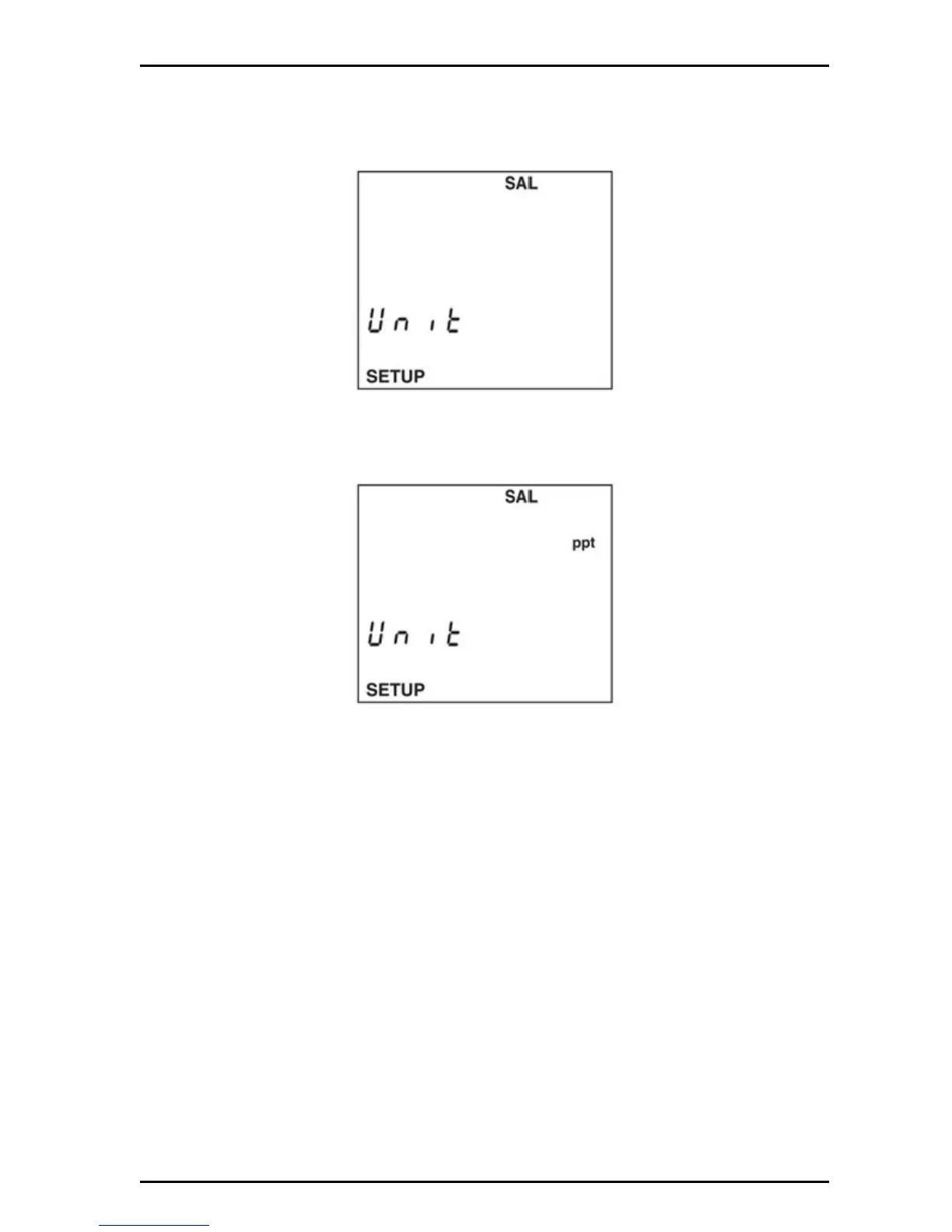
6.2.3 Set salinity units: ppm (ppt) or %
1. Push SETUP then SAL to put in the salinity setup mode.
2. Push the arrow keys until the salinity units screen is displayed.
3. Push ENTER. The display will show the salinity units. Use the arrow keys to
set the salinity units (ppt or %).
Note: The ppt will auto scale to ppm as required
4. Push ENTER to save changes and return to setup mode. Push SETUP to
return to setup mode without saving changes.
6.3 Conductivity and TDS calibration
The Model H170 meters measure Conductivity and TDS. Salinity measurements
are derived from conductivity.
The meter can be calibrated with up to three calibration points. If a calibration point
is greater than 20% of a previously stored calibration point, the previously stored
point will be retained and a new calibration point will be saved. If the calibration
point is less than 20% of a previously stored calibration point, the closest stored
calibration point will be replaced. If five calibration points are already stored, the
closest stored point will be replaced with the new calibration data. The meter can
be calibrated with either Conductivity or TDS standards. Stored calibration points
can be reviewed in the setup mode. All calibration data can be cleared using the
Clear All Calibration Points function in the setup mode. The meter defaults to a


 To Next Page