Conductivity & TDS Operations
31
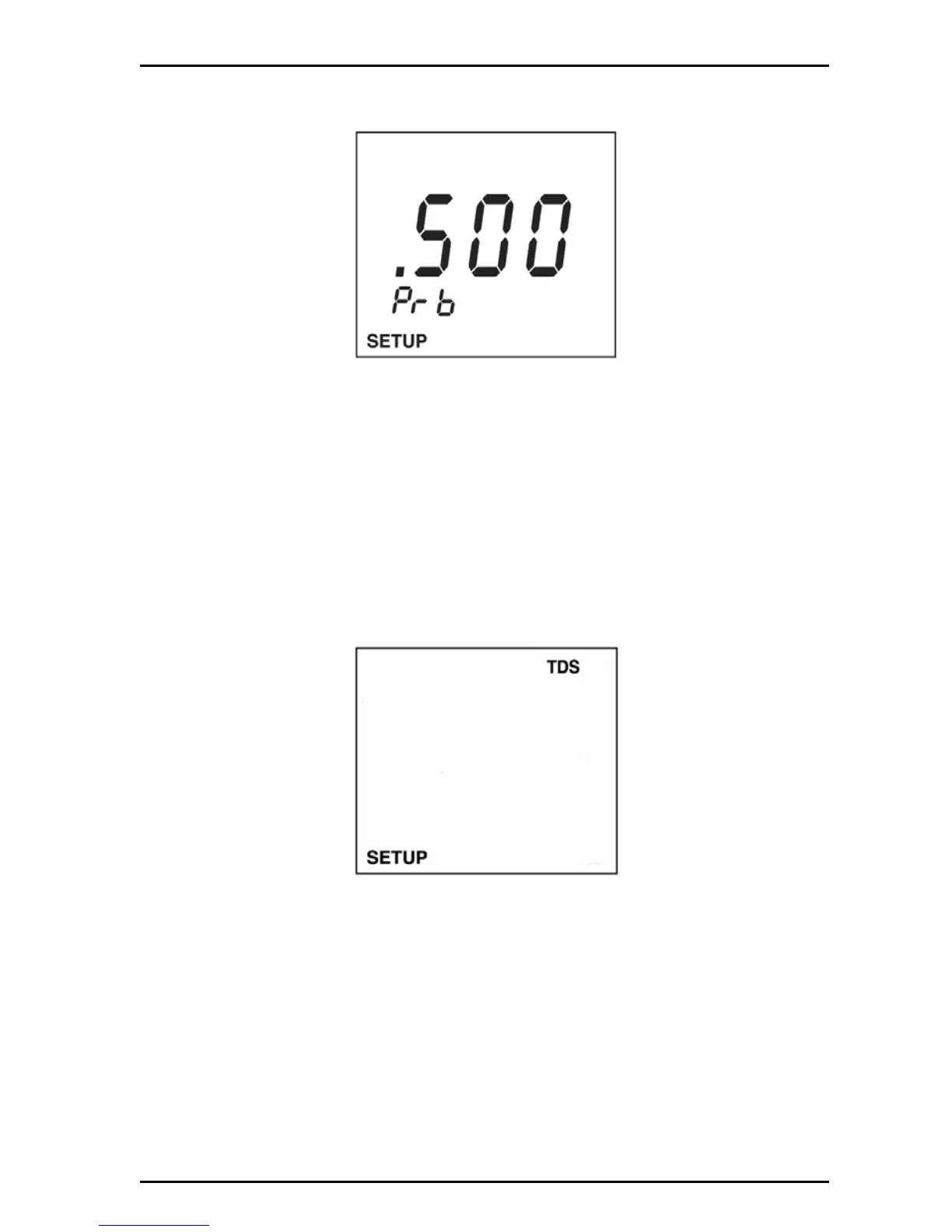
2. Push the arrow keys until the conductivity probe constant screen is displayed.
Push ENTER.
6.2 Set the TDS options
6.2.1 Set the TDS conversion factor
TDS values are related to conductivity. The operator can calibrate using a TDS
standard or calibrate using conductivity standards then program the meter with a
conversion factor.
The conversion factor range is 0.40 to 1.00. The default is 0.50.
To set the TDS conversion factor:
1. Push SETUP then push TDS.
2. Push the arrow keys until the TDS conversion factor screen is displayed.


 To Next Page