29
Section 6 Conductivity & TDS Operations
6.1 Set the Conductivity options
6.1.1 Set the conductivity calibration points
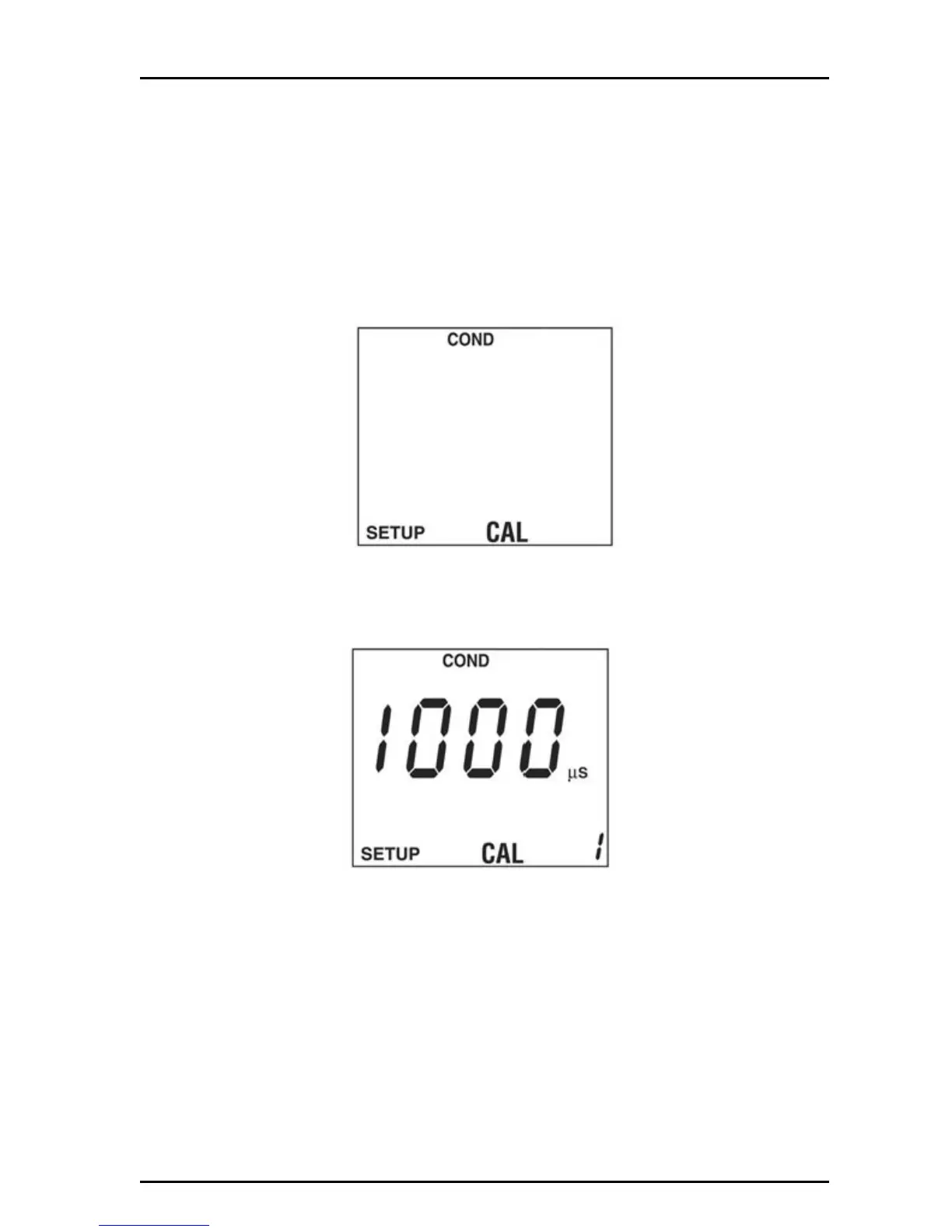
The meter stores up to five calibration points. Stored conductivity calibration points
can be viewed, and are displayed in order of lowest to highest conductivity value.
1. Push SETUP then push COND to put in the conductivity setup mode.
2. Push the arrow keys until the conductivity calibration review screen is
displayed.
Note: “- - - -” will be displayed if there are no stored conductivity calibration points.
3. Push ENTER. The first calibration point currently being used is shown.
4. Push the arrow keys to scroll to view other currently used calibration values.
6.1.2 Set the conductivity temperature
Conductivity varies greatly with temperature. The conductivity Automatic
Temperature Compensation (ATC) adjusts conductivity measurements to factor out
the conductivity changes in the reading caused by temperature. The readings are
referenced to or “normalized” at a standard temperature. The options are 20 °C or
25 °C. The ATC will give the equivalent conductivity or TDS of a solution normalized
at 20 °C or 25 °C. Default is 25 °C
1. Push SETUP then push COND.


 To Next Page