Operation
16
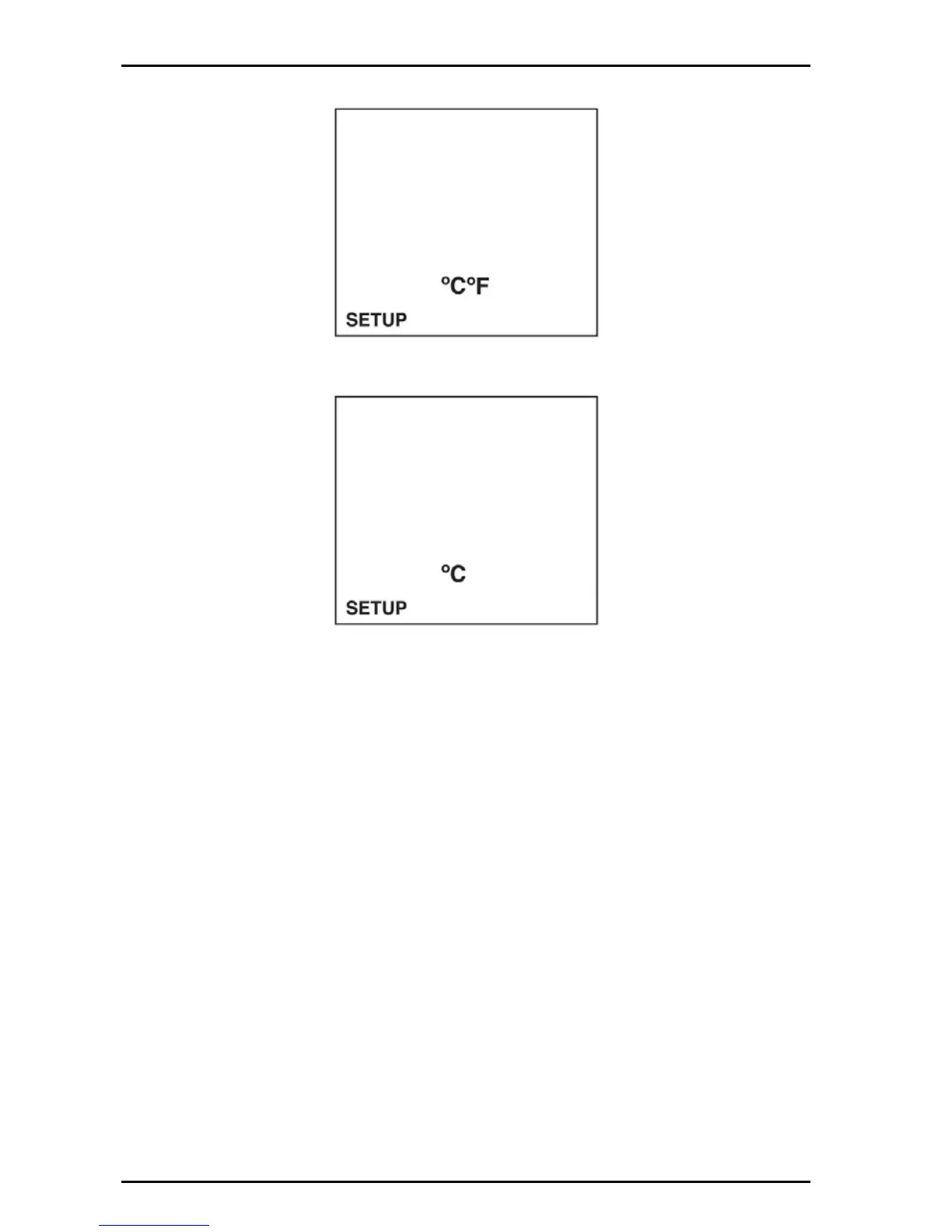
2. Push the arrow keys until the temperature units setup screen is displayed.
3. Push ENTER. The display will show the current units.
4. Use the arrow keys to set the temperature units.
5. Push ENTER to save changes and return to setup mode or push SETUP to
cancel any changes and return to the setup mode.
4.3.3 Turn the sound ON/OFF
Sounds will occur to alert the user.
• Three short beeps: Any time measurement stability is reached during calibration
mode, regardless of the stabilization lock setting.
• One short beep: Stabilization is reached in stabilization lock ON mode.
• Two long beeps: An error condition occurs. An error code will be displayed.
To turn the sound on or off:
1. Push the SETUP key to put in the setup mode.


 To Next Page