Conductivity & TDS Operations
30
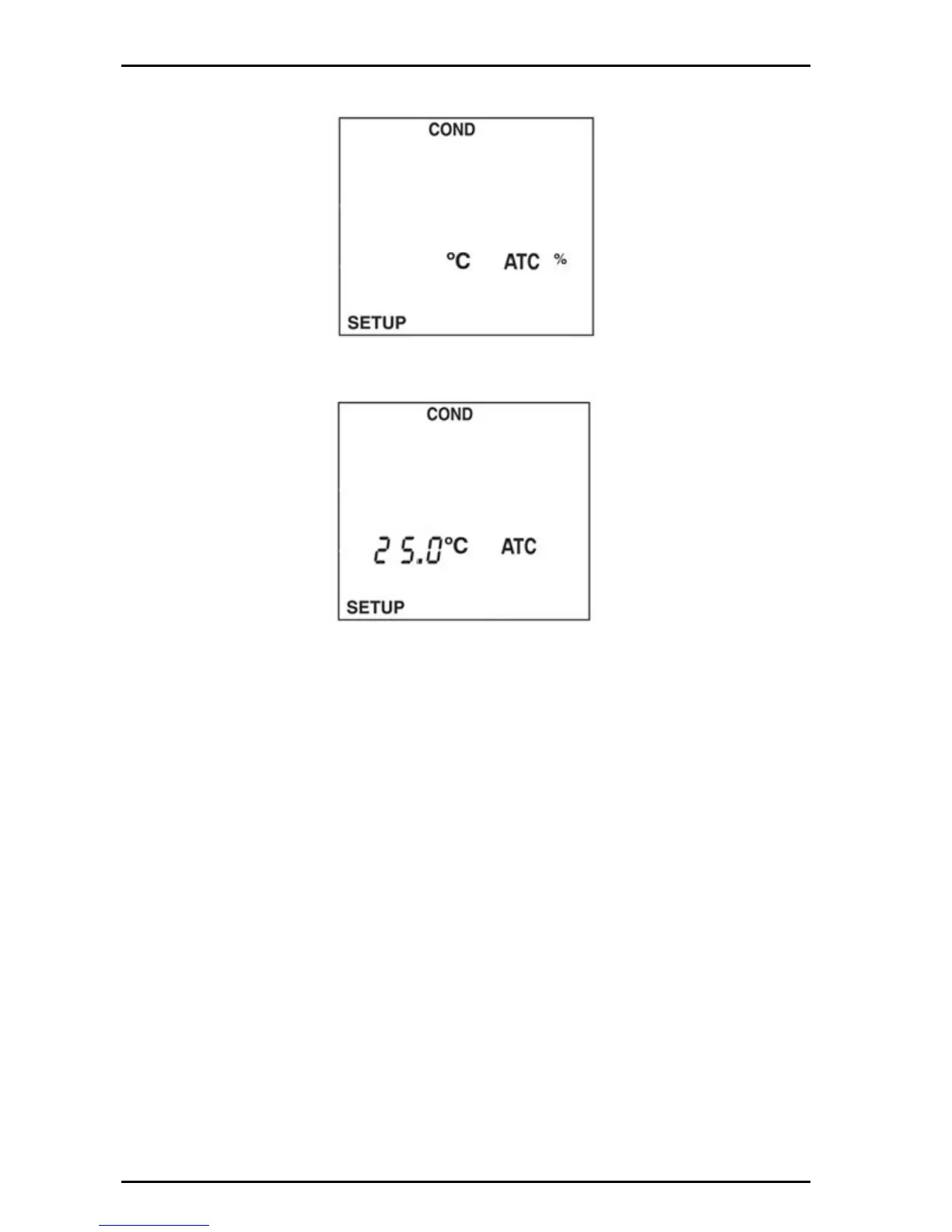
2. Push the arrow keys until the conductivity temperature normalization screen is
displayed.
3. Push ENTER. The display will show the conductivity normalization value.
4. Use the display settings between 20.0 °C and 25.0 °C.
5. Push ENTER to save changes and return to setup mode.
6. Push SETUP to return to setup mode without saving changes.
6.1.3 Set the conductivity probe cell constant
This screen displays the cell constant of an attached conductivity probe.The cell
constant of the conductivity probe is automatically detected.
The following cell constants are recommended for the following applications: K=0.5
for general purpose; K=1 for low conductivity such as drinking water; K=10 for
salinity or brackish water. If no conductivity probe is attached, the display will read
000.
To view the conductivity cell constant:
1. Push SETUP then push COND.


 To Next Page