Operation
20
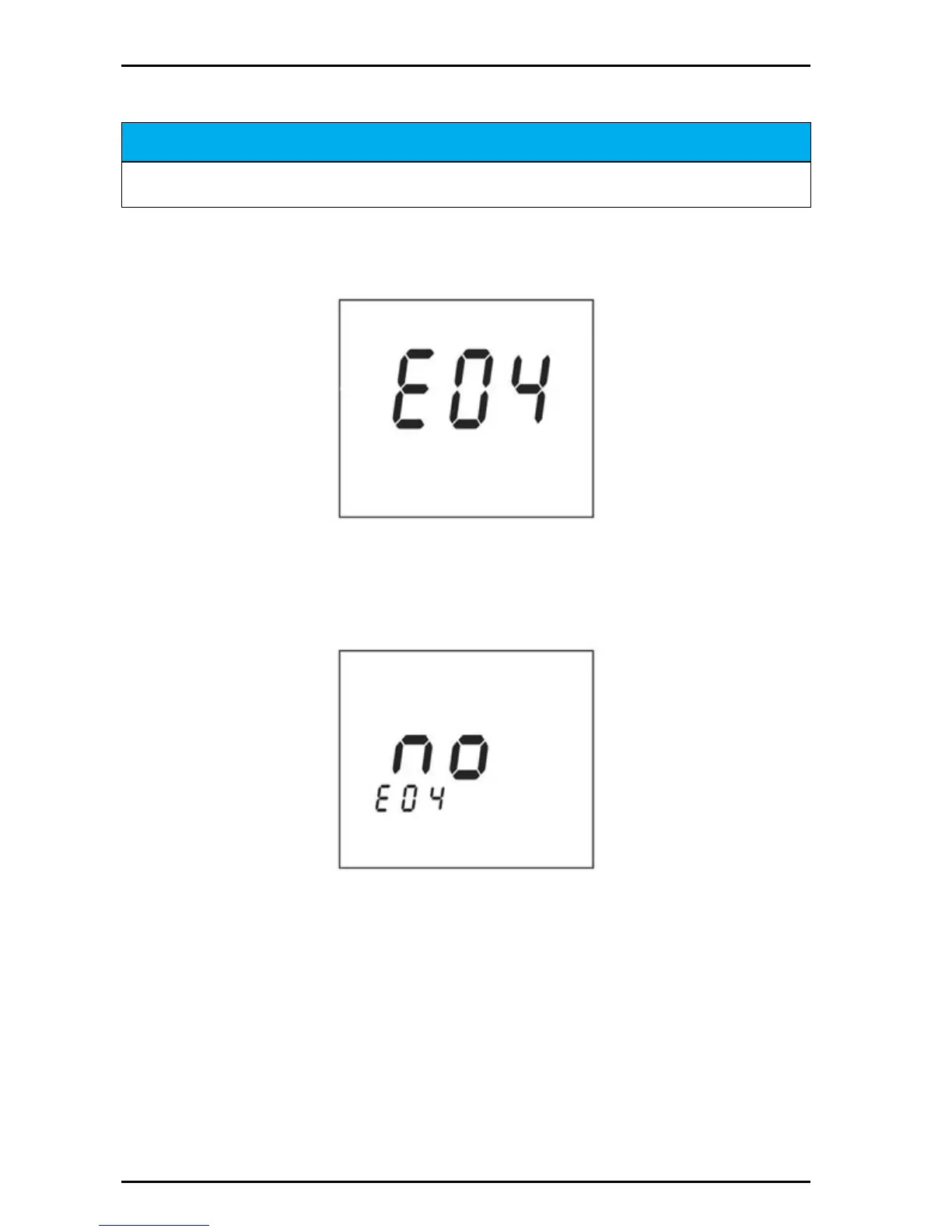
4.4 ERROR CODES
Some error codes, such as poor electrode condition, can be overridden by the user
to allow the instrument to be used until a replacement electrode can be obtained.
When an error is displayed, first check to determine the cause of the error. To abort
the calibration or other error causing condition, Push SETUP or the pH
COND/TDS/SAL) key.
To override an error code (not recommended):
1. Push ENTER.
2. Push the up arrow for display to YES. This indicates the option to perform an
error override. Push ENTER. Refer to section Section 8 on page 41 for
troubleshooting error codes, causes and actions.
NOTICE
It is not recommended that the user override the error codes. It is not possible to override all
error codes. Pushing the arrow keys will display the Yes and NO options.


 To Next Page