21
Section 5 pH Operations
5.1 Set the pH options
5.1.1 Set the pH resolution: 0.1 pH or 0.01 pH
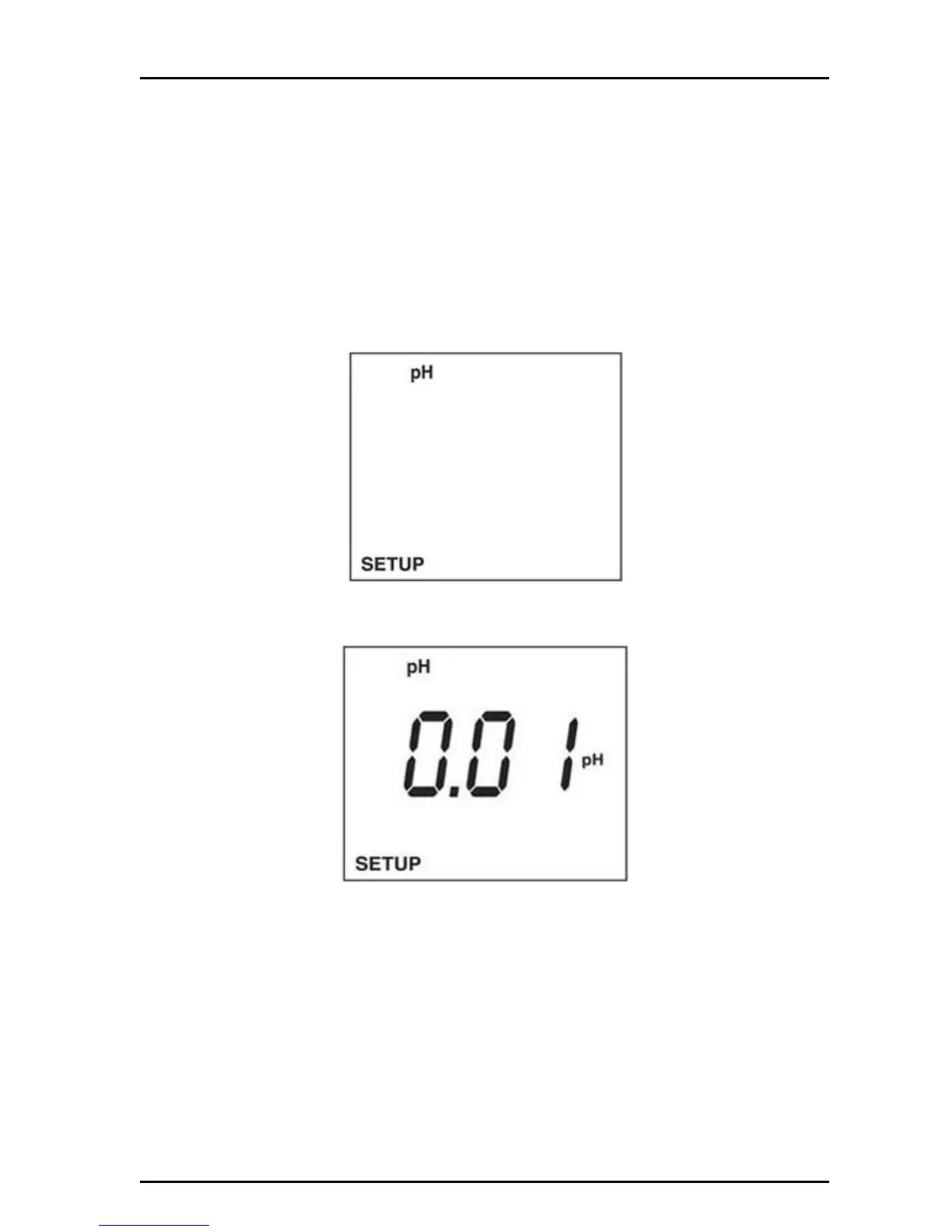
The pH can be displayed in two resolutions: 0.1 pH or 0.01 pH. The stabilization
lock (READY icon) will occur faster at 0.1 pH resolution.
To select the resolution:
1. Push SETUP then push PH to put the meter in the pH setup mode.
2. Push the arrow keys until the pH resolution setup screen is displayed.
3. Push ENTER. The display will show the pH resolution. Use the arrow keys to
set the pH resolution between 0.01 and 0.1.
4. Push ENTER to save changes and return to setup mode. Push SETUP to
return to setup mode without saving changes.
5. Push ENTER. The display will show the current number of calibration points.
Use the arrow keys to set calibration points between 2 and 3.
5.1.2 Set the 2 and 3 point pH calibration
The default calibration point is 2 point.
To select the number of calibration points:
1. Push SETUP then push PH to put in the pH setup mode.


 To Next Page