Conductivity & TDS Operations
32
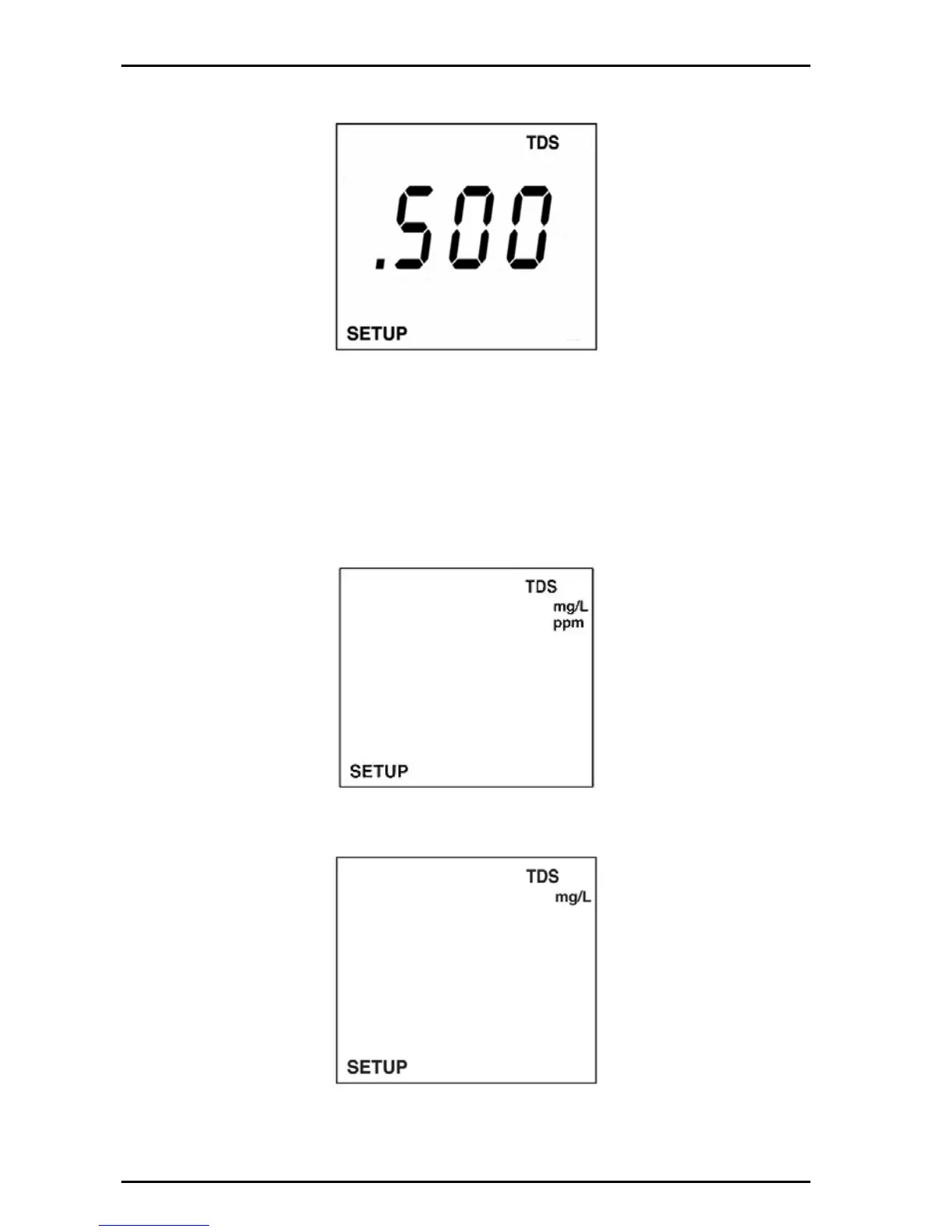
3. Push ENTER. The display will show the current conversion factor. Use the
arrow keys to set the conversion factor.
4. Push ENTER to save changes and return to setup mode.
5. Push SETUP to return to setup mode without saving changes.
6.2.2 Set TDS units
TDS can be displayed in metric units mg/L (g/L) or ppm (ppt).
1. Push SETUP then push TDS.
2. Push the arrow keys until the TDS units screen is displayed.
3. Push ENTER. The display will show the TDS units. Use the arrow keys to set
the TDS units (mg/L (g/L) or ppm (ppt)).
4. Push ENTER to save changes and return to setup mode. Push SETUP to
return to setup mode without saving changes.


 To Next Page