pH Operations
25
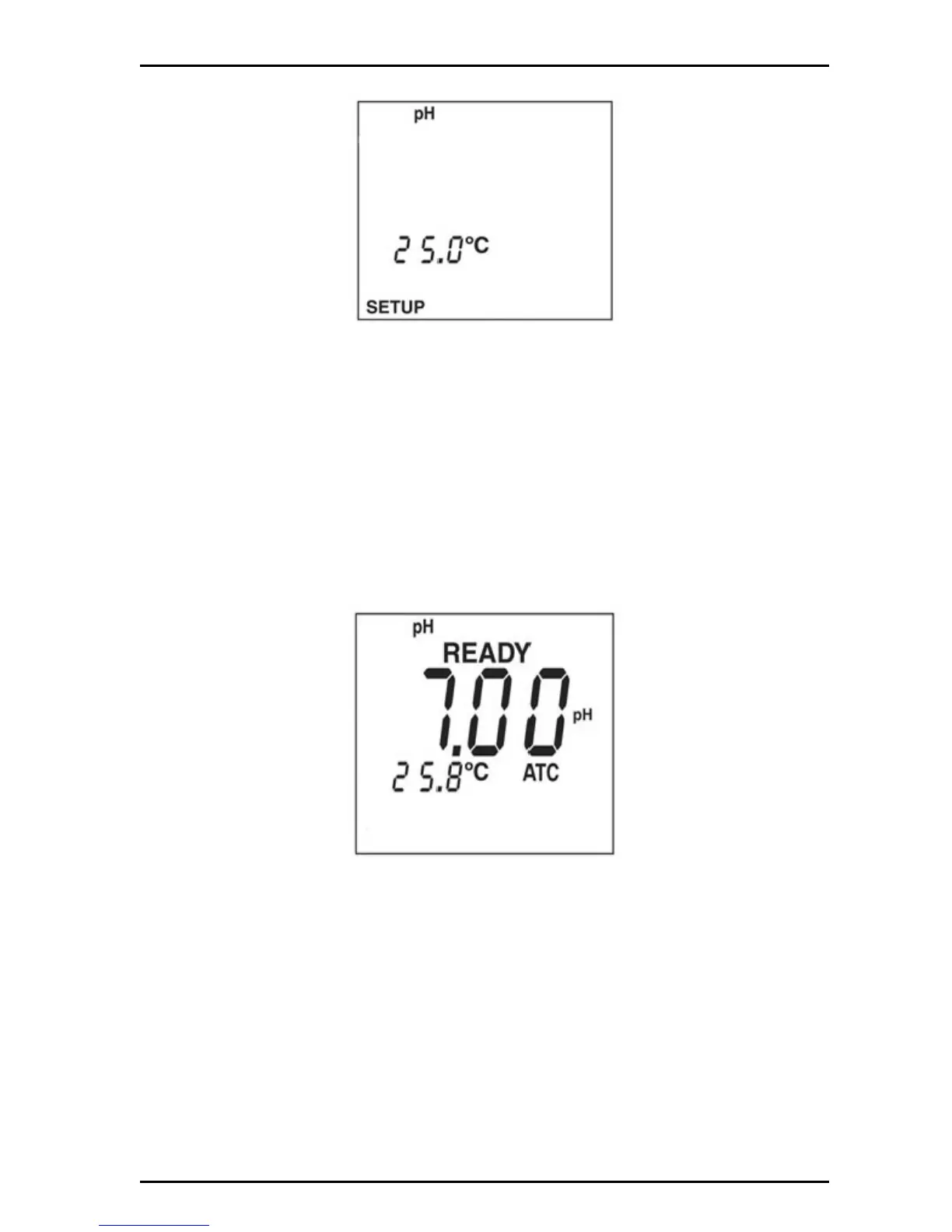
3. Push ENTER. The display will show the manual temp value.
4. Push the arrow keys to scroll through the temperature compensation values.
5. Use the arrow keys to set the manual temperature compensation.
6. Push ENTER to save changes and return to setup mode. Push SETUP to
return to setup mode without saving changes.
5.3 pH calibration
The H160 and H170 meters accept one, two, or three calibration points. The meter
defaults to a 2-point calibration.
To calibrate the pH sensor:
1. Push PH to put in the pH mode.
2. Place the probe in the first buffer solution.
Note: To clear all previous calibration points, slopes and offset, pres CAL then DELETE. To
update a previous calibration with a single point calibration, omit this step.


 To Next Page