pH Operations
26
3. Push CAL. The CAL icon will flash.
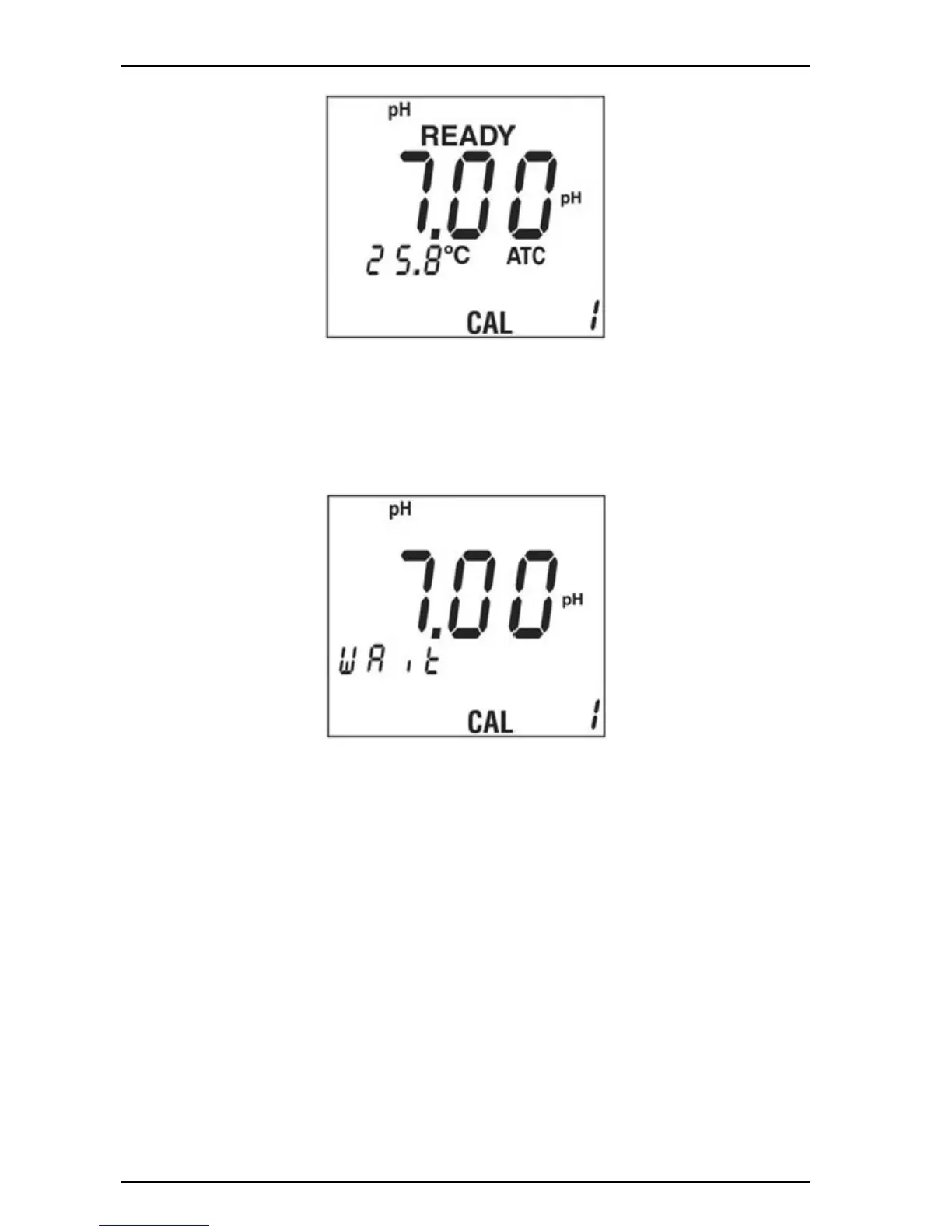
4. If the buffer is correct, push ENTER. The pH buffer value will flash until
calibration is complete.
5. If the pH buffer is incorrect, push the arrow keys to select another buffer.
6. Repeatedly pushing or will display the choices of availability buffers 1.68, 4.01.
6.86, 7.00, 91.8, 10.01, 12.45 (if on CAL 2 or CAL 3 the meter omits the values
already used in previous calibrations).
Note: Calibration can be stopped while the pH value is flashing. Push the PH or SETUP key to
return to the measurement mode.


 To Next Page