| HD Ready LCDTV | User Manual |
p.24
MENU OPERATION
Backlight
- To make the background brighter or
darker.See g. 36-1.
DCR.
- DynamicContrastRatio(DCR)auto
adjuststhebrightnessofthescreen
toshowmoredepthsinthedarker
areas.See g. 36-1.
HDMI Mode (HDMI only)
User can select Auto/graphic/Video
mode. Descriptionasfollowing:See g.
36-1.
- Auto: Automatic to get device infor-
mation,devicewillindicatesend-
ing timing is video timing or graphic
timing(PCtiming).
- Graphic: Forcevideotimingshows
asgraphictiming,forexample:720p
shows1280x720@60Hz;1080p
shows1920x1080@60Hz.
- Video: Forcegraphictimingshows
asvideotiming,forexample:let
1280x720@60Hzshows720p;
1920x1080@60Hzshows1080p.
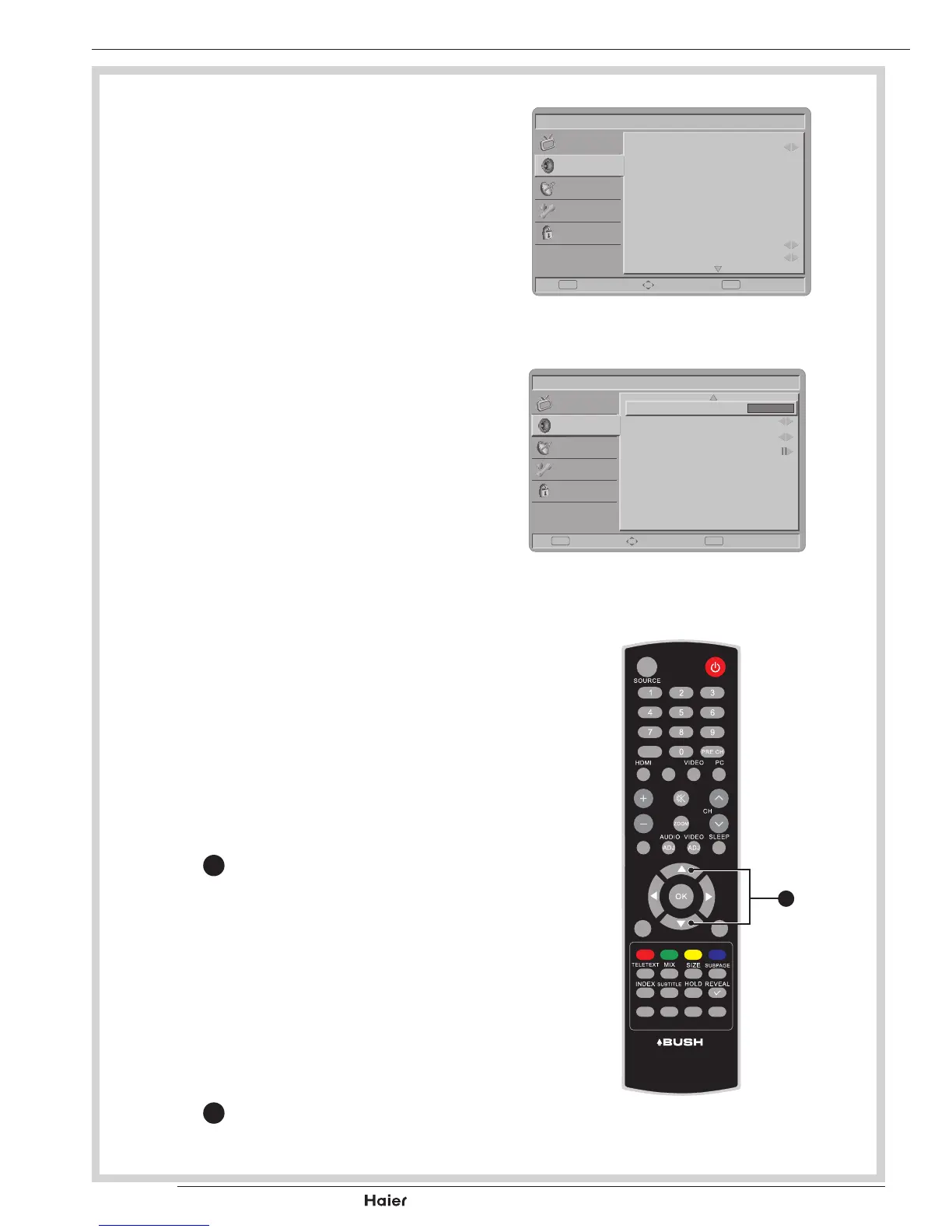
Sound
Sound Mode
- TosettheLCDTVtoapredened
sound setting. Use the Left or Right
Cursor
X
totogglebetweenPersp-
nal, Music, Speech.See g. 38 and
39.
Balance
- Toadjustthebalancebetweenleft/
right channels.
Virtual Surround
- To add greater depth and dimension
to the TV sound. Use the Left or Right
Cursor
X
totogglebetweenOnor
Off.



 To Next Page