| HD Ready LCDTV | User Manual |
p.31
MENU OPERATION
Features
Menu Language
- To select the on-screen display
menu language.
See g. 50 and 51.
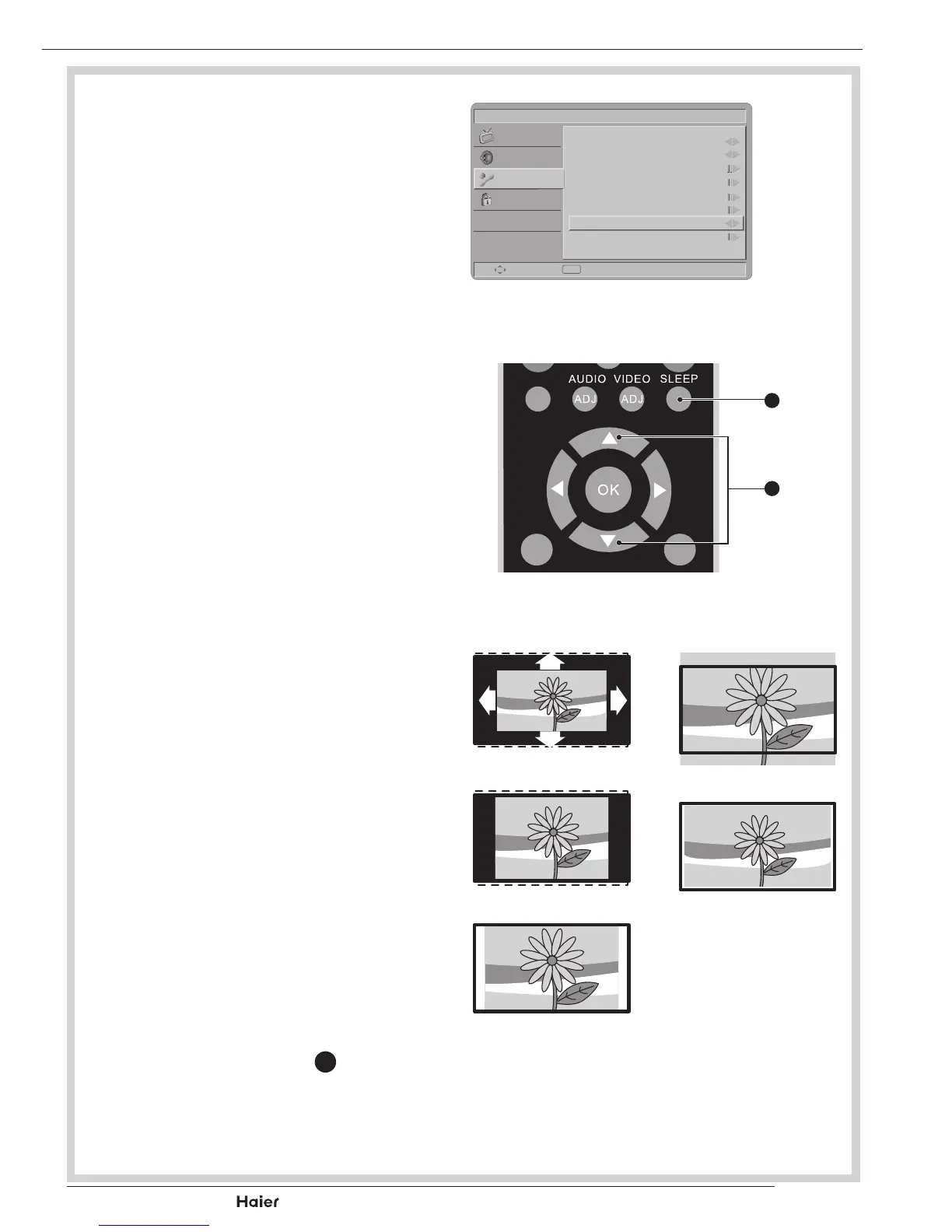
Picture Format
- Auto: DTVandHDMIinputwill
automatically display the correct
format,whileATVandSCARTwill
need to be set.
- Nomal: Displays the classic 4:3
format.
- ZOOM 2: Scales the classic 4:3
format to 16:9.
- Wide screen: Stretches the clas-
sic 4:3 format to 16:9.
See g. 52.
- ZOOM 1: Scales the classic 4:3
format to 14:9.
- Native(only in HDMI mode): Per-
formedallcontentwithoutunder-
scan.
Time
- Time zone: To select the time zone
you are in.
- Time: To set the time and date or
select auto synchronisation.
Tip: Before setting the time and
date manually, make sure Auto
synchronisation is Off.
- Sleep timer: To set the TV to turn
itself off after a set period of time.
NOTE: Press SLEEP
O
to set the
timerwithOSDonthescreen.
Picture
Menu Language
Picture Format
Time
Teletext Language
Subtitle
Common Interface
HDMI Scan Info
Reset Default
English
Wide
Auto
Select Exit
EXIT
Sound
Features
Parental
fig. 50
DUAL
MENU
/EXIT
INFO
fig. 51
O
X
Auto
Zoom 1
Zoom 2
Nomal
Wide
fig. 52



 To Next Page