| HD Ready LCDTV | User Manual |
p.34
MENU OPERATION
Parental
This function blocks channels or pro-
gramsthatyoudonotwanttoorthat
youdonotwantyourchildrentowatch.
Apasswordisrequiredtogainaccessto
this function. The factory default pass-
wordis“0000”.
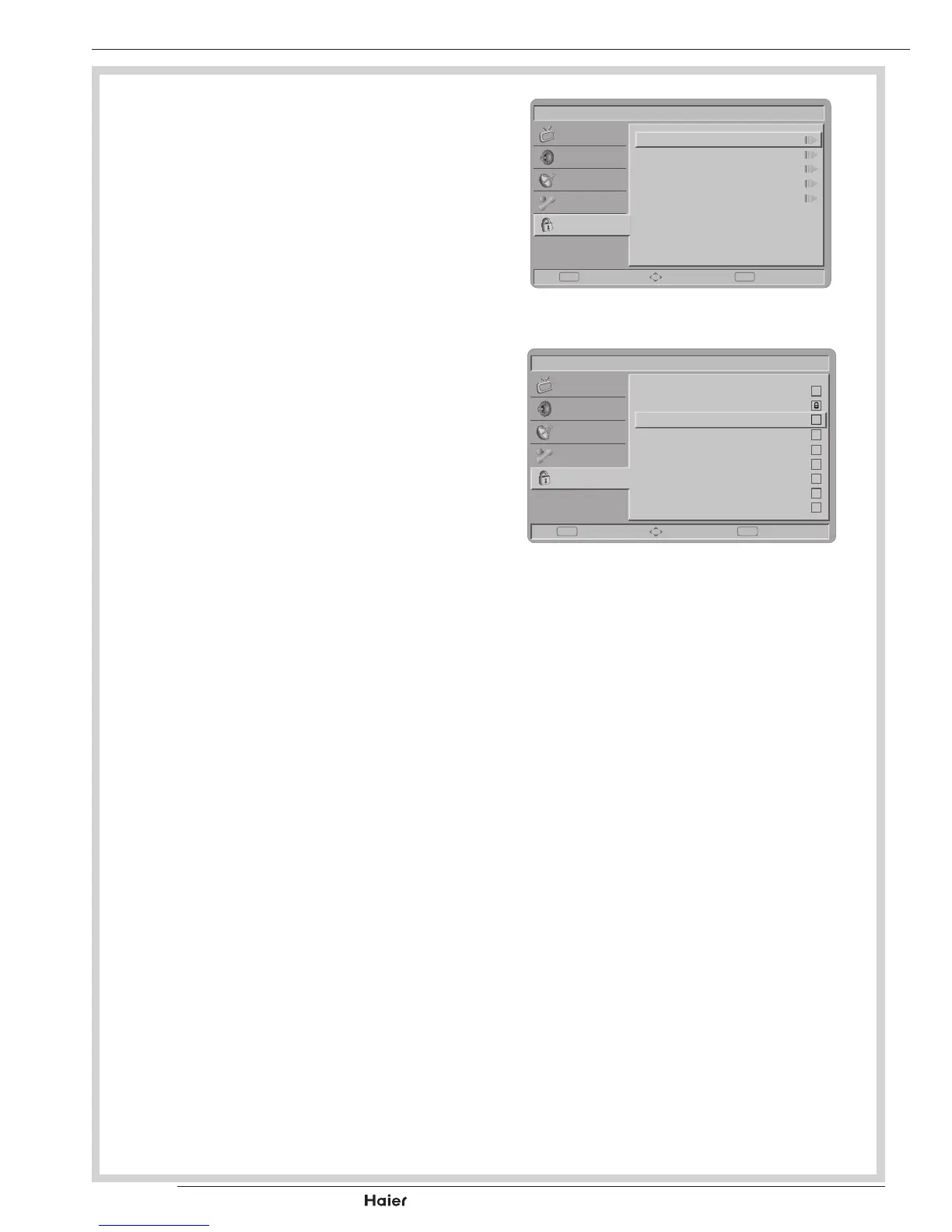
Channel Block
- To block certain channels that you do
notwanttoorthatyoudonotwant
yourchildrentowatch. See g. 56.
Parental Guidance
- To control access to programs based
on their age ratings. All settings ap-
ply to digital channels.
NOTE: This function operates
according to information from the
broadcasting station. Therefore if the
signal has no information, this func-
tion does not operate.
Input Block
- Todisablethespecicexternalinput
signals. See g. 57.
Set Password
- Tosetorchangeyourpassword.
Pleasefollowtheinstructionstoset
it. All number combinations from
0000 to 9999 are valid.
Tip: Remember that 5351 is the
default Change PIN code. If your
access code has been changed or
you have forgotten the code, you
can always get in by entering the
default code.
Clear All
- To clear all the settings in the paren-
tal submenu.
Picture
Channel Block
Parental Guidance
Input Block
Clear All
Set Password
Enter Select Back
EXITOK
Sound
TV
Features
Parental
fig. 56
Picture
1
2
3
5
6
7
8
9
4
TV
YPbPr
AV
SCART 2
PC
HDMI 1
HDMI 2
HDMI 3
SCART 1
Set Select Back
EXITOK
Sound
TV
Features
Parental
fig. 57



 To Next Page