| HD Ready LCDTV | User Manual |
p.26
MENU OPERATION
Thefollowingfunctionsareonlyavail-
ablefordigitalchannelswithaudio
signals.
Type
- This function enables you to choose
the type of the additional narration
duringtheTVwatching.
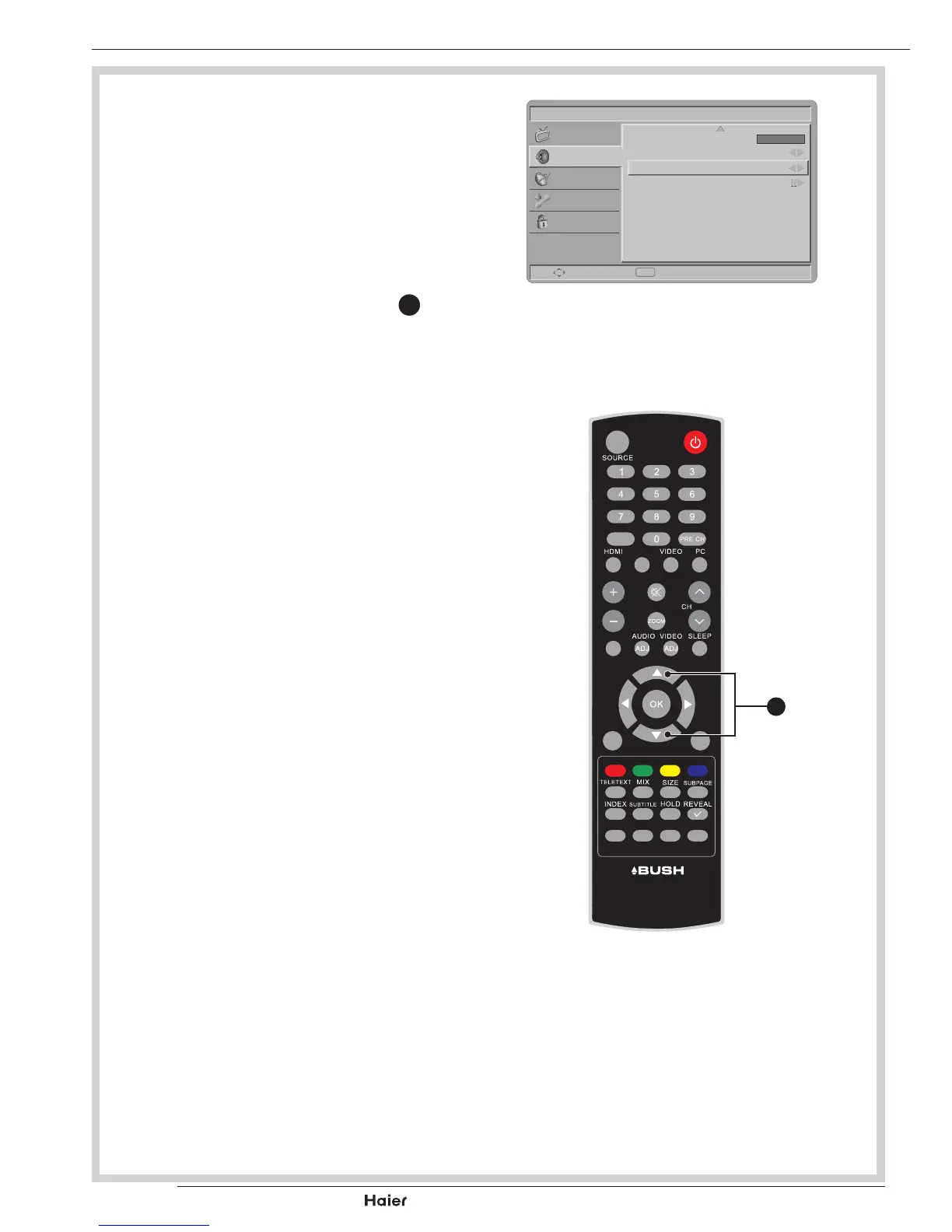
Use the Left or Right Cursor
X
to
togglebetweenNormal,Hardof
Hearing, or Audio Description.
See g. 40 and 41.
- Hard of Hearing: This function
provides narration to deaf and hard of
hearingviewers.
Audio Description
- When the Type is set to “Audio De-
scription”,youcanadjusttheVolume
of the audio description.
Picture
AVL
Type
Audio Description
Off
Normal
Select Back
EXIT
Sound
TV
Features
Parental
SPDIF Delay 0
fig. 40
FAV
DUAL
EPG
YPbPr
CH-LIST USB FREEZE
MENU
/EXIT
INFO
fig. 41
X
Vol



 To Next Page