10
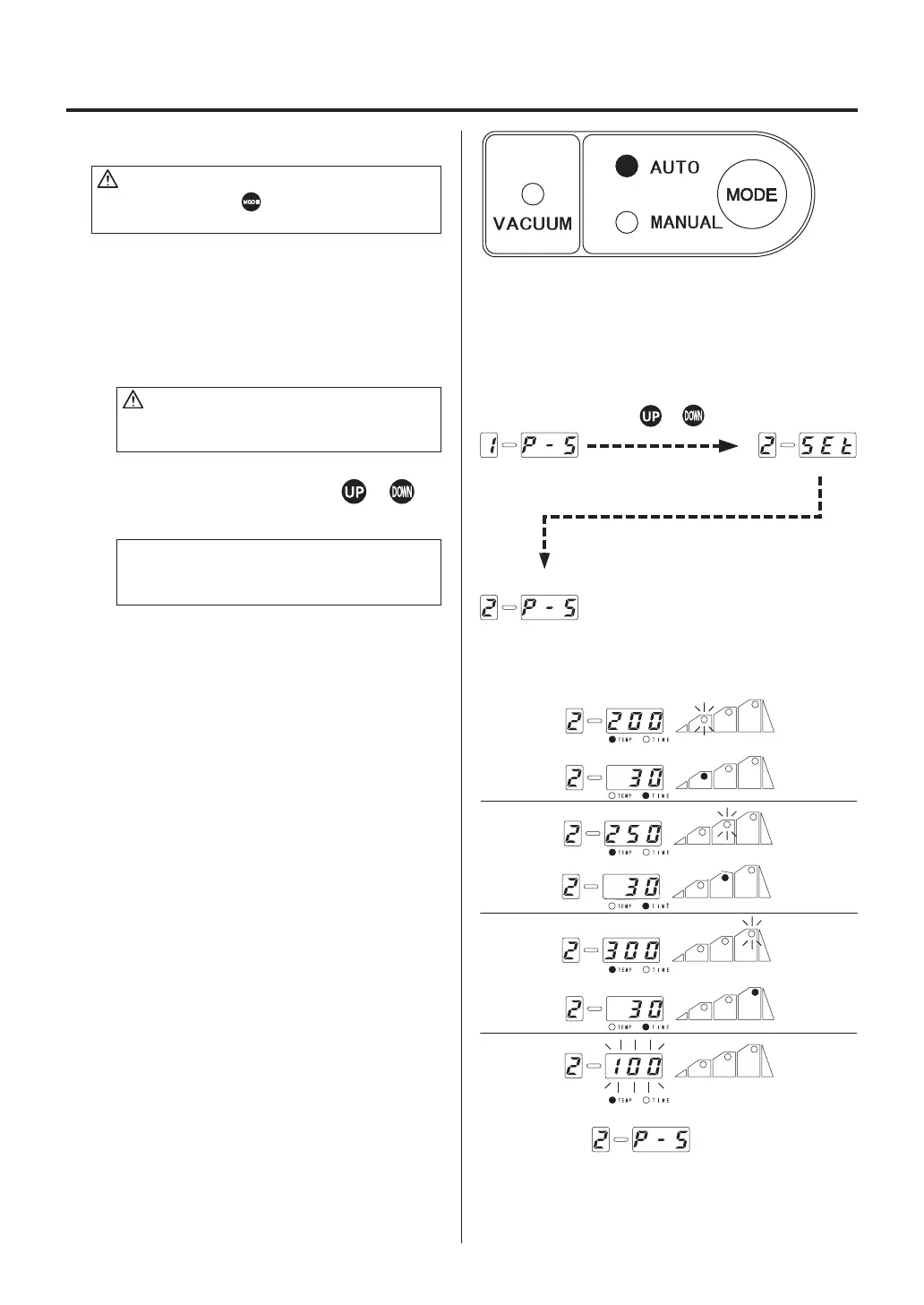
D. Setting method in AUTO mode
CAUTION
Be sure to press the button and set the mode
to AUTO.
The temperature profiles from 1 to 3 have been
initially set. If it is necessary to change, see
page 13.
1. Opening up a file
CAUTION
Be sure to insert the control card before
opening.
Display a file number using the or
button.
NOTE:
If the file number is not changed, it is unneces-
sary to insert the control card.
2. Pressing the HOT AIR button on the
handpiece causes the unit to begin to
blow, and setting the temperature profile
causes it to start the file program.
3. When all the steps are completed, the unit
will be automatically stopped.
Press the or button.















 To Next Page