6-18 2. Main Menu Screen
When [Display --> Card] is Selected:
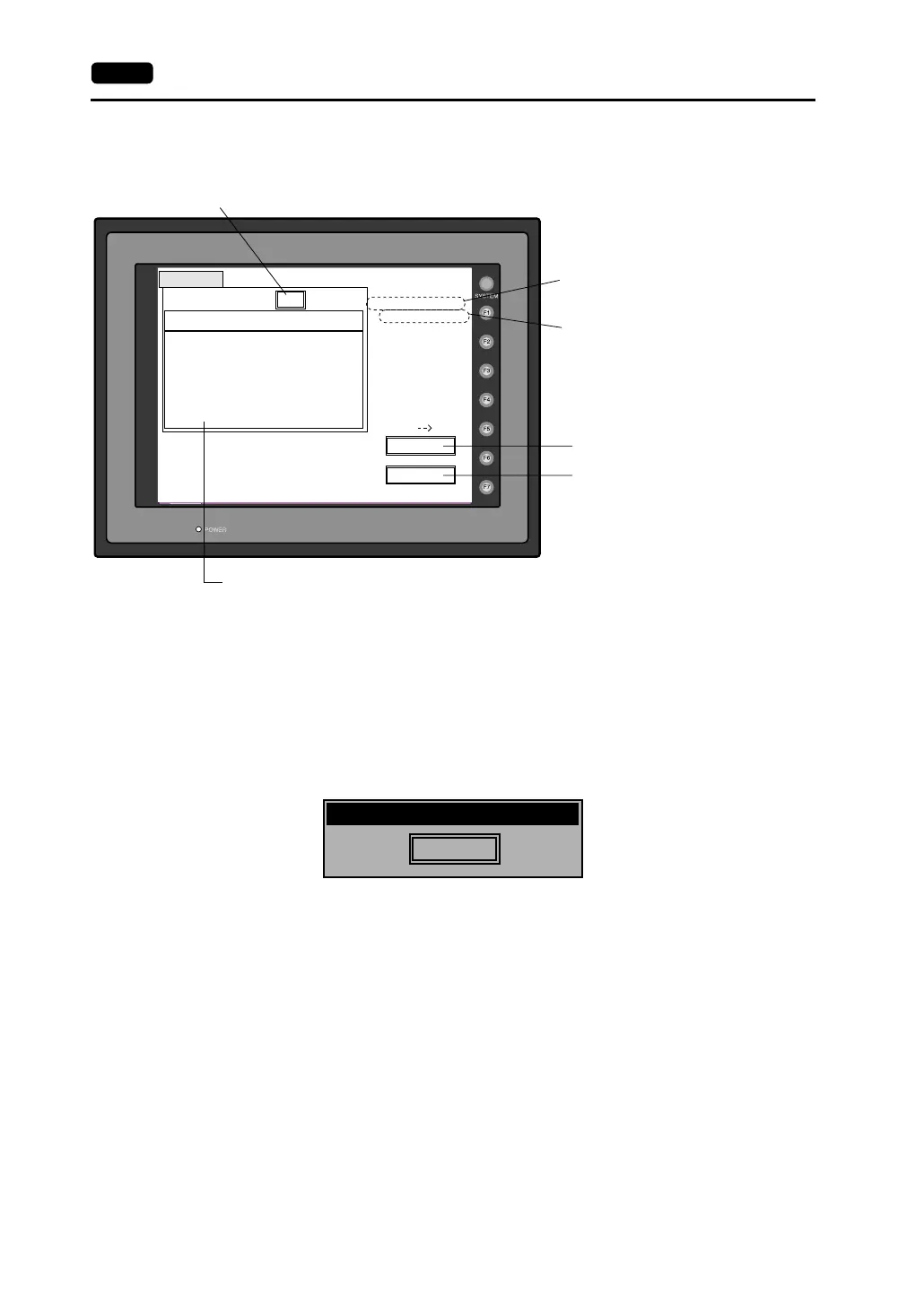
1. When [Display --> Card] is selected, the “Card Transfer” screen is displayed.
2. Check the folder name and CF card file information, and press the [Start] switch.
* When the access folder name of screen data is the same as that in the CF card, the CF card
file information is indicated on the screen, and data in the MONITOUCH overwrites the CF
card data. Note that the CF card data is lost when data is overwritten.
When the CF card file information is blank, a new file “DSP0000.BIN” is created in the DSP
folder.
3. During data transfer, the [Start] switch changes into [Busy] and flashes. When data has been
transferred successfully, the following window is displayed.
Press the [OK] switch. The CF card file information shows data that has been transferred.
If any other message is displayed, refer to page 6-22.
4. Press the [Return] switch. The “Card Menu” screen is displayed again.
Card Transfer
CF Card File Infomation
Folder Name: AAAAAAAA
Rest Size: 29437KB
Return
Start
Display
Card
Sys. Program
Version
Font Date
Version
I/F Driver
Version
Screen PLC Type
Screen Comment
Access
DSP0000.BIN
2002-03-20 10:58:56
: V710/V712
: 1.010
: ENGLISH
: 1.300 / 1.010 / 1.000
: GENERAL
: 1.240
: GENERAL
:
Indicates the name of the currently selected
folder.
Indicates the free space in the CF card.
Starts transferring data [Display --> Card].
Flashes during communication with the CF card.
Moves back to the previous screen.
Indicates the information of the currently selected folder.
If there is no screen data, this field becomes blank.
OK
Work normally finished.



 To Next Page