6-24 2. Main Menu Screen
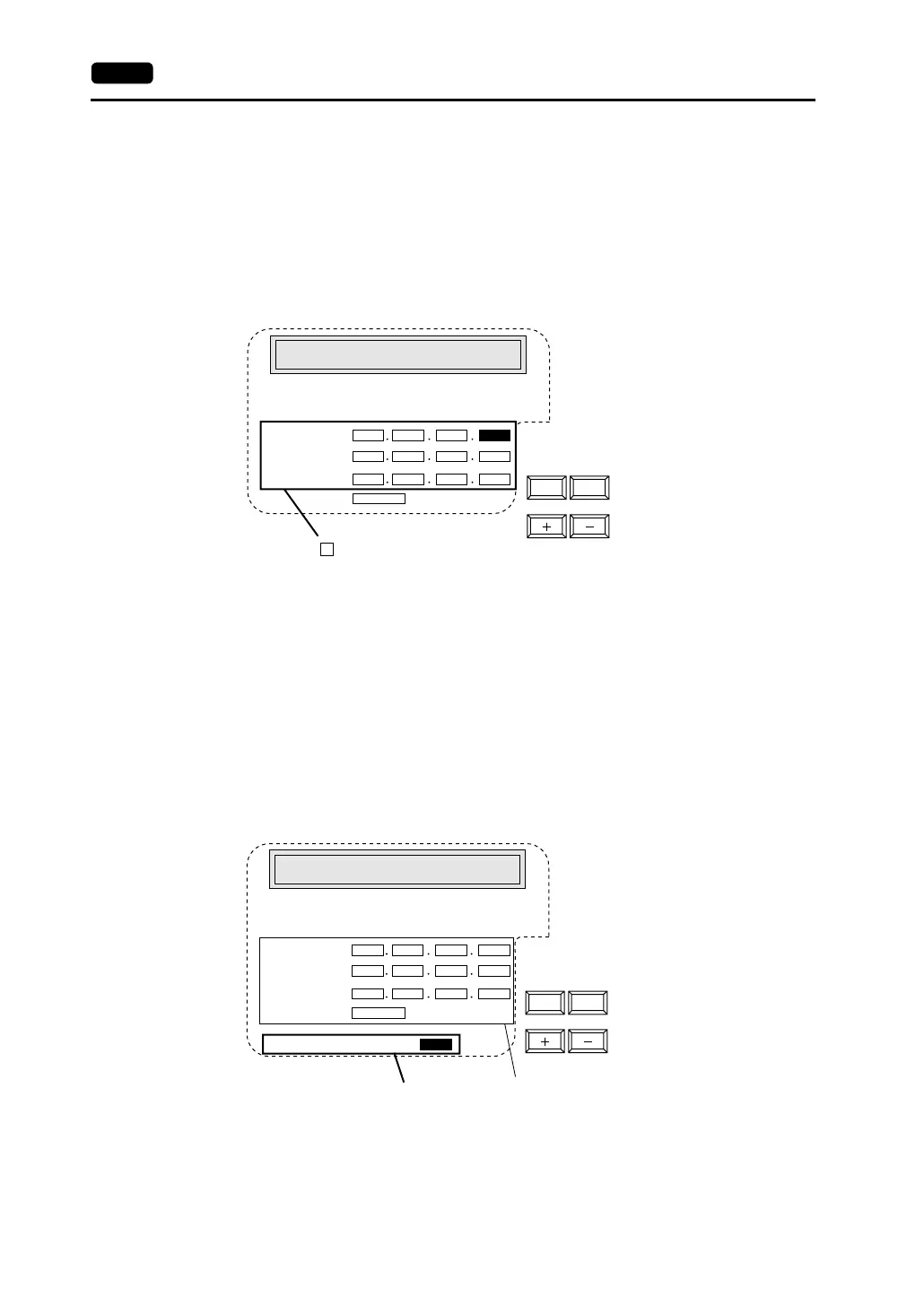
Not Use Network Table
In the following cases, select [Not Use Network Table].
• Screen data is transferred for the first time via Ethernet.
• The network table is not set for screen data of the V7 series.
• If the network table is set for screen data of the V7 series but you would like to use an IP address
that is different from that set on the network table tentatively, press the [Use Network Table] switch
to select [Not Use Network Table].
1. Set the IP address.
(If necessary, set the default gateway and subnet mask.)
2. Press the [Setting Finished] switch. The IP address is determined.
3. The Main Menu screen is displayed again. (If the “Ethernet” screen is displayed from the initial
screen, the initial screen is displayed again.)
Use Network Table
In the following cases, select [Use Network Table].
• The network table is set for screen data of the V7 series and you would like to change the network
table number.
1. Set the network table number.
2. Press the [Setting Finished] switch. The IP address is determined.
3. The Main Menu screen is displayed again.
00 0
0
0
000
10000
000
0
<- ->
: The cursor moves only in these sections for settings.
Not Use Network Table
It is not used when the gate way or the sub-mask
is zero.
IP Address:
Gate Way:
Sub-mask:
Port No.
When the network table is not set or is not used
00 0
0
0
000
10000
0
0
00
0
<- ->
Indicates the contents of the
selected network table number.
Use Network Table
It is not used when the gate way or the sub-mask
is zero.
IP Address:
Gate Way:
Sub-mask:
Port No.
When the network table is used:
Network Table No.:
Set the network table number.



 To Next Page