7-4 1. Error Message
• PROFIBUS-DP
2. Check
Error Message Contents Solution
Time-Out
“Check” is displayed 2 or 3 seconds before this
error occurs when connecting V7 and
PROFIBUS-DP in the RUN mode.
The setting for [Own Stat. No.] on V7 is
discrepant with that for [Address] for [V7
series] on the SIMATIC Manager. Check and
correct the setting.
A screen is displayed instantaneously
(= communications performed) before this
error occurs when connecting V7 and
PROFIBUS-DP in the RUN mode.
The DB address set on the V7 screen may not
exist on the PLC (memory over). Check the
setting.
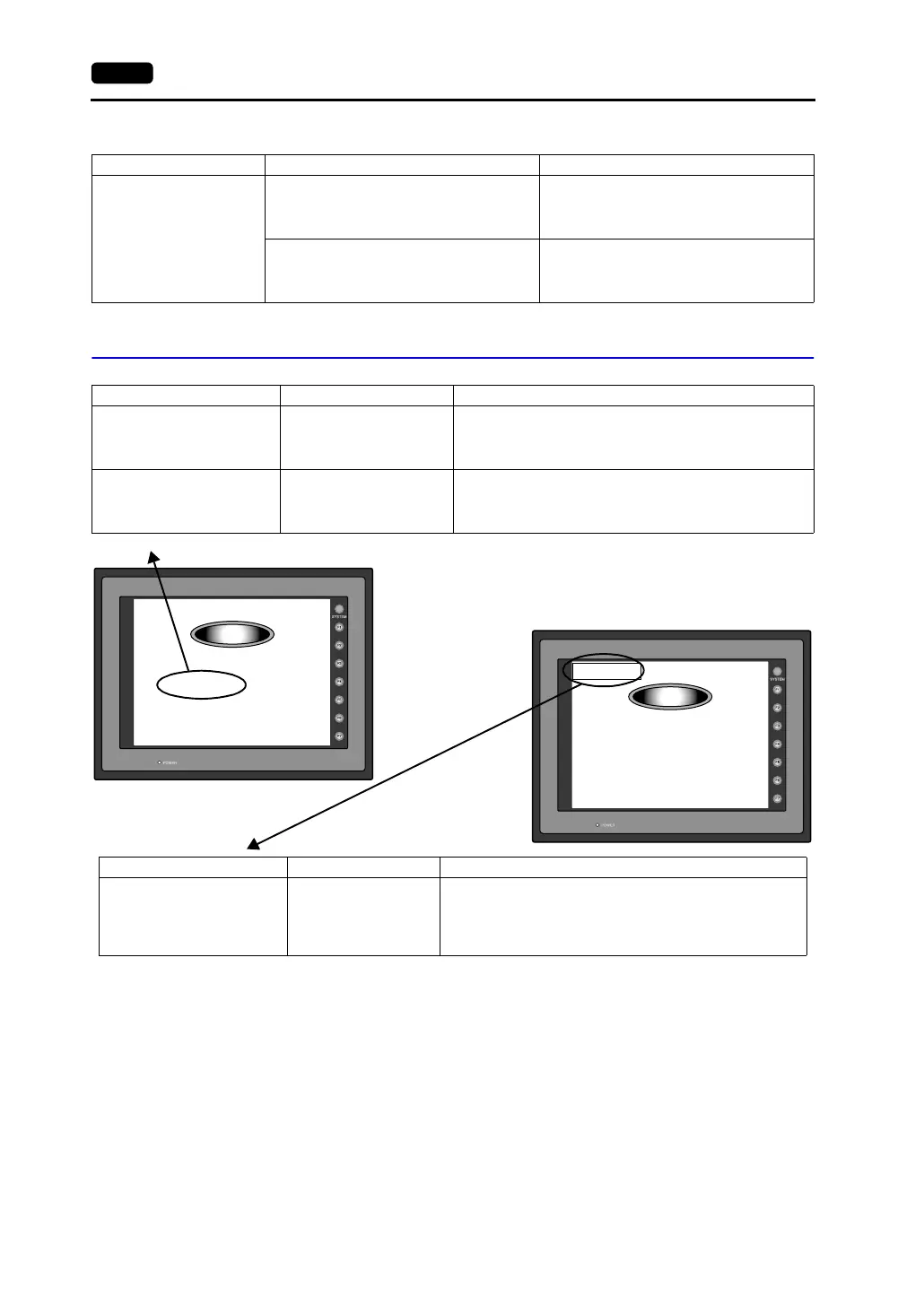
Error Message Contents Solution
Screen No. Error
There is no setting for the
received screen.
At the start of communications, the V7 series regards the value
in the read area “n + 2” as the screen number.
Check that the value in the read area “n + 2” is an existing
screen number on the PLC.
Data has some error.
Error : XX (XX : XXX)
There is an error in the
created screen data.
“Error : XX (XX : XXX)” indicates the edited screen and the
contents of the error.
For the error details and solutions, refer to the Reference
Manual (Function) and correct screen data.
Screen No. Error
Check
Communication Error
Check I/F driver
Check
Error Message Contents Solution
Communication Error
Check I/F driver
Although a request to
send is given to the
computer, no answer is
returned within the
specified time.
The I/F driver for simulator is transferred.
If you do not use the simulator, uncheck [Use Simulator]
before transferring data.



 To Next Page