12 FOR MORE INFO REFERENCE OIM MANUAL P/N FSG–MNL–00210
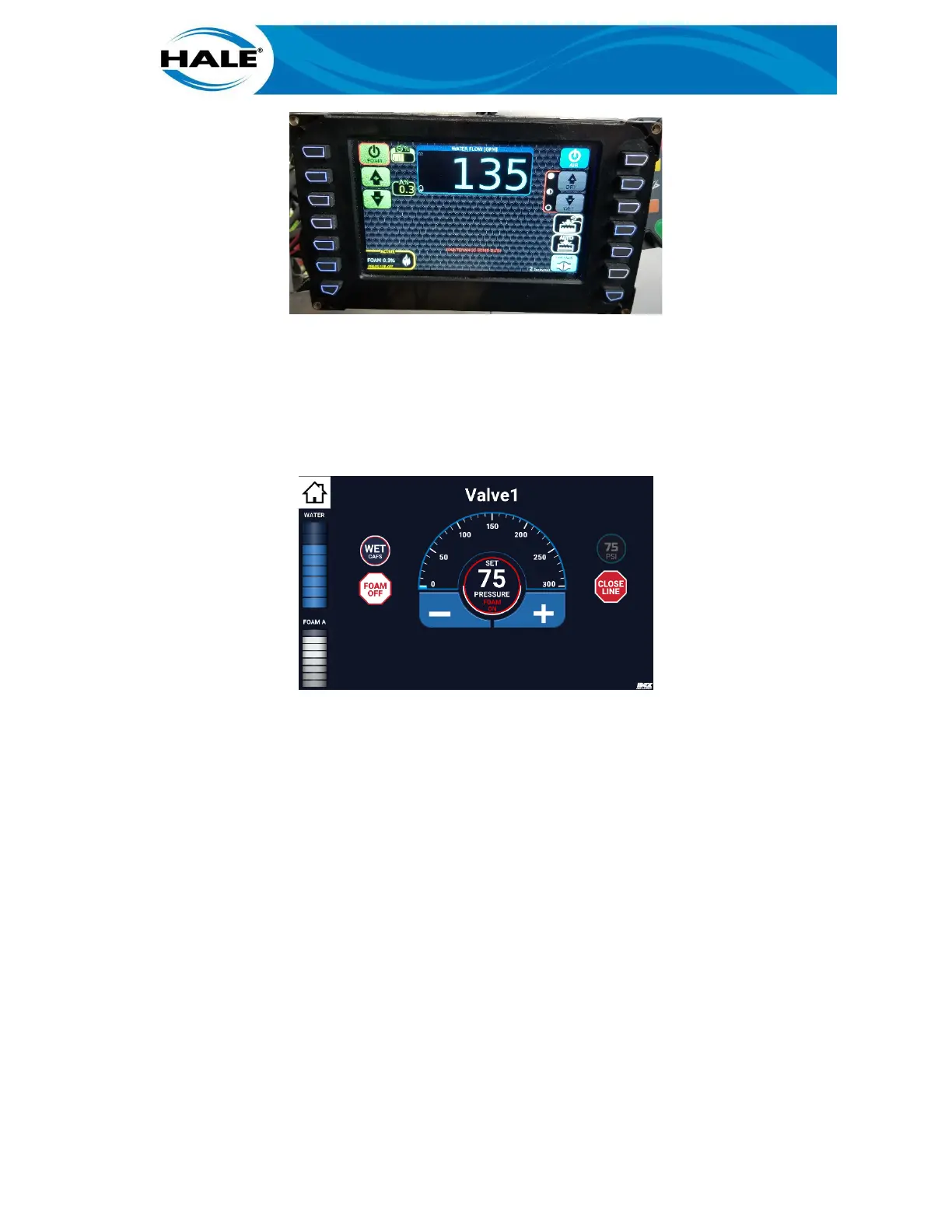
Figure 20. SmartCAFS Display With SAM FOAM ONLY Bubble Activated
The SmartCAFS display indicates the compressed air is turned off and FOAM is left on. (See Figure 20.)
NOTE
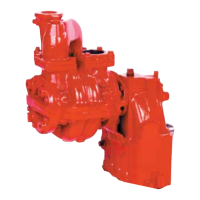
The next time the Valve X screen (discharge valve control screen) is accessed, a FOAM OFF bubble
replaces the FOAM ONLY bubble. See Figure 21. See the following paragraph for instructions to
use the new bubble.
Figure 21. FOAM OFF Bubble Appears When A CAFS Discharge Is Transitioned To Foam Only
3.6 Changing A CAFS FOAM ONLY Discharge To Water
To turn the foam off (pump water) for a CAFS discharge that has previously been transitioned to FOAM ONLY,
perform the following.
A. On SCC Home screen, touch desired active CAFS discharge. (See Figure 14, page 9)
Displays Valve X screen (discharge valve control screen) displays. (See Figure 15.)
B. On Valve X screen (discharge valve control screen), swipe FOAM OFF bubble to target (center
of widget). See Figure 22.



 To Next Page