FOR MORE INFO REFERENCE OIM MANUAL P/N FSG–MNL–00210 3
2. USING SMARTFOAM WITH SAM
SAM interfaces with either a HALE SmartFOAM or a SmartCAFS system. To utilize foam with the SAM system,
activate a foam associated Quickset from the Auto Mode Home screen or foam associated preset from the
Valve X via the Select Discharge screen. (The discharge valve control screen.)
Once the SmartFoam system is active, the SmartFoam display may be used to control the foam system as if
the apparatus did not have SAM. Reference SmartFOAM Electronic Foam Proportioning Systems Models:
Class A only – 1.7 AHP, 2.1 A Class A/B – 3.3, 5.0, 6.5 Description, Installation, and Operation Manual (P/N
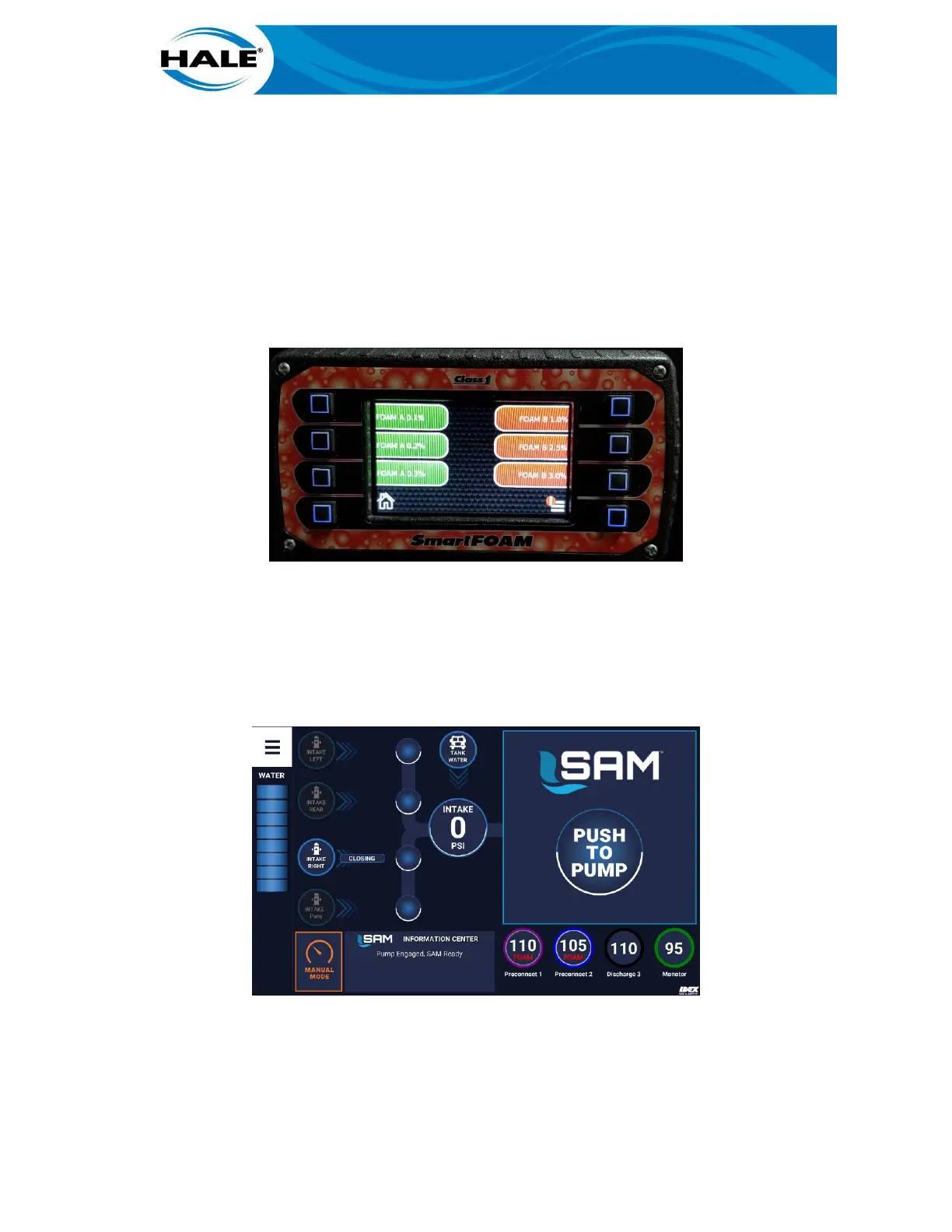
FSG-MNL-00158) for detailed foam system operating instructions. Figure 1 shows the SmartFOAM default
display. While FOAM is ON all foam capable discharges flow foam when open. Additionally, all foam compati-
bility and flushing notes/recommendations apply (see FSG-MNL-00158) when using SmartFOAM with SAM.
Figure 1. SmartFOAM Display (Default)
2.3 Activating A SAM FOAM Quickset
To use SAM to activate a FOAM Quickset, perform the following.
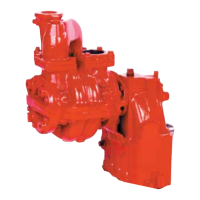
A. Touch desired Quickset. (All foam available discharges are labeled with the word FOAM.) See
Figure 2.
Figure 2. Activating A Foam Quickset
B. Drag Quickset to target (PUSH TO PUMP or ADD LINE).
C. Release Quickset (remove finger from screen).



 To Next Page