28
USING THE "HAMA FIT MOVE" APP
9.1.2 Step measurement
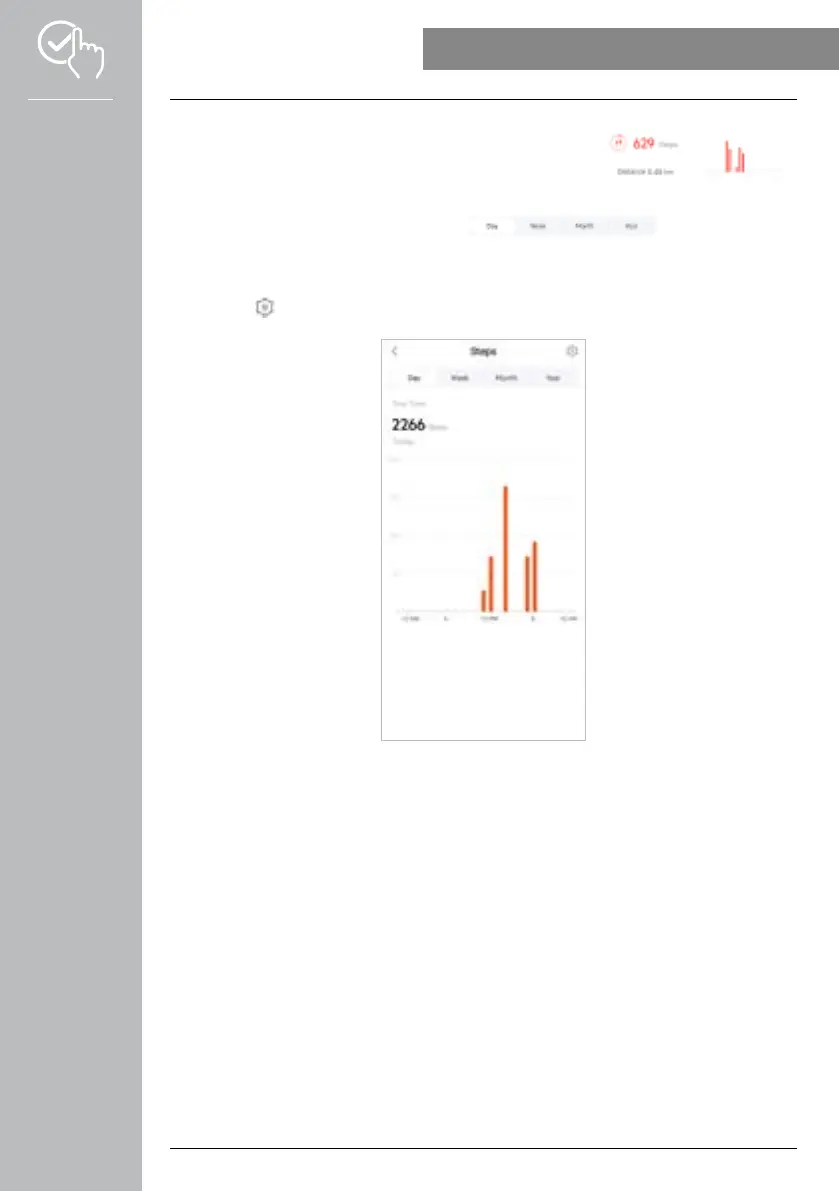
• Tap on the second graphic at the top of the home screen to view the
steps recorded.
• An overview of the steps made in the current day is provided here.
• Normally, the daily view of the step measurement is displayed.
Select the period displayed in the top menu bar . Swiping to the
left and right on the diagram for a longer time enables you to scroll forward and back between the
individual days (or weeks/months/years). In addition, your set steps goal is also displayed graphically in
the diagram.
• Tap on the [ ] symbol to define further settings (see Chapter 9.4.3 My data).



 To Next Page