34
USING THE "HAMA FIT MOVE" APP
9.1.8 Ambient sound level
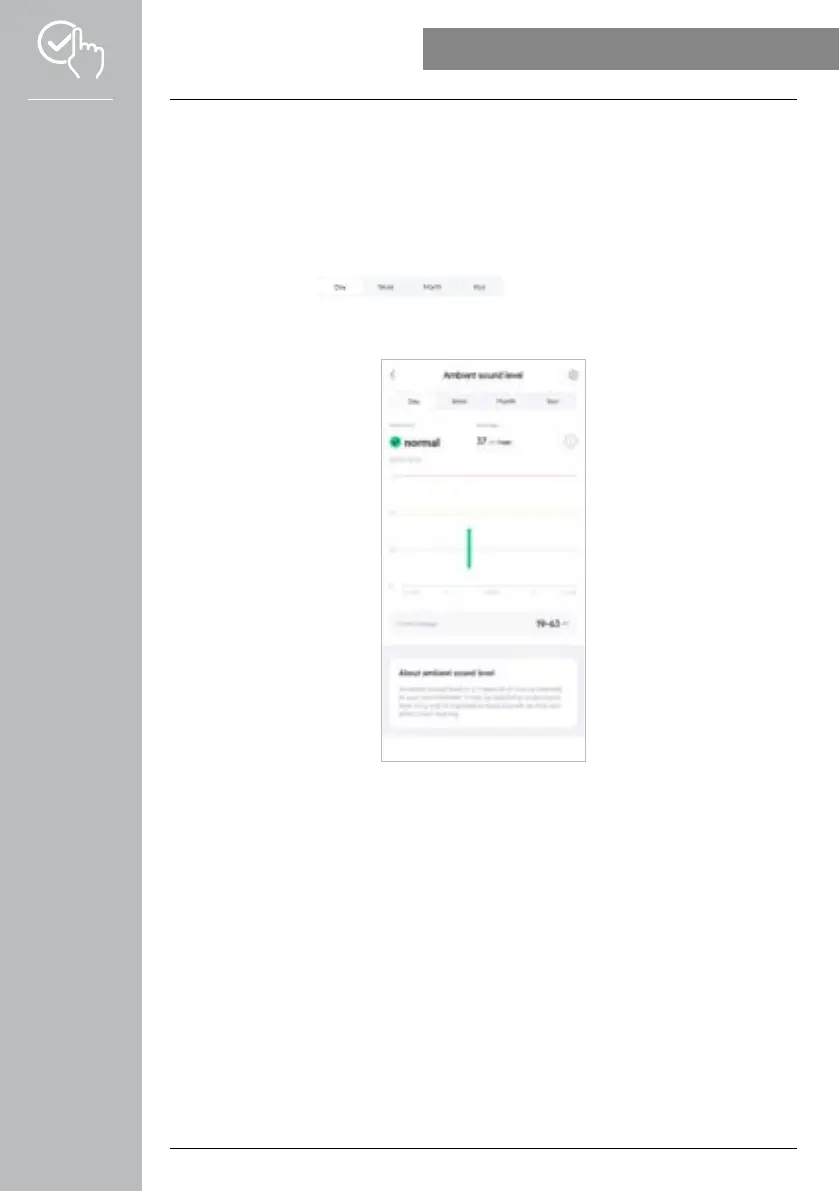
• Tap on the [AMBIENT SOUND LEVEL] card to obtain an overview of ambient sound level
measurement. The measurement can be completed manually via your smartwatch (see Chapter 7.6.14
Ambient sound).
• An overview of all the values recorded for the ambient sound level as well as the lowest and highest
values are displayed for the respective day. Recordings for other days can be displayed by swiping
lightly to the left and right on the diagram.
• Normally, the daily view of the ambient sound level is displayed.
Use the top menu bar to select the period displayed. Swiping to the
left and right on the diagram for a longer time enables you to scroll forward and back between the
individual days (or weeks/months/years). The measured values are also displayed as a curve graph.



 To Next Page