32
USING THE "HAMA FIT MOVE" APP
9.1.6 Stress measurement
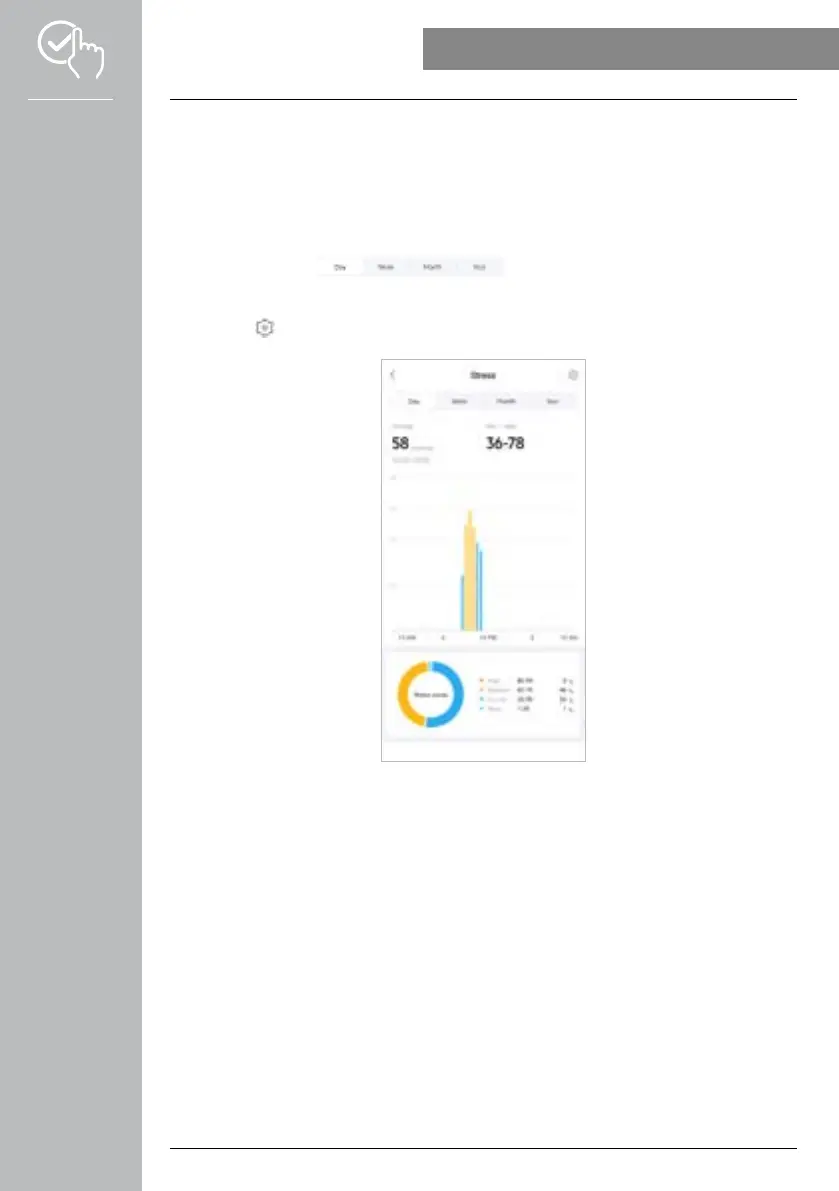
• Tap on the [STRESS] card to obtain an overview of your stress measurement.
• You can view all the stress measurement values recorded here (automatic and manual) as well as an
overview of your average stress level, stress range and a graphic of your stress zone for the respective
day. By swiping lightly to the left and right on the diagram, you can call up the individual values with
the respective time.
• Normally, the daily view of the stress measurement is displayed.
Use the top menu bar to select the period displayed. Swiping to the
left and right on the diagram for a longer time enables you to scroll forward and back between the
individual days (or weeks/months/years).
• Tap on the [ ] symbol to define further settings.



 To Next Page