35
USING THE "HAMA FIT MOVE" APP
9.1.9 Weight
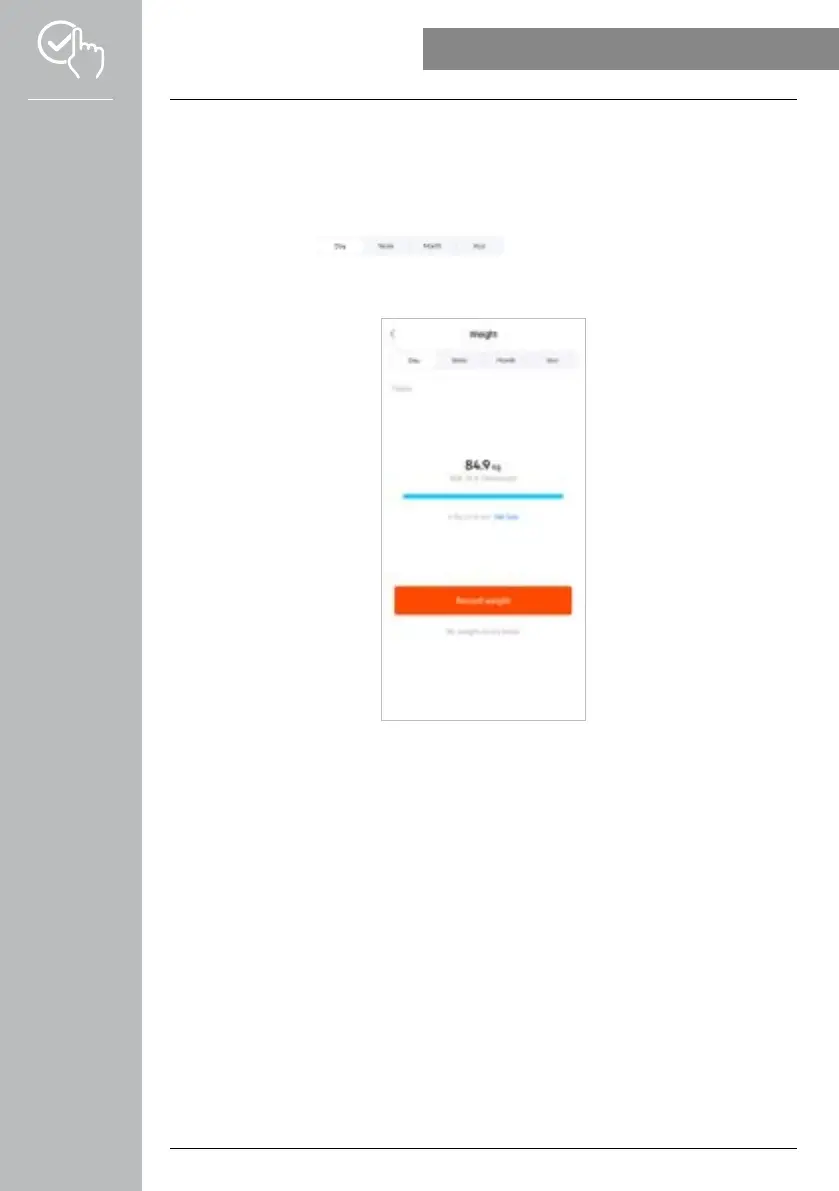
• Tap on the [WEIGHT] card to obtain an overview of your weight record.
• Your weight history, BMI and set target value are displayed here.
• Tap on [RECORD WEIGHT] to enter your current weight.
• Tap on [EDIT GOAL] to edit your target weight.
• Normally, the daily view of the weight record is displayed.
Use the top menu bar to select the period displayed. Swiping to the
left and right on the diagram for a longer time enables you to scroll forward and back between the
individual days (or weeks/months/years). The measured values are also displayed as a curve graph.



 To Next Page