41
USING THE "HAMA FIT MOVE" APP
9.2.2 Start an activity (without GPS)
• The following activities are recorded without GPS support:
- Indoor running
- Indoor walking
• Tap on [START] to start the activity. The activity starts on the smartphone and the smartwatch.
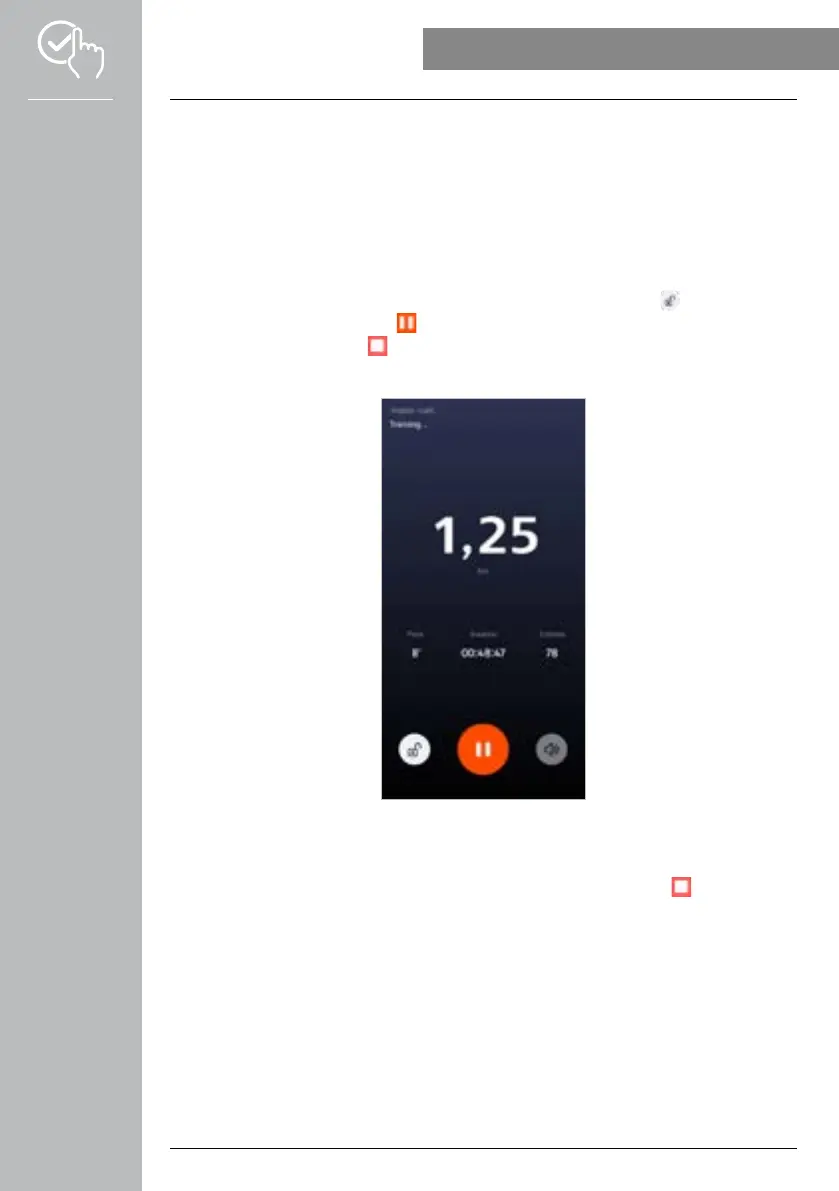
• While the activity is in progress, you can see the cumulative number of kilometres covered so far for the
selected activity, the current pace, the time elapsed and your current heart rate.
Operation using the smartphone
• To lock the overview of the recording while an activity is in progress, tap on the [
] symbol.
• To interrupt the activity, tap on the [
] symbol.
• To end the activity, tap on the [
] symbol and keep your finger pressed until a circle closes around the
symbol and the activity is ended.
Operation using the smartwatch
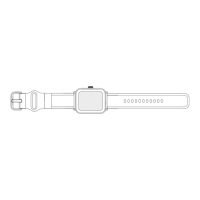
• To interrupt the activity, press the top control button [1].
• To end the activity, press and hold the top control button [1] and then tap on the [
] symbol.



 To Next Page