44
USING THE "HAMA FIT MOVE" APP
9.3.1 Home screen
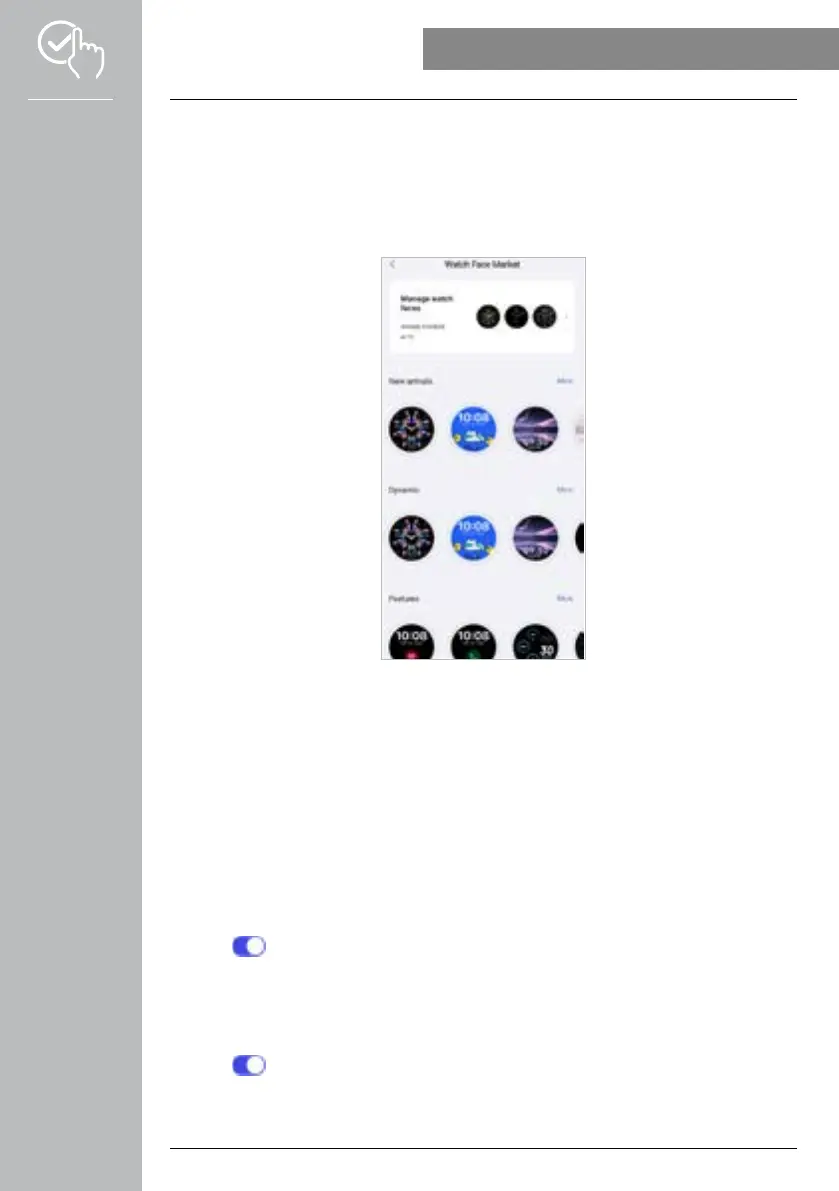
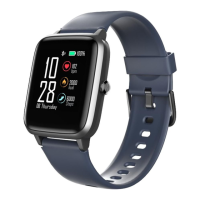
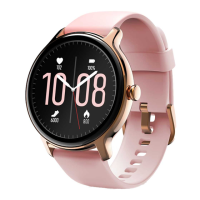
• Tap on [WATCH FACE MARKET] to install additional watch faces for the home screen of your
smartwatch. You can select between various watch faces. Tap on the respective watch face which you
want to set-up on the smartwatch and then confirm your selection with [INSTALL]. If you have reached
the maximum number of watch faces that may be installed on the device, you will be requested to
delete existing watch faces.
9.3.2 Notifications
• Tap on [NOTIFICATIONS] to activate the notification function for various apps and services. When
this function is activated, you receive notification on the smartwatch when a message is received on
your smartphone. Depending on the app, you will either only receive a notification with a display of the
respective app and the sender or you will also see a preview of the message.
• You must select whether notifications should be permitted, muted or deactivated for each app and
health function.
9.3.3 Calls
• Tap on [CALLS] to activate the notification for incoming calls. When this function is activated, you
receive a notification on the smartwatch in the event of an incoming call. You can see who is calling,
and you can reject the call if necessary.
• Tap on [ ] on the right-hand edge of the screen to activate the function. You can then set-up the
[FREQUENT CONTACTS] function
.
9.3.4 Alarm clock
• Tap [ALARM CLOCK] to set alarm times or reminders.
• To add a new reminder, tap on [+] in the centre of the screen.
• Tap on [ ] on the right-hand edge of the screen to activate the alarm clock just set-up.
• You can edit the reminder created by tapping on it. You can use the submenu to set the reminder type,
the respective weekdays and the time for the reminder and more details.



 To Next Page