18
PARAMETER SETUP MENU
7.4. AVERAGING
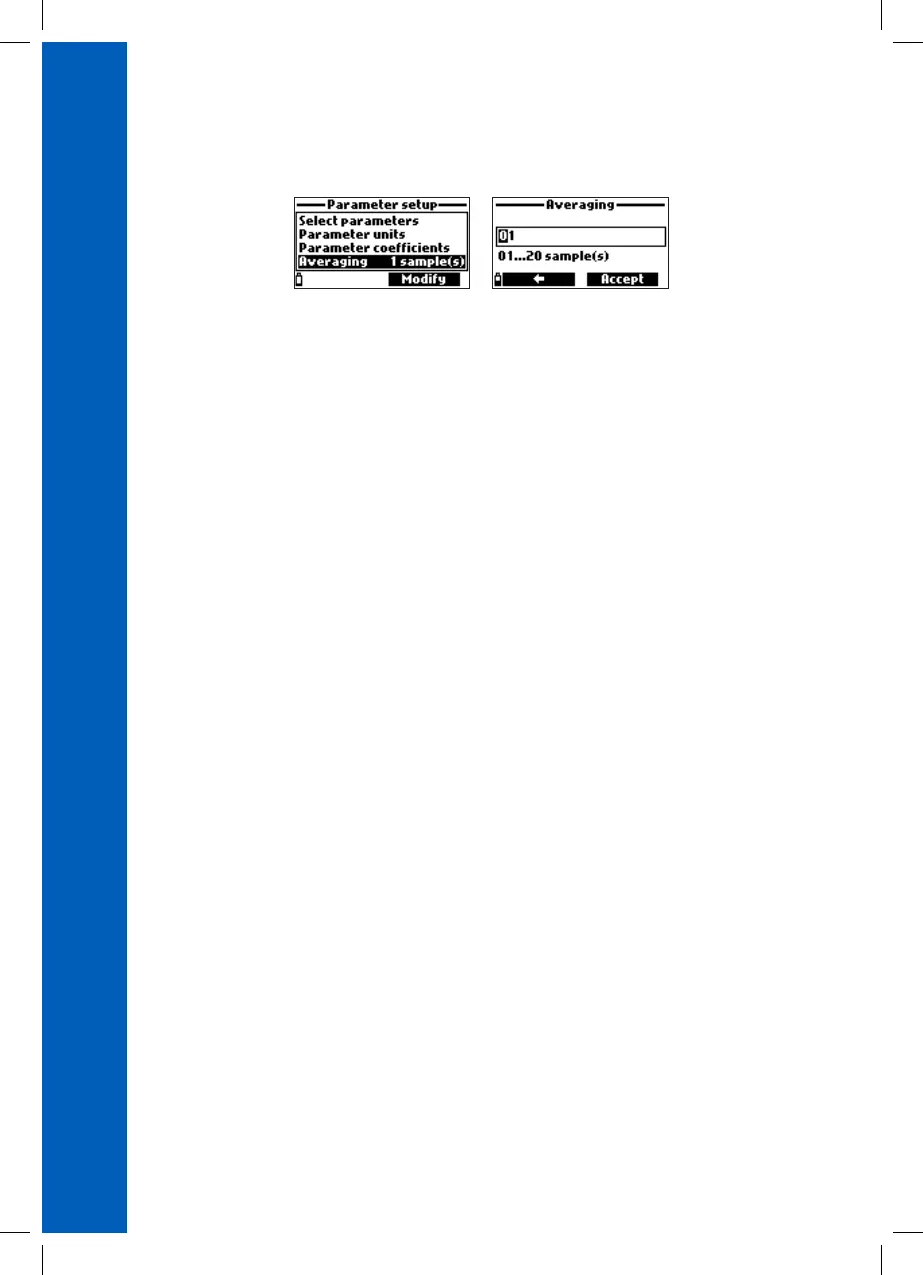
From the Parameter setup menu, use the / keys to highlight Averaging and then press Select.
Option: 1 to 20 readings
Press Modify to enter the Averaging screen. Use the alphanumeric keypad to enter the value, press
Accept to save or ESC to return to the menu.
Averaging is a software filter used to minimize sensor noises and provide a more stable reading.
Averaging is particularly useful to get a representative reading from flowing water. Averaging will
affect all measurements. Readings are taken every second. During logging, the first sample will be
delayed by a few seconds if averaging is used.


 To Next Page
 Loading...