14
PARAMETER SETUP MENU
HI764103 digital DO probe
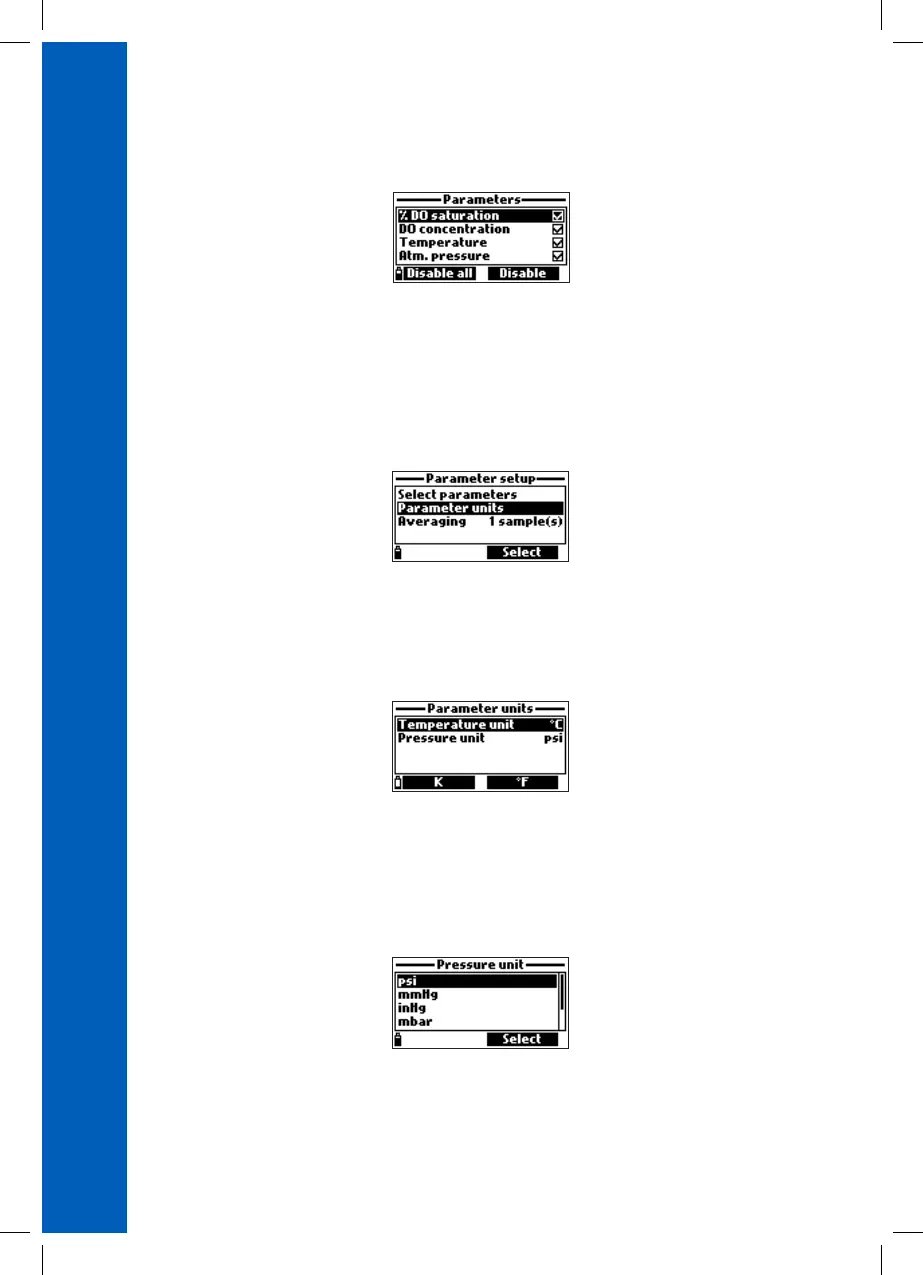
Parameters: %DO saturation, DO concentration, Temperature, Atm. pressure
Note: If the password protection is enabled, you will be required to enter the password before
any parameters can be modified.
7.2. PARAMETER UNITS
From the Parameter setup menu, use the / keys to highlight Parameter Units and then press
Select.
The available parameters units will vary depending on the connected probe.
TEMPERATURE UNIT
Option: °C, °F, K
Press the functional key to select the desired temperature unit.
PRESSURE UNIT
Option: psi, mmHg, inHg, mbar, atm, kPA
Press the Modify key to change the pressure unit. Use the / arrow key to select the pressure
unit. Press Select to confirm or ESC to return to the menu without saving.



 To Next Page
 Loading...