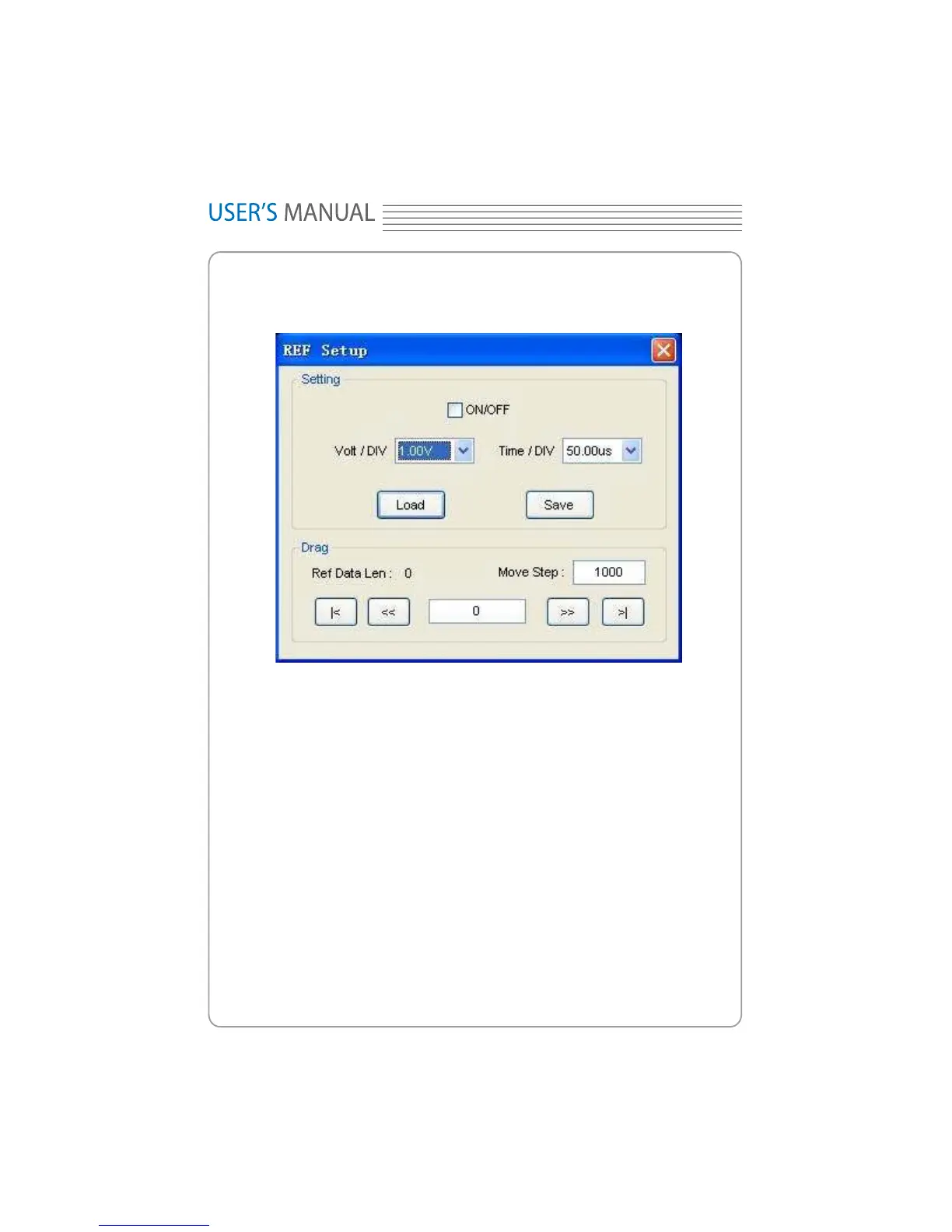
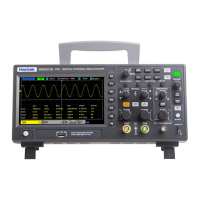
Click “REF” in “Setup” menu to set REF channel.
The Reference Channel Function:
On/Off: Turn on/of
f the reference channel.
Volt/DIV: Change the resolution of the reference channel.
Load: Load the reference waveform from the “.rfc” file from your computer.
Save: Save the current reference waveform to your computer as “.rfc” format.
Save Reference: Save the current reference waveform to your computer as “.rfc” for-
mat.
You can change the vertical scale of a waveform. The waveform display will zoom in or
zoom out according to the reference level.
Load
Click “Load” to load the *.rfc file that was selected. And then a load file window will
appear.
Save
Set Reference
44
Hantek1008



 To Next Page