19
7. Operation
7.1 Switch
Do not start the band saw until all assembly and adjustments have been completed.
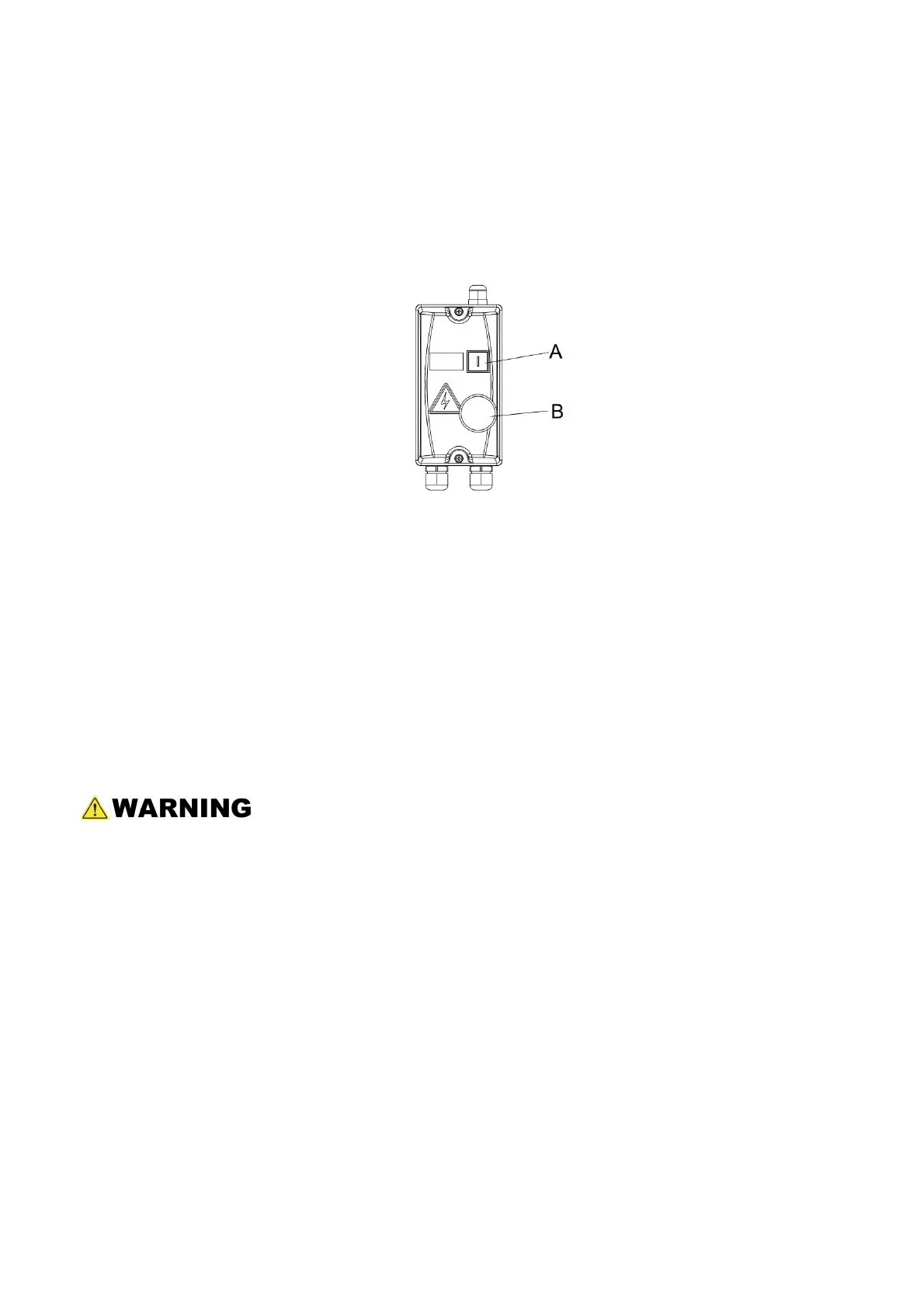
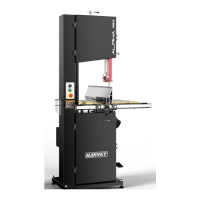
Refer to figure 17.
Fig. 17
Press the green button (A) to start the band saw.
Press the red stop button (B) to stop the band saw.
7.2 Brake Pedal
When the stop button is used to stop the band saw, the blade will coast slowly to a stop.
Press and hold the f oot brake and the blade will stop moving approximately four seconds
after the brake pedal is pressed. Re-start the saw by pressing the start button on the frame.
Unnecessary and excessive use of the brake pedal may shorten the life of the brake
pad. After the machine is shut off, allow the wheels and the blade to come to a
complete stop before opening the doors, making adjustments, or leaving the area.


 To Next Page