HASLER Setup Mode Section 11
06/2003 WJ20 Page 11 - 13
< SETUP >
< TONE DETECT >
ON
TONE DETECT
ON
TONE DETECT
OFF
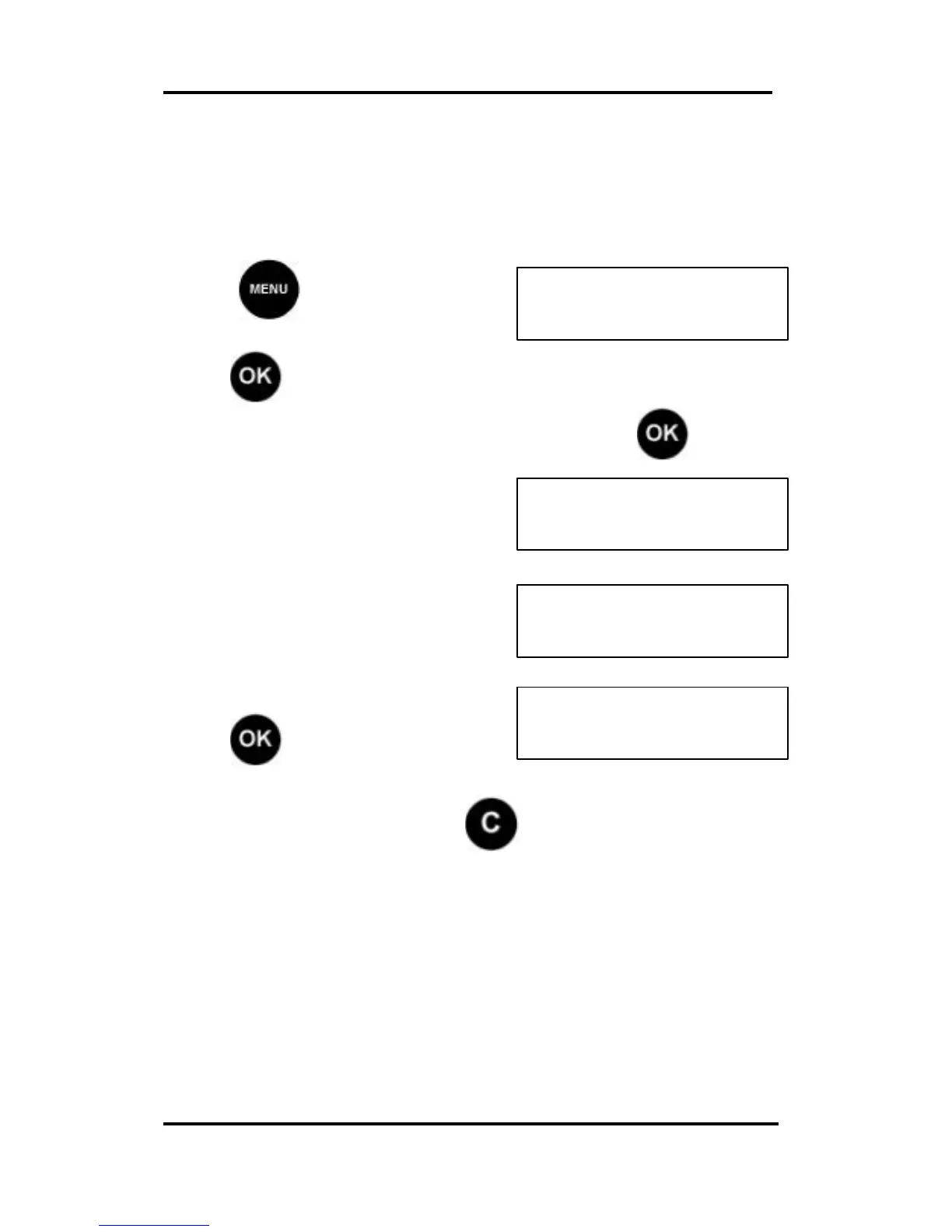
Tone Detect (Telephone Dialing Mode)
To change the telephone dialing mode from PULSE to TONE
or vice versa, scroll (< >) to the TONE DETECT display and
set accordingly.
Press and scroll (< >) to
SETUP:
Press , the first Set Up option is displayed.
Scroll (< >) to the Tone Detect option and press . The
current Tone Detect setting is
displayed.
Select between on or off.
Press to confirm.
If the setting is incorrect press and start again.



 To Next Page