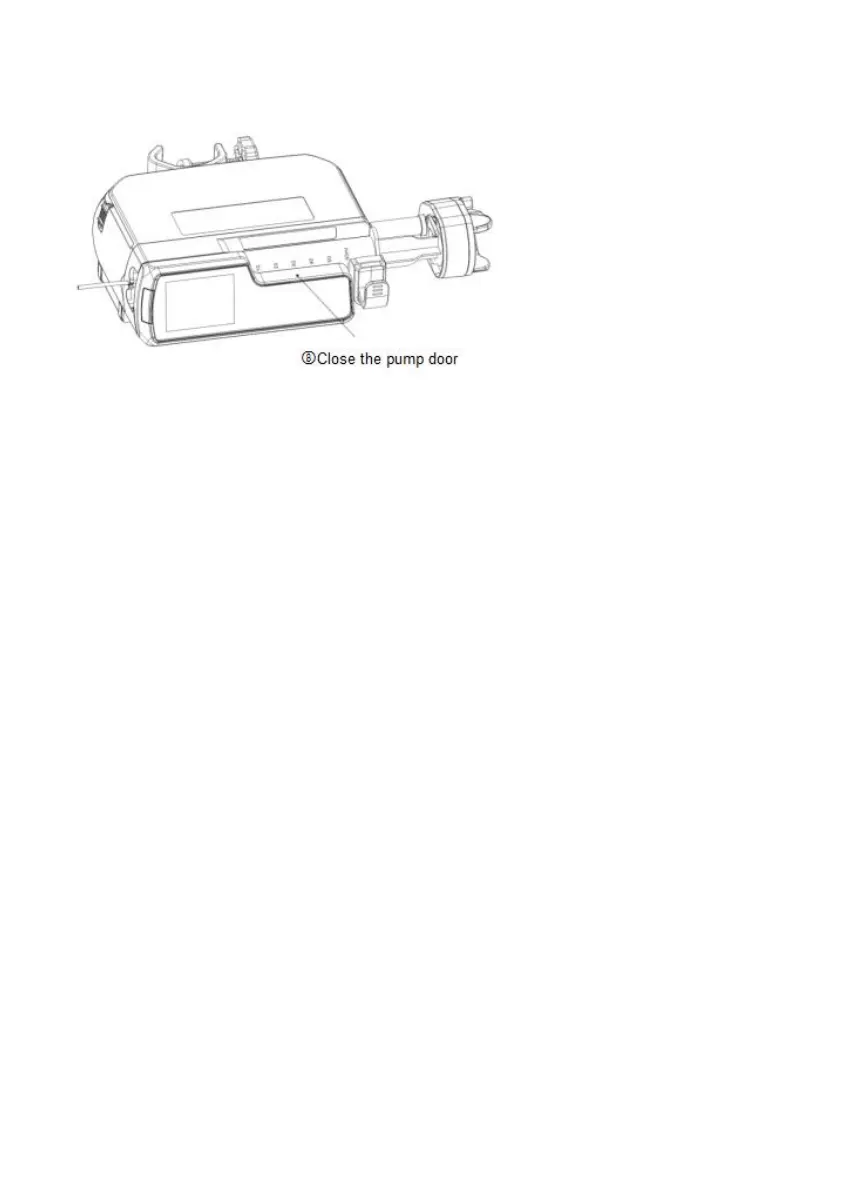
After correct installation, syringe pump will recognize the syringe size automatically, and displays the
size on top left corner of LCD. Please make sure the size displayed on LCD is the same as the using
syringe. Otherwise, it will affect the infusion accuracy and alarm functions.
There are 6 brands of syringe built in the system: Boon, JR, LX, SG, HD, KDL.Please enter the
setting menu to choose the correct brand. If you use another brand, please self-defined the syringe firstly
accordingly to instruction 8.3.
Note: (1) Make sure there’s no air bubbles in the syringe.
(2) Please make sure the correct installation of syringe, and end of syringe handspike is fixed on the
groove of push handle, otherwise no liquid flowing out or large liquid flowing out may cause harm to
patients.
8.1.4 Set the parameters
1. Press OK key to select “InfuMode” in the main menu, the machine will display infusion modes: rate
mode, weight mode, time mode, intermittent mode, TIVA mode & link mode.



 To Next Page