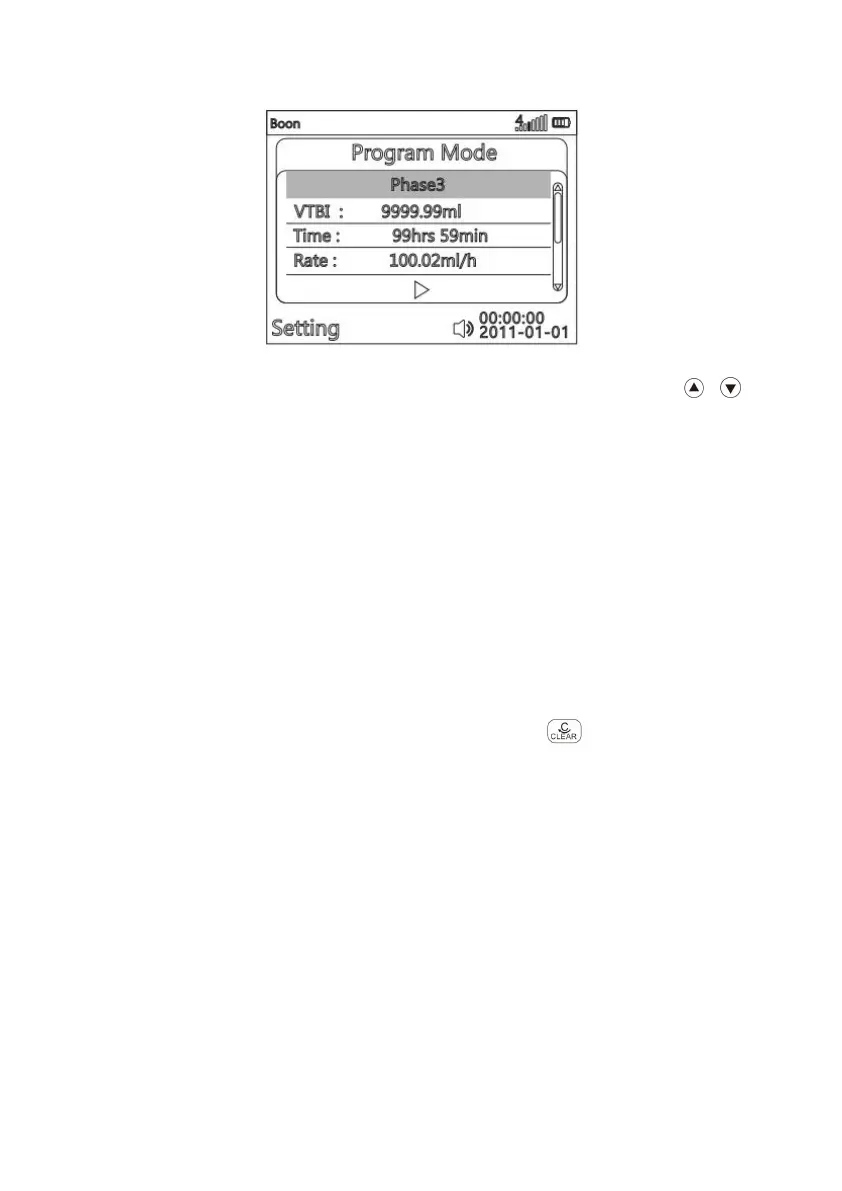
(Fig. 814-7)
After entering parameter setting interface of Program mode, press to
choose parameter to be edited, it will be marked with blue rectangle background. Press
OK key, the blue rectangle disappears, then the current editable position will be marked
white rectangle background, input the value according to (Fig. 814-3), VTBI and Time
are adjustable, after confirming, press OK to save.
There are maximum three stages in this mode. Set VTBI and Time in each stage,
then Rate will be automatically calculated by system in this stage. The pump will
continue to run the second stage after VTBI of first stage is completed, and then
complete the third stage. The user can also select one to two stages to set the
parameters and then run the pump, the pump will automatically identify which stage(s)
has parameters and run that stage(s) in order.
Return: If want to reselect infusion mode, press to return main menu
( Fig.814-1 ).



 To Next Page