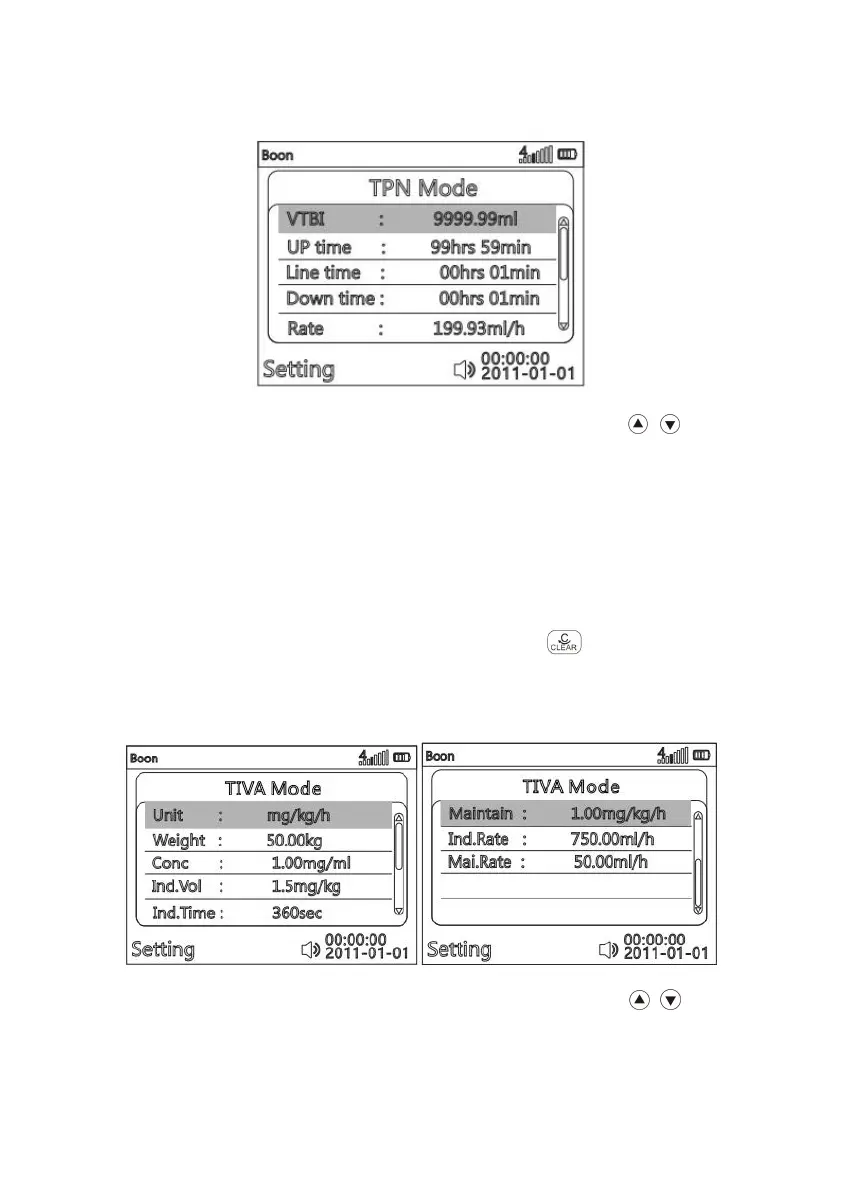
(6)TPN Mode
(Fig. 814-8)
After entering parameter setting interface of TPN mode, press to choose
parameter item to be edited, it will be marked with blue rectangle background. Press OK
key, the blue rectangle disappears, then the current editable position will be marked
white rectangle background, input the value according to (Fig. 814-3), VTBI, Up time,
Line time, Down time are adjustable, after confirming, press OK to save.
Rate will be automatically calculated by system according to VTBI, Up time, Line
time and Down time, and shows on the screen.
Return:
If want to reselect infusion mode, press to return main menu
( Fig.814-1 ).
(7)TIVA Mode
(Fig. 814-9)
After entering parameter setting interface of TIVA mode, press to choose
parameter item to be edited, it will be marked with blue rectangle background. Press OK



 To Next Page