key, the blue rectangle disappears, then the current editable position will be marked
white rectangle background, input the value according to (Fig. 814-3), Unit, Weight,
Concentration, Induce Volume, Induce Time and Maintain dose are adjustable, after
confirming, press OK to save.
Induce Rate and Maintain Rate will be automatically calculated by system
according to the value of Unit, Weight, Concentration, Induce Volume, Induce Time and
Maintain dose, and shows on the screen.
Return: If want to reselect infusion mode, press to return main menu
( Fig.814-1 ).
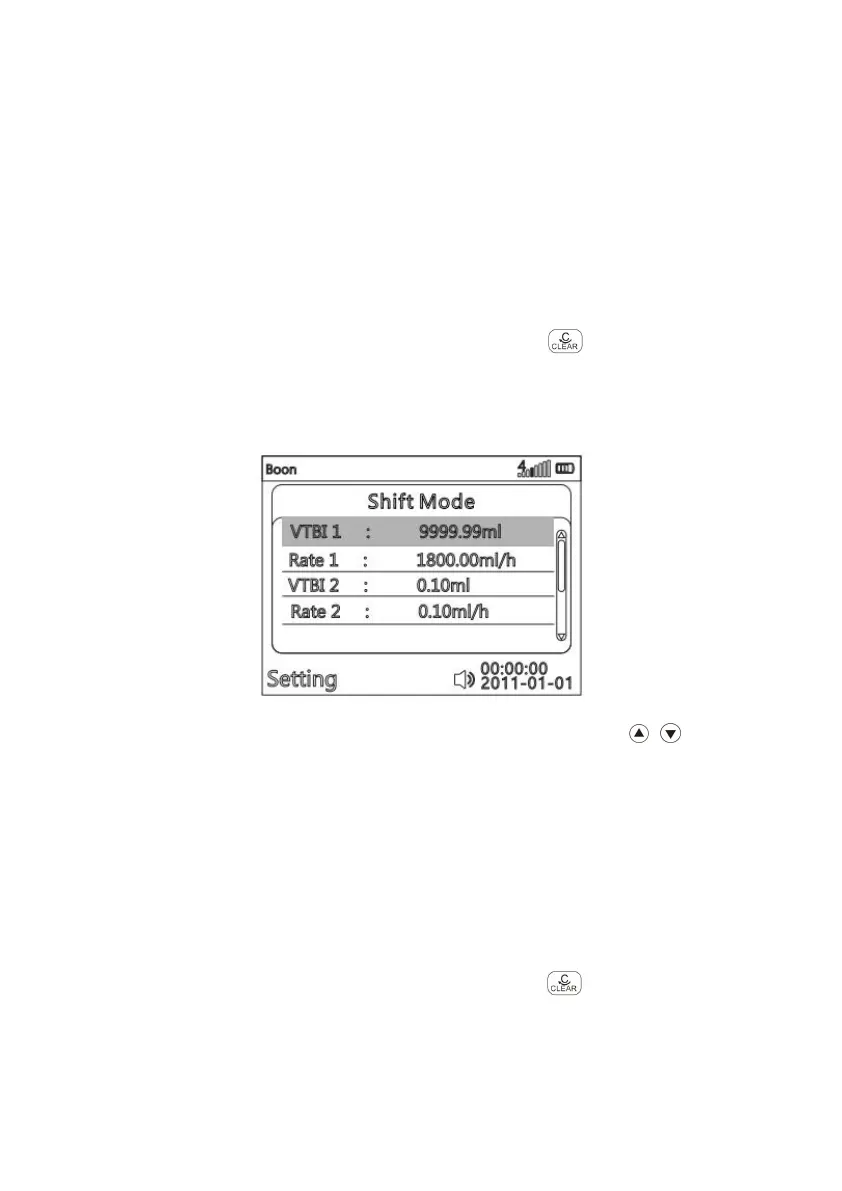
(8)Shift Mode
(Fig. 814-10)
After entering parameter setting interface of Shift mode, press to choose
parameter item to be edited, it will be marked with blue rectangle background. Press OK
key, the blue rectangle disappears, then the current editable position will be marked
white rectangle background, input the value according to (Fig. 814-3), Volume and Rate
are adjustable, after confirming, press OK to save.
In this mode, two different parameter groups must be set at the same time, the
pump will finish the Volumes in order. Otherwise, the pump cannot start infusing and
remind “Incorrect parameter, please reset it”.
Return:
If want to reselect infusion mode, press to return main menu
( Fig.814-1 ).



 To Next Page