Starting up
Installing the operating software:
DMP41 A03470_07_E00_00 HBM: public 45
5.2 Installing the operating software:
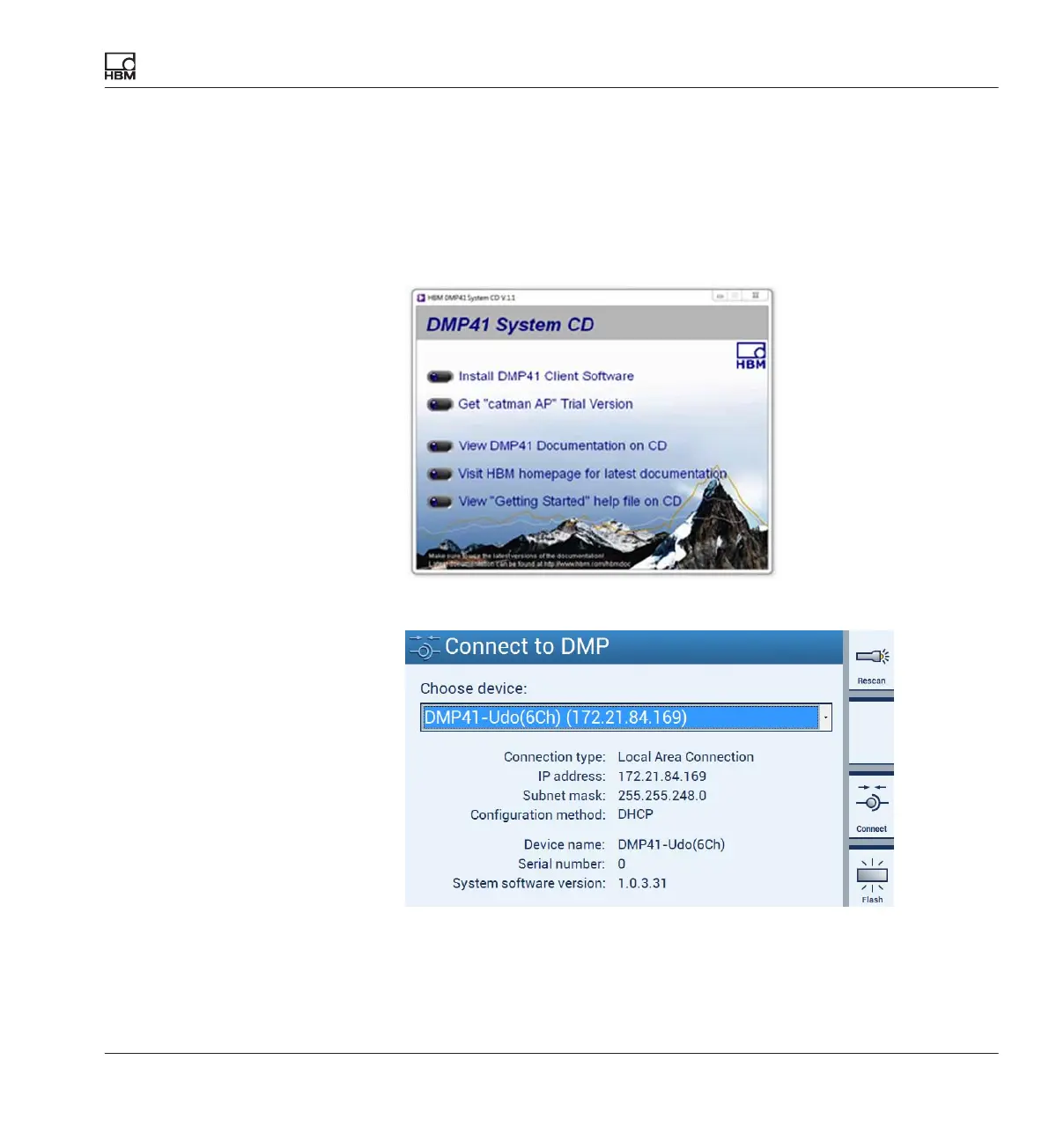
► Insert the supplied system CD into your PC drive.
► Double-click on the setup file.
► Select Install DMP41 Client Software in the following dialog.
The DMP41 is connected to your computer.



 To Next Page