22
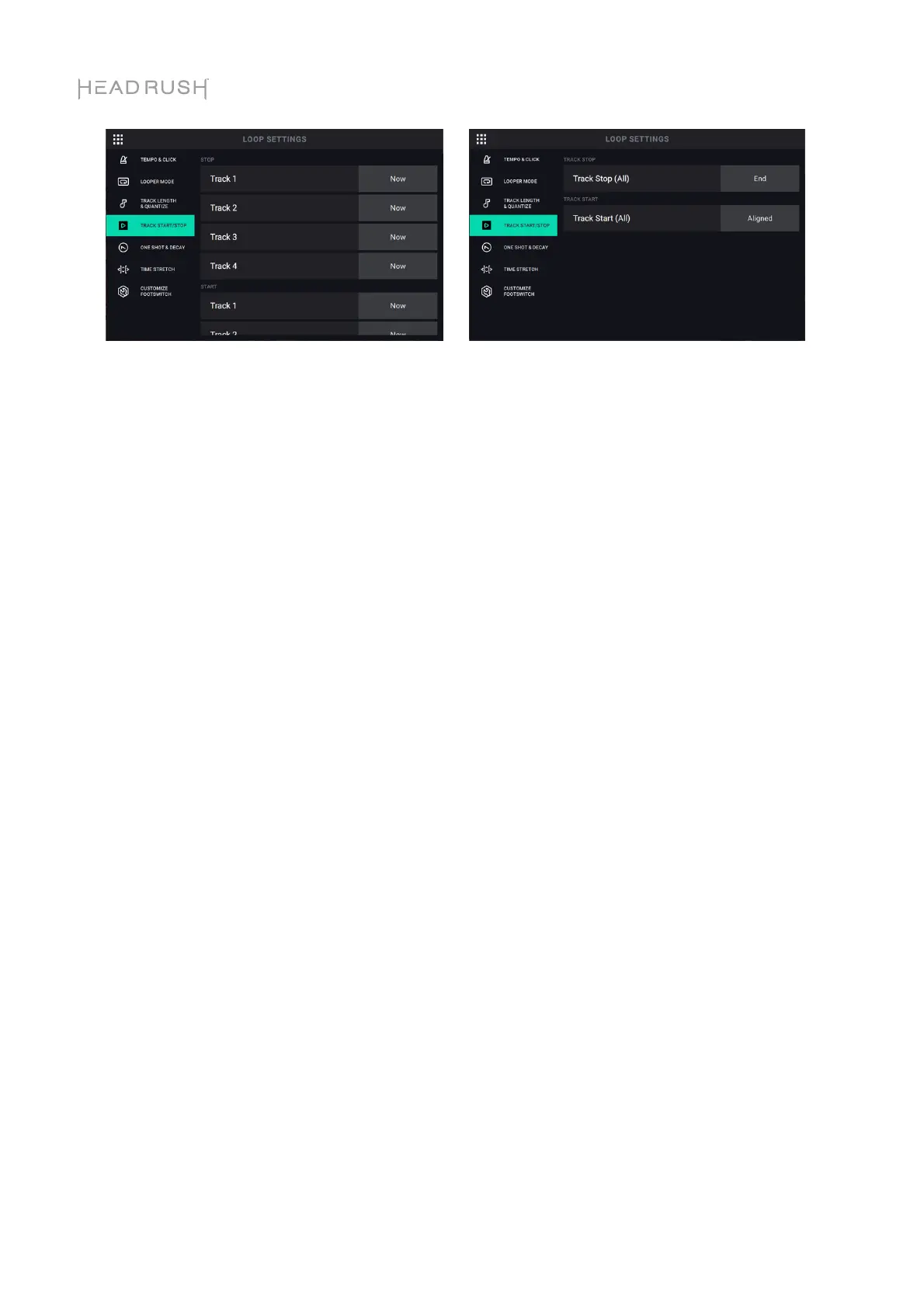
Track Start and Track Stop Tab:
Track Stop: This setting determines how a track stops when using the Sync and Serial-Sync looper
modes. This setting is not available for the Fixed, Serial, and Free looper modes.
In the Sync looper mode, the following selections are available per track:
• When set to NOW, the track will stop immediately.
• When set to FADE, the track will fade out (at the rate set on the Fade function page) and
then stop.
• When set to END, the track will stop when the end of the track has been reached.
In the Serial-Sync looper mode, the following selections are available for all tracks:
• When set to NOW, the track will stop immediately.
• When set to END, the track will stop when the end of the track has been reached.
Track Start: This setting determines how a track starts when using the Sync and Serial-Sync
looper modes. This setting is also not available for the Fixed, Serial, and Free looper modes.
In the Sync looper mode, the following selections are available per track:
• When set to NOW, the track will start immediately.
•
When set to ALIGNED, the track will start at the beginning of the next loop cycle.
In the Serial-Sync looper mode, this setting is only available when the track stop setting is set to
ALIGNED. The following selections are available for all tracks:
• When set to NOW, the track will start immediately, and the primary track will return to the
beginning of the loop.
• When set to ALIGNED, the track will start once the primary track returns to the beginning
of the loop
• When set to END, the track be stop when the end of the track has been reached.



 To Next Page