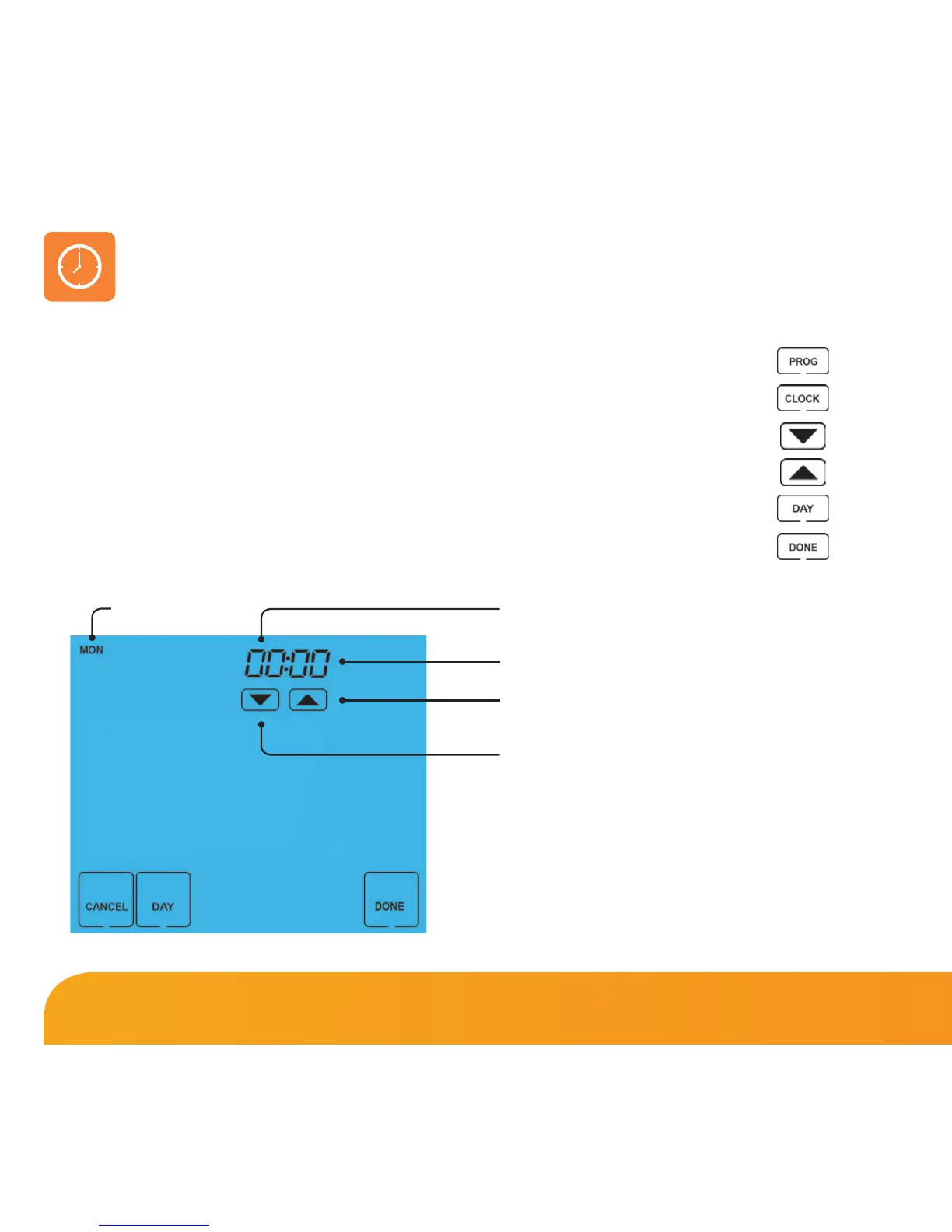
To set the clock, follow these steps.
• Press PROG ...............................................................................................................
• Press CLOCK .............................................................................................................
• Use the Down key to set the hours .................................................................
• Use the Up key to set the minutes ..................................................................
• Use the Day key to set the day of the week .................................................
• Press DONE to confirm and exit ........................................................................
Setting the Clock
Hours
Change Hours
Minutes
Day
Change Minutes
9 Touch Series















 To Next Page