23 Touch Series
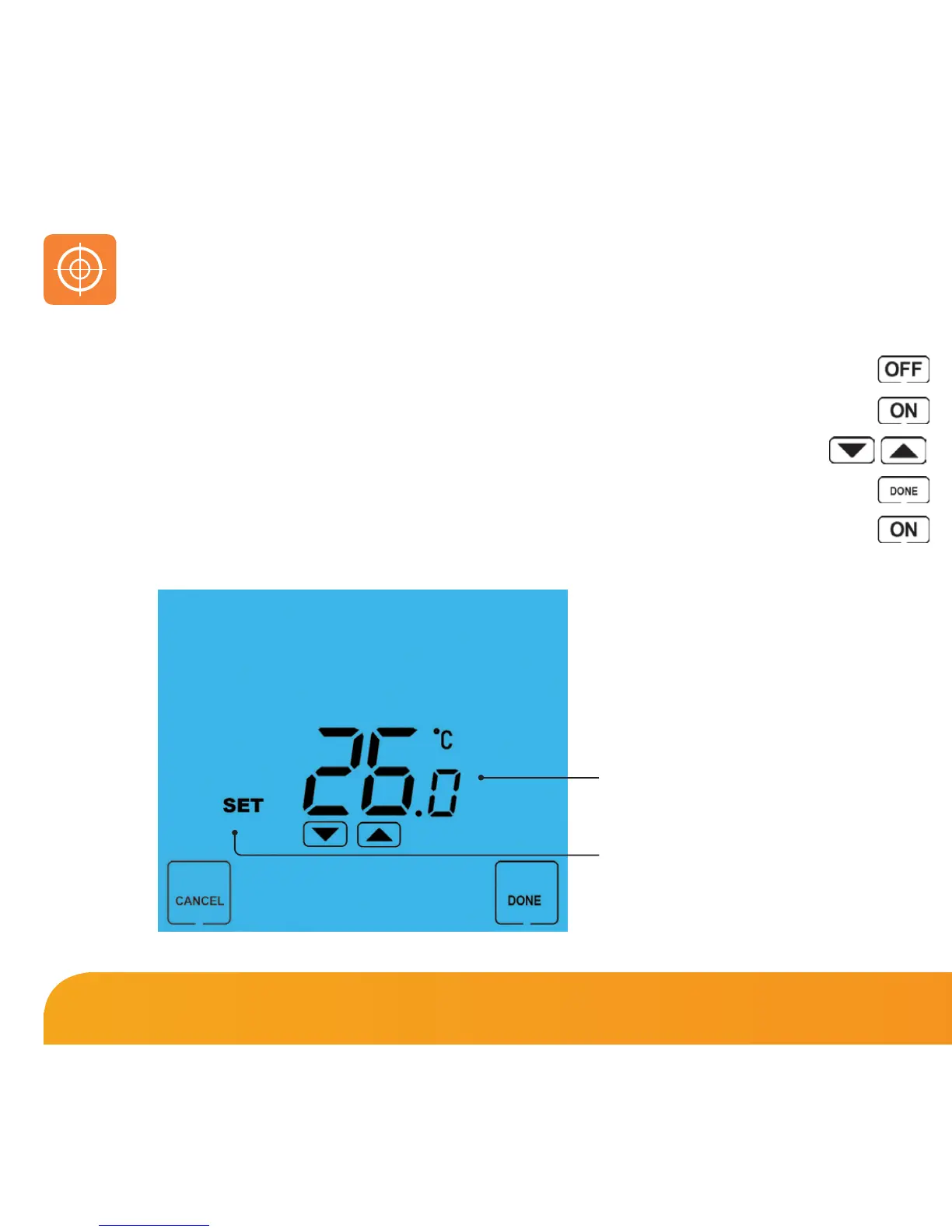
Calibration Temperature Setting
Set Icon
If you need to re-calibrate the thermostat, follow these steps.
• Press and hold the OFF key to turn the thermostat OFF .............................................
• Press and hold the ON key until the temperature appears on the screen ............
• Use the Up/Down keys to configure the new temperature ..............................
• Press DONE to confirm the new temperature .................................................................
• Press the ON key once to turn the thermostat back ON ...............................................
Re-calibrating the Thermostat















 To Next Page