16
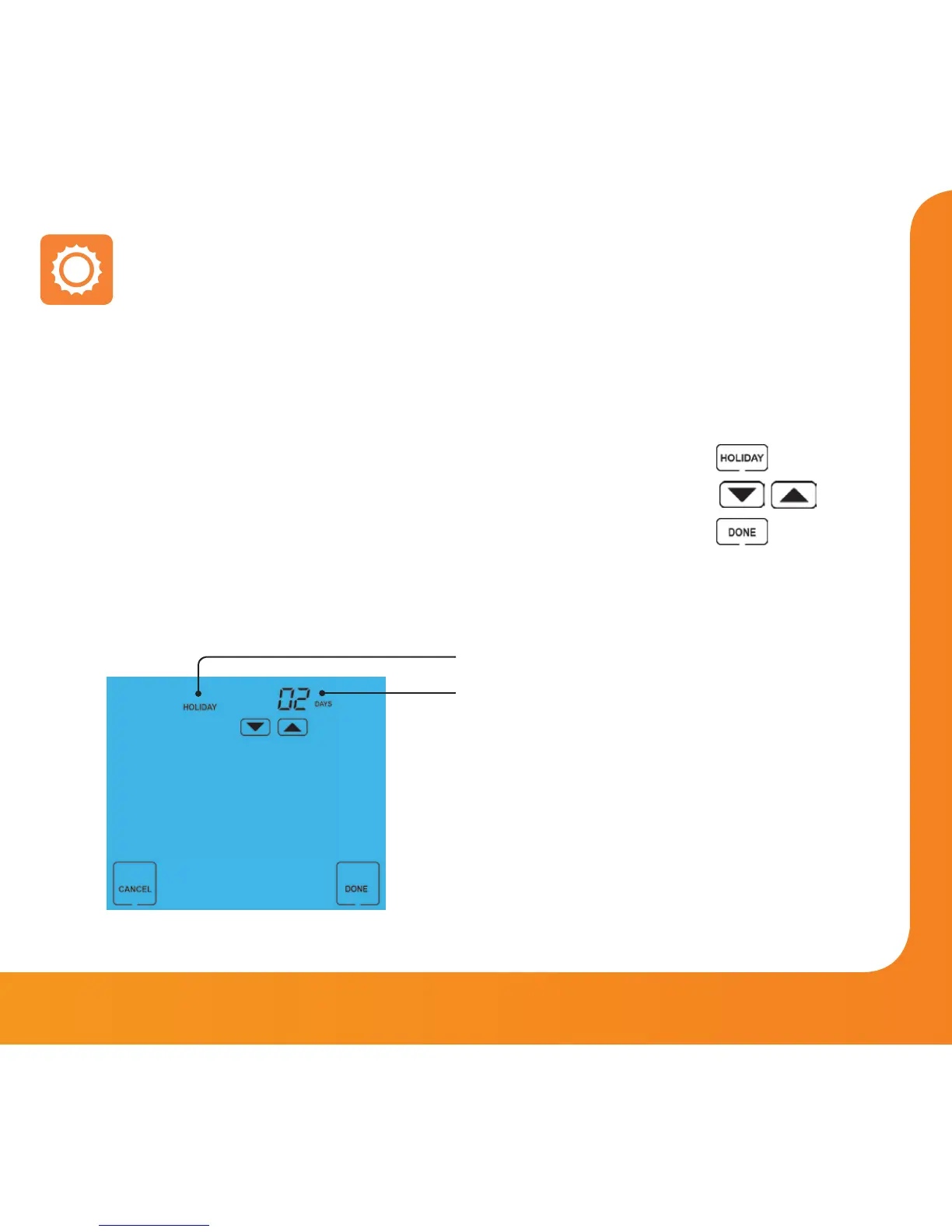
The Holiday function reduces the set temperature in your home to the frost protection
temperature setting (see page 19).
The thermostat will maintain this temperature for the duration of the holiday and will
then automatically return to the program mode on your return.
• Press HOLIDAY .............................................................................................
• Enter the desired duration in days .......................................................
• Press DONE to confirm and exit .............................................................
To cancel a Holiday setting, reduce the Holiday time to 00 days.
Holiday
Holiday Icon
Holiday Days
Note: A holiday period does not start until 00:00 the next day. For example, if you set a holiday
period on Friday for 2 days, Saturday will be counted as the first day and the thermostat will
revert back to the programmed schedule at 00:00 on Monday.
Model: Touch















 To Next Page