13 Touch Series
Locking the Keypad
The thermostat has a keypad lock facility.
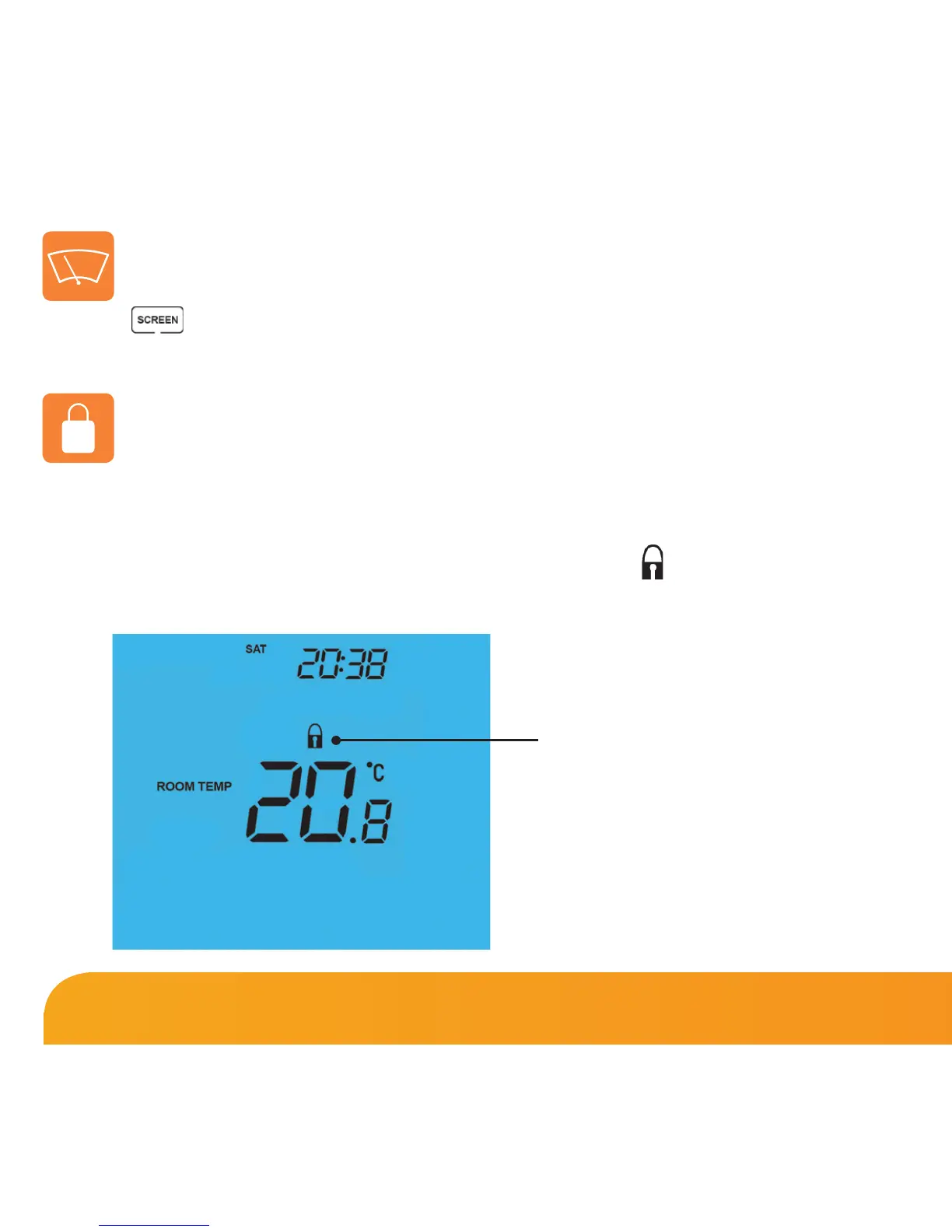
• To activate the lock press the bottom right corner of the display and hold for 10 secs.
• When activated, you will see the Keypad Lock symbol.
• To cancel, press the bottom right corner of the display again for 10 secs.
Clean Screen
Pressing will disable all buttons, providing you 15 seconds to wipe the
screen clean before the buttons are re-activated.















 To Next Page